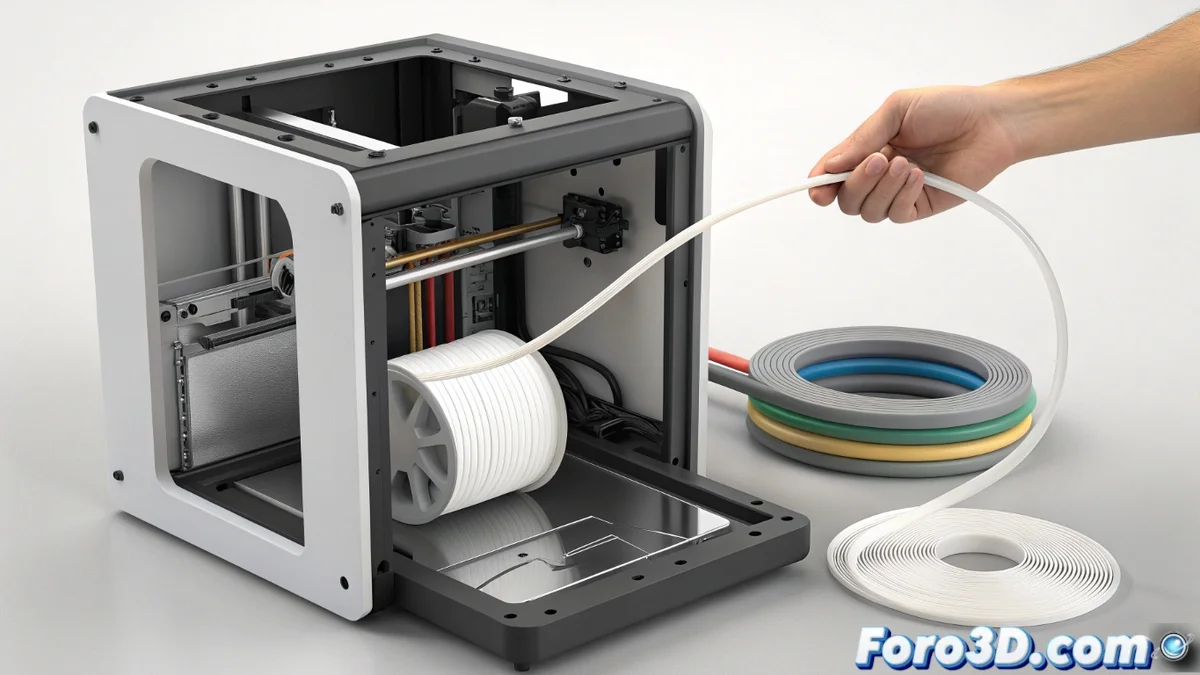
Fix the HMS_0700-0700-0001-0010 error on Bambu Lab printers
When your printer displays the code HMS_0700-0700-0001-0010, it is warning you of a common problem: the filament refuses to return completely to its spool in the AMS after a color change. This failure interrupts multicolor prints and is usually due to the material encountering resistance on its return path or the system not exerting enough force to pull it back. 🚫
Diagnose and clean the filament path
The first step is always to check that the path is clear. Start by manually extracting the filament using the printer's interface or pressing the extruder button. Once out, examine carefully the entire route it follows. Pay special attention to the AMS system connectors and the point where the filament enters the hotend.
Steps to inspect and clean:- Disconnect and check the PTFE tube. Look for very tight bends, signs of wear, or plastic residues inside that may block the passage.
- Clean the inside of the tube using a specific cleaning guide or by pushing a new piece of filament to dislodge any particles.
- Check that the filament on the spool is wound correctly and does not form knots that generate additional tension when retracting.
A stuck filament is like a rebellious teenager: sometimes it needs a little manual push to remind it of its way home.
Adjust the mechanism and retraction parameters
If you confirm that the path is clear, the origin of the HMS_0700 error is likely in the retraction process. The cause may be insufficient grip or suboptimal software settings.
Actions to improve retraction:- Inspect the extruder gears. Make sure they are not worn, loose, or covered in dust and plastic residues, as this reduces their ability to grip and pull the filament.
- In your slicing software (slicer), slightly increase the distance or retraction speed specific to filament changes. A small increase can make a difference.
- Avoid modifying these values excessively, as you might cause the opposite effect and create a different jam inside the hotend.
Conclusion and final verification
Resolving the HMS_0700-0700-0001-0010 error requires a methodical approach. First, eliminate any physical obstacles in the filament path, focusing on the PTFE tube and connectors. If the problem persists, focus on the extruder mechanism and fine-tuning the retraction parameters in the slicer. Performing these checks in an orderly manner not only solves this specific failure but also helps prevent future problems and keeps your AMS system running reliably for uninterrupted multicolor prints. ✅