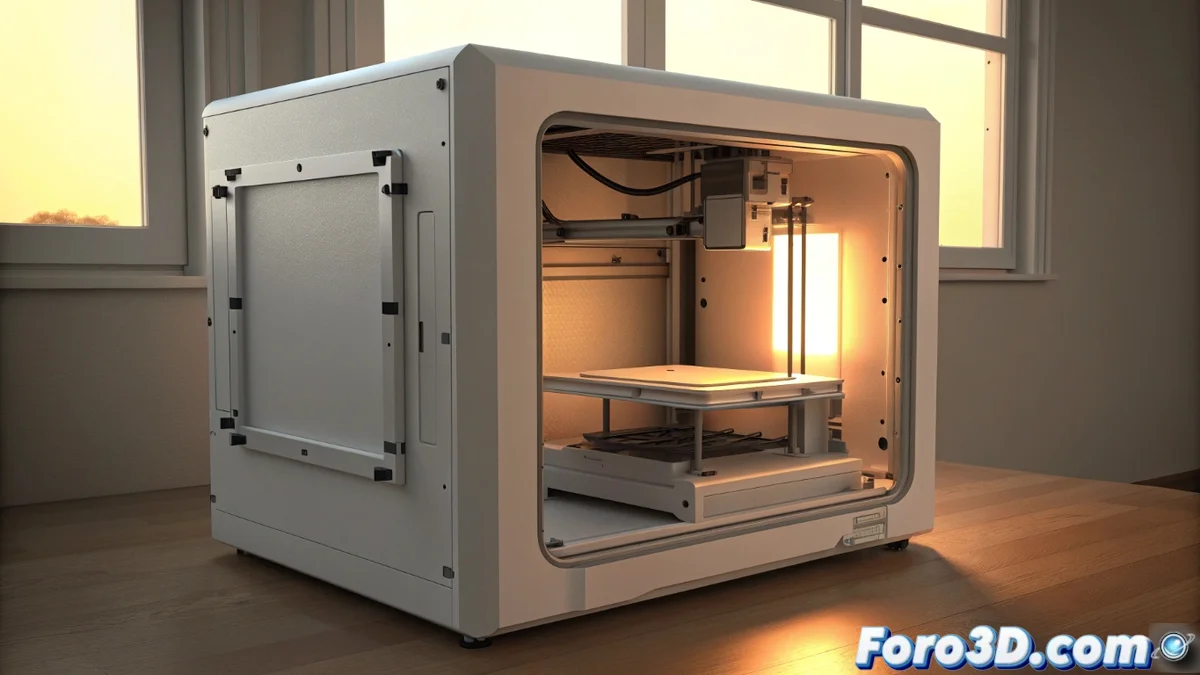
Fix the HMS_0300-1901-0002-000A Error on the Bambu Lab A1
If your Bambu Lab A1 printer displays the code HMS_0300-1901-0002-000A, don't panic. This message is a key safety feature that activates the main door sensor. It triggers when the door is opened while the machine is printing, pausing the job to protect the part's quality. 🛡️
Why does the printer stop when the door is opened?
This feature is not a fault, but a quality control characteristic integrated into the firmware. Its main objective is to maintain thermal stability inside the print chamber. Materials like ABS or ASA are very sensitive to sudden temperature changes. If cold air enters, the material can cool unevenly, contract, and detach from the base, a problem known as warping or warping.
The sequence the printer follows is clear:- The door sensor detects that it has been opened.
- The firmware interprets this as a disruption in the stable environmental conditions.
- The machine automatically pauses the print job.
- This pause gives time to close the door and for the chamber to recover the optimal temperature before continuing.
Curiosity to see the part can cost you hours of work. It's better to trust the integrated camera and let the machine operate in a sealed environment.
How to proceed and resolve the error step by step
When this warning appears on the screen, the actions to resolve it are direct and simple. The goal is to resume printing with minimal consequences for the part being manufactured.
Steps to follow to resume:- Close the door of the printer completely. Make sure it is properly adjusted to seal the chamber.
- From the printer's touch screen or via the Bambu Studio application on your computer, find and select the option to resume printing.
- The machine will resume the process from the exact point where it was paused, minimizing any visible defects.
Tips to prevent the error from appearing in the future
The best solution is prevention. For printing with sensitive materials like ABS or ASA in long jobs, it is crucial not to open the door during the process. If you need to monitor progress, always use the printer's integrated camera, which offers a real-time view without compromising the internal environment. Planning prints well and resisting the temptation to open the door are the keys to an efficient workflow without interruptions. ✅