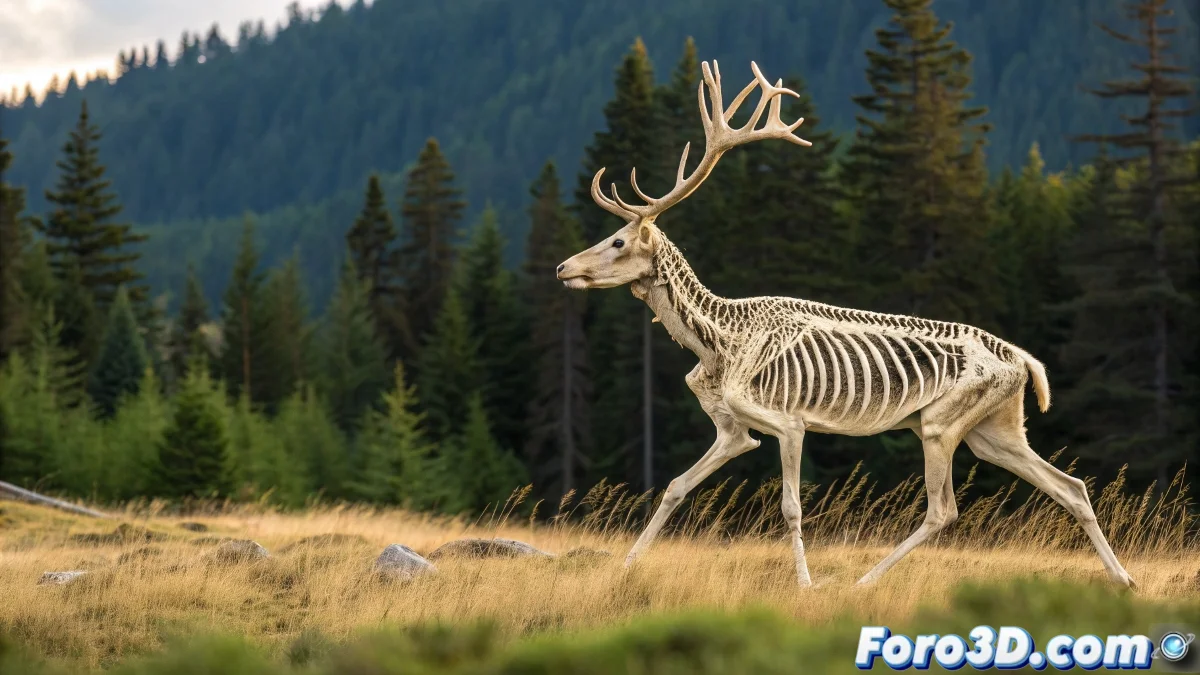
When Your Bones Decide to Make Abstract Art 🎨
Nothing more frustrating than watching your carefully built rig turn into a nightmare of deformations. But before cursing the 3D gods, check these key points. Your model will be back to normal faster than it takes Blender to update its interface! 😅
"90% of bone problems are solved by looking at three things: weights, hierarchy, and orientation. The other 10% is digital black magic."
Weight Painting: The Art of Telling Vertices Who's in Charge
When vertices rebel, you need to take control:
- Weight Paint Tool - Your brush of truth (red for total dominance, blue for conditional freedom)
- Orphaned Vertices - Those poor vertices that no one claims (and cause havoc)
- Normalize Weights - So no vertex has an existential crisis from contradictory weights
Hierarchy and Orientation: The Family Tree That Matters
Before blaming the weights, check:
- Are the bones properly parented? (Parents and children in place)
- Are the orientations consistent? (No twisted bones like pretzels)
- Are the transformations clean? (Apply, apply, apply)
A poorly oriented bone can turn your character into a Lovecraftian nightmare. 🦑
Nuclear Reset: When Everything Else Fails
For extreme cases:
Redo the Skin Binding - Sometimes it's better to start from scratch than keep patching
Ghost Bone Hunt - Those hidden bones that keep influencing even if you can't see them
Backups - Because every digital artist needs a "regret" button
Remember: if after all this your model still deforms weirdly, you can always say it's an alien and sell it as an NFT. 👽 But with these tips, we hope you don't get to that... today. 😉