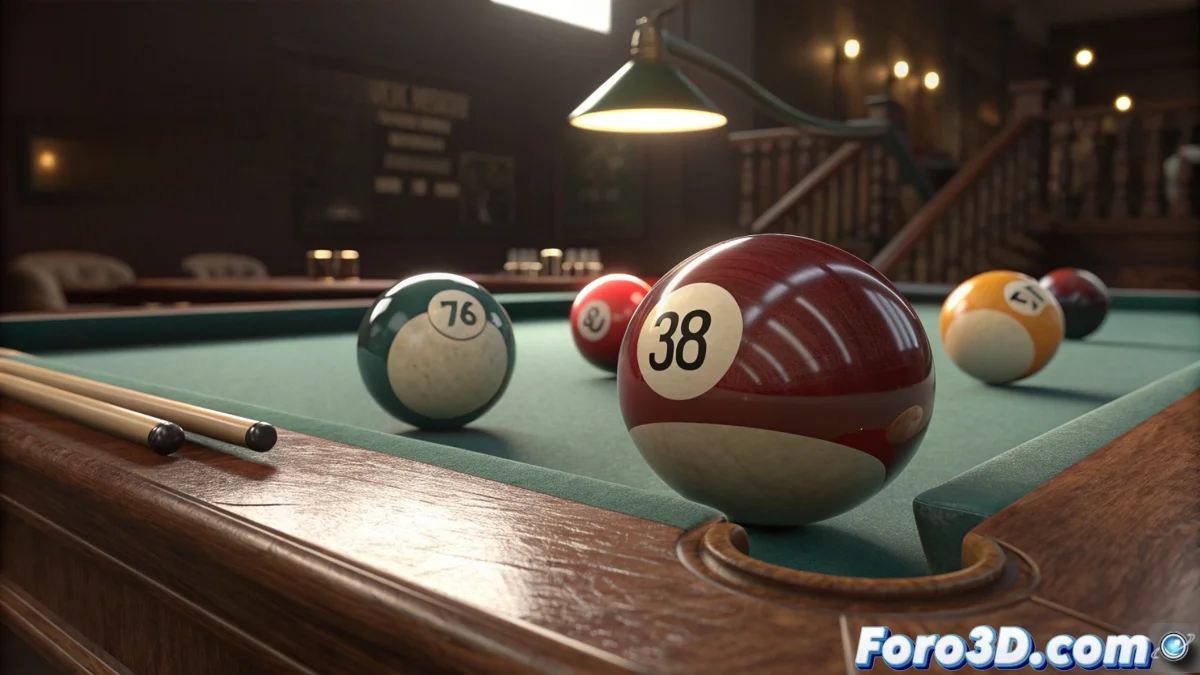
The Mystery of Eternally Spinning Billiard Balls
This issue of balls continuing to spin like tops after hundreds of frames is more common than you think in MassFX, especially in billiard simulations where we expect the balls to stop naturally. The behavior you describe indicates that the friction and damping system is not working correctly, allowing rotational energy to be maintained almost indefinitely instead of dissipating gradually as it would in reality.
The problem is usually not in the ball mesh (unless you have extremely low geometry), but in a specific combination of friction and damping parameters that are not balanced to correctly simulate real billiard table surfaces. In a professional billiard table, the balls stop relatively quickly due to friction with the table cloth and air resistance.
In MassFX, a ball that spins forever is like a physicist's dream: all energy is perfectly conserved, but zero friction with reality
Critical Angular Damping Settings
The most important parameter to solve your problem is Angular Damping. This specifically controls how the rotational energy of your balls dissipates.
- Select all balls: in your billiard simulation
- Open MassFX Rigid Body: in the modifier panel
- Find Angular Damping: in the Physical Mass section
- Increase value: start with 0.1-0.3 for testing
Realistic Friction Configuration
Friction in MassFX has two components: static and dynamic. For billiard balls, you need specific values.
Static friction controls how much force is needed to start movement, while dynamic friction controls resistance during movement 😊
- Static Friction: 0.3-0.5 for billiard cloth
- Dynamic Friction: 0.2-0.4 for continuous movement
- Both on table and balls: apply consistently
- Incremental testing: adjust in small increments
MassFX Solver Optimization
MassFX's global solver parameters may be contributing to the problem. Suboptimal values create unrealistic simulations.
Go to the Utilities panel > MassFX Tools and adjust the solver parameters for better stability and realism.
- Substeps: 8-12 for better precision
- Solver Iterations: 20-40 for more stable collisions
- Use High Velocity Collisions: enable for fast balls
- Sleep Thresholds: adjust for rest detection
Sleeping Parameters Configuration
MassFX has a "sleeping" system that puts objects to rest to optimize performance. If not properly configured, the balls never "sleep".
In the Rigid Body properties, look for the Sleeping section and adjust the thresholds so they correctly detect when the balls should stop simulating.
- Linear Sleep Threshold: 0.1-0.5 for linear velocity
- Angular Sleep Threshold: 0.05-0.2 for rotation
- Start Sleepy: do not enable for balls initially in motion
- Sleep Energy Threshold: 0.01-0.05 for sensitivity
Mass Properties Verification
The mass of your balls directly affects how they respond to friction forces. Balls that are too light or too heavy behave unrealistically.
Use realistic masses for billiard balls (approximately 0.17 kg each) and ensure all have consistent masses.
- Mass: 170 grams (0.17) for professional standard
- Consistency: all balls same mass
- Density-based: use if you have correct scale
- Not too light: low masses spin more easily
Collision Issues Troubleshooting
If the balls are not colliding correctly with the table, they may be "floating" slightly, reducing effective friction.
Verify that both the balls and the table have their collision shapes correctly configured and there is no excessive penetration.
- Collision Shape: Sphere for balls, Mesh for table
- Collision Margin: 0.1-0.5 for precision
- Contact Distance: minimum for realistic contact
- Restitution: 0.8-0.9 for billiard bounce
Bake and Reset Method
If you've made many adjustments, sometimes it's better to completely reset the simulation and do a new bake with the corrected parameters.
Delete the existing simulation bake, reset all balls to their initial position, and apply a new bake with the optimized parameters.
- Delete Simulation: in MassFX Tools
- Reset positions: initial frames
- Apply new parameters: before baking
- Bake from start: with optimized configuration
Geometry Optimization for Physics
Although you mention it's probably not the mesh, in some cases the geometry can affect physical behavior.
Verify that your balls have enough geometry for precise collision calculations, but not so much that it unnecessarily slows down the simulation.
- Sphere segments: 16-24 for good balance
- Avoid flat faces: in low-poly spheres
- Normalized: ensure they are perfect spheres
- No problematic modifiers: that affect collision
Recommended Values for Billiards
This combination of parameters usually works well for realistic billiard simulations in MassFX.
Start with these values as a base and adjust according to the specific behavior you observe in your simulation.
- Angular Damping: 0.15
- Linear Damping: 0.05
- Static Friction: 0.4
- Dynamic Friction: 0.25
- Restitution: 0.85
Solution Workflow
Follow this orderly process to identify and resolve the problem efficiently.
Work methodically, changing one parameter at a time and testing to understand exactly which adjustment solves the problem.
- Step 1: Adjust Angular Damping to 0.2
- Step 2: Configure table and ball friction
- Step 3: Optimize Sleep Thresholds
- Step 4: Verify and adjust solver settings
Prevention for Future Simulations
Once the problem is solved, implement these practices to avoid similar situations in the future.
Creating a preset or template with the optimized parameters will save you time in future projects.
- Save preset: of Rigid Body properties
- Document values: that work for billiards
- Scene template: with pre-optimized configuration
- Test early: verify behavior from the start
After applying these solutions, your billiard balls should stop naturally after a few seconds of simulation, creating the realism you're looking for in your activity... and best of all, you'll have mastered one of the most subtle but important aspects of physics in MassFX 🎱