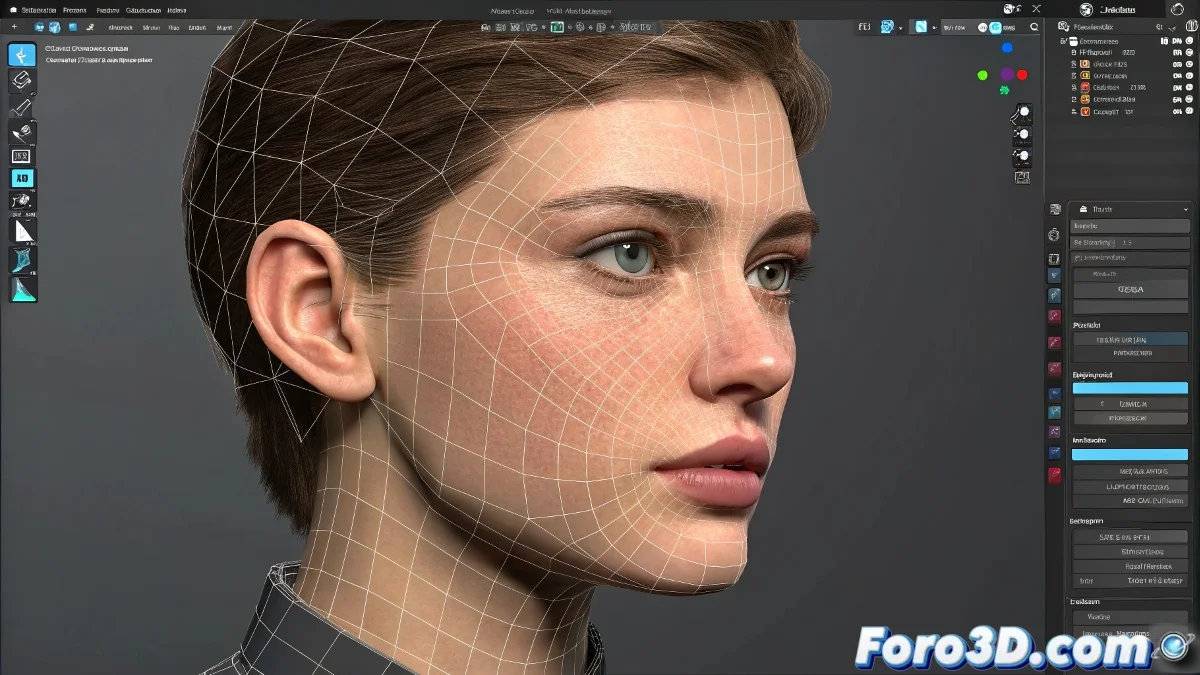
Facial Controllers in 3ds Max Without Using Morpher
When we think about facial animation within 3ds Max, the first thing that usually comes to mind is the classic Morpher modifier. But if your idea is to avoid it and look for a more direct and flexible system, don't worry: there are more technical but equally valid alternatives for controlling those blessed vertices you want to move.
Methods for Moving Facial Vertices Without Morpher
The most controlled (and professional) option you have is to use Helper Controllers + Soft Selection Modifiers + Linked XForm or Attachment Controllers. Yes, it sounds like a technical tongue twister, but let me explain the logic in a more human way:
What you can do is create Helpers (Point Helpers) and then assign them as direct controllers for specific subsets of the facial mesh vertices using modifiers like Volume Select + Linked XForm. This way you can move, for example, just the eyebrows or lips by dragging a small controller in the viewport.
- Select the vertices: First, select the vertices you want to control (for example, the eyebrows).
- Apply a modifier: Apply a Volume Select modifier or even directly a Poly Select if you prefer to select manually.
- Add a Linked XForm: Then add a Linked XForm to link those vertices to a Helper.
- Create a Point Helper: Create a Point Helper and assign it as the controller in the Linked XForm.
Now, by moving that Helper... your vertices will magically move! You can repeat this for each facial area you want to animate: lips, eyelids, cheeks, etc.
An Extra Touch: Wire Parameters or Light Scripting
If you want to get more detailed (and have some patience), you can even connect multiple helpers to each other using Wire Parameters, which will allow you to create custom sliders or even a small facial control panel within the scene.
Do you know why many end up going back to Morpher after trying this? Because after creating 30 helpers, 15 Linked XForms, and a couple of Wire Parameters you realize that... well... maybe the Morpher wasn't so bad after all. But at least you tried! 😄