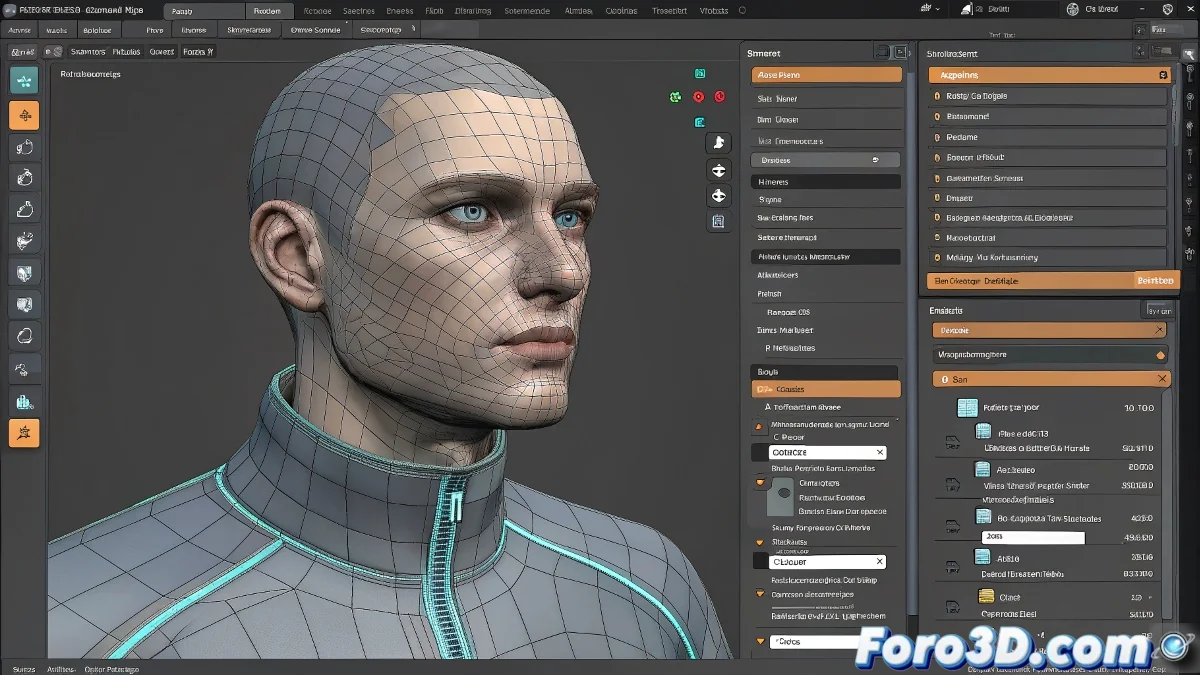
Export Geometry with Skin in 3ds Max
Exporting geometry with Skin and Rigging is often a deadly trap for many 3D artists, especially when using custom scripts that promise to make life easier but actually complicate it more than unwrapping a poorly made mesh.
Possible causes and solutions to the export problem
First, let's try to rule out the typical issues. When exporting rigged geometry, whether to formats like FBX or with some batch export script, there are several factors that may be causing the failure:
- Unset transformations: Before exporting, make sure to apply a Reset XForm to your model and collapse the modifier. This avoids unexpected deformations during export.
- Problems with the Skin Modifier: If the script is not designed to properly handle the Skin modifier, it may export the geometry without bone influences. Try a manual FBX export, checking the Skin Deformations and Animation boxes as a test.
- Script errors: Some commercial or free batch export scripts do not properly process complex modifier stacks. Verify that the script supports Skin and bone animations.
Incompatible versions
If you're working with recent versions of 3ds Max (2024 or higher), check that the script is compatible or look for an updated version. Autodesk has changed some internal export structures in recent versions.
Extra tip: FBX export with Skin options
If everything fails, the safest way is to do a manual export in FBX format. In the export options, make sure to enable:
- Animation
- Skin
- Deformations
- Bake Animation (if necessary)
And if you're exporting for other software like Maya, Blender, or even Unreal Engine, remember to check the scale and axis system to avoid unpleasant surprises like: Why does my character look like Slenderman's cousin? 👻