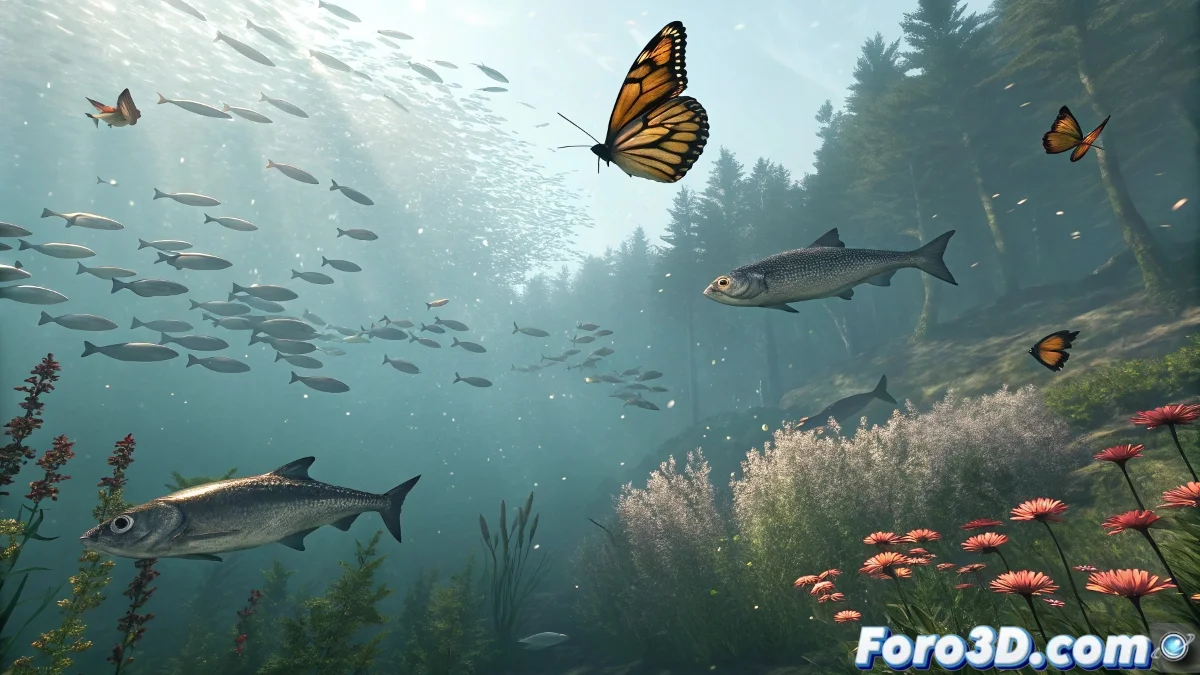
When you need a hundred fish to swim in unison
The Crowd system in 3ds Max is like that orchestra conductor who gets hundreds of instruments to sound in harmony... when you know how to give it the right instructions. 🎻 Here's your score to master digital crowds.
The 4 pillars of a successful Crowd simulation
1. Agent creation
- Prepare variations of your base model (fish, birds, etc.)
- Assign cyclic animations (fins, wings) in Loop mode
- Optimize geometries with instances or proxies
2. Scene setup
- Define navigation surfaces (Surface Follow)
- Mark obstacles with simple deflectors
- Set up influence zones (avoid/go to)
A well-configured Crowd behavior is like traffic rules: everyone follows patterns but with natural variations.
3. Behavior programming
- Seek: For directed movements
- Avoid: Avoids collisions with obstacles
- Speed Vary: Gives realistic variation to the group
4. Final adjustment
- Test with 10-20 agents before scaling
- Adjust vision parameters and reaction distance
- Bake the simulation for greater smoothness
Mistakes that turn your crowd into chaos
- Forgetting to activate Solve in the Crowd panel
- Not assigning animations to delegates
- Using too many agents without optimization
Crucial tip: 80% of the realism is in the random variation of size, speed, and timing. The remaining 20% is avoiding them behaving like clones. 🐠🐟🐠
Now that you know these secrets, you'll be able to create everything from coordinated schools to disorganized flocks... all with a few clicks. And when that client says "can we add 500 more fish?", you'll be able to reply "they're already swimming" with a smile. 😎
Bonus tip: For human crowds, combine Crowd with Biped and save walkcycle variations in your library for reuse.