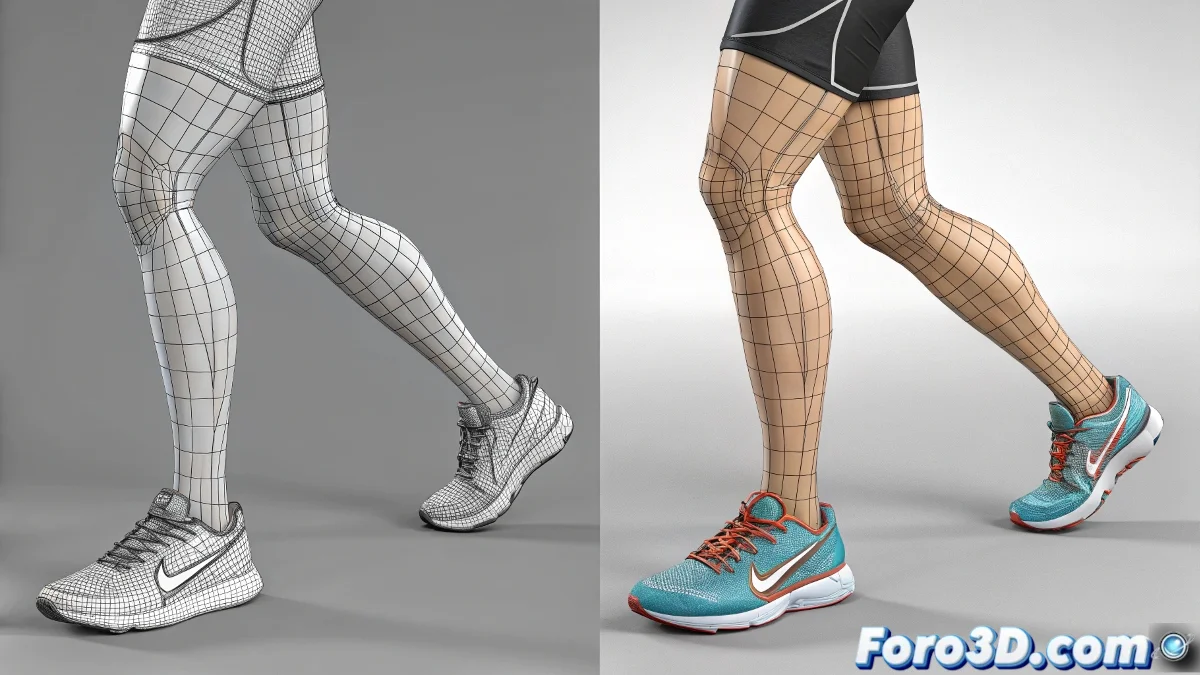
Skin vs Physique in 3ds Max: The Battle of the Deformers
What a leg mess! 🦵🔴🔵 It seems you've stumbled upon one of those mysteries that make 3D artists tear their hair out. Let's dissect why Physique behaves like a sadist with your vertices while Skin plays fair.
Fundamental Differences Between Skin and Physique
- Different Origins: Skin was born for characters, Physique comes from the world of bipeds 🦖
- Deformation Approach: Skin uses envelopes, Physique uses virtual "tendons"
- Precision vs Speed: Skin offers more control, Physique prioritizes automation
"Physique is like that friend who helps you move but ends up dislocating your shoulder"
Why Physique Creates That Tourniquet Effect
The specific problem you describe happens because:
- Physique tries to simulate real anatomy (muscles, tendons)
- When rotating limbs, its tension algorithms go crazy
- The stiffness parameters are set too high by default
To fix it without ditching Physique:
- Adjust the Bulge parameters in the configuration panel
- Reduce the Stiffness of the affected tendons
- Try reinitializing the deformer from scratch
The truth is, in modern versions of 3ds Max, Skin has evolved so much that Physique looks like a grandpa trying to breakdance. Unless you're specifically working with Biped, we recommend using the Skin Modifier with the Weight Tool for millimeter-precise control. 🎯
And remember: when Physique disappoints you, don't curse it... just think it's trying to be too clever for its own good. Good luck with those legs! (At least they're not real, imagine the pain if they were). 😅