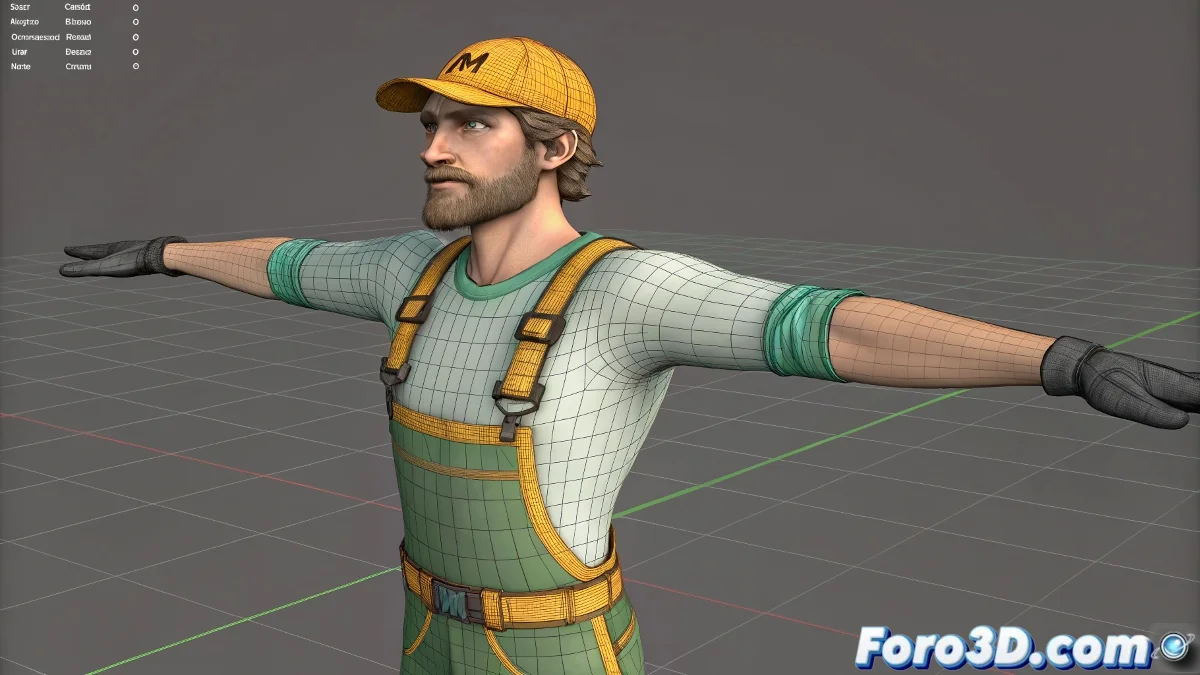
When your IK arm decides to turn into a pretzel 🥨
You set up the IK controller perfectly, but when animating, the forearm rotates 45° as if attempting an unplanned breakdance move. Relax, it's not black magic, just master the art of the Pole Vector.
🔧 Step 1: Create the magic controller
- Select your complete IK Chain (shoulder to hand)
- Go to the panel Motion → IK Solver Properties
- Click on None and select a Point Helper 🎯
- Position it behind the elbow (at 20-30cm distance)
🎯 Step 2: Fine-tuning the Pole Vector
- Move the helper horizontally to control the rotation
- Adjust the distance to change the effect intensity
- Try alternative positions if the twist persists
"A well-placed Pole Vector is like a personal trainer for your IK: it tells it exactly how to bend without messing around"
🔄 Step 3: Complete verification
- Rotate the hand controller on all axes
- Observe that the elbow maintains its orientation
- Adjust the helper until unwanted twists are eliminated
- Test with different extreme poses
💡 Extra professional tips
- 📐 Bone orientation: Verify that the bones are correctly aligned in the initial pose
- 🎨 Vertex weighting: Check that the mesh deformation doesn't affect the movement
- ⚙️ Alternatives: For complex animations, consider using Spline IK or Stretchy Bones
🚨 Quick solutions for common problems
- 🔄 "The twist persists at certain angles": Add a second auxiliary Pole Vector
- 📏 "The elbow stretches too much": Adjust rotation limits in bone properties
- 🤸 "Strange deformation when rotating": Check the skinning weights around the elbow
With these adjustments, your IK arm will go from circus moves to professional animations worthy of Pixar. And remember: if the character seems to be making satanic signs, you probably need to check the Pole Vector again. 😈✋