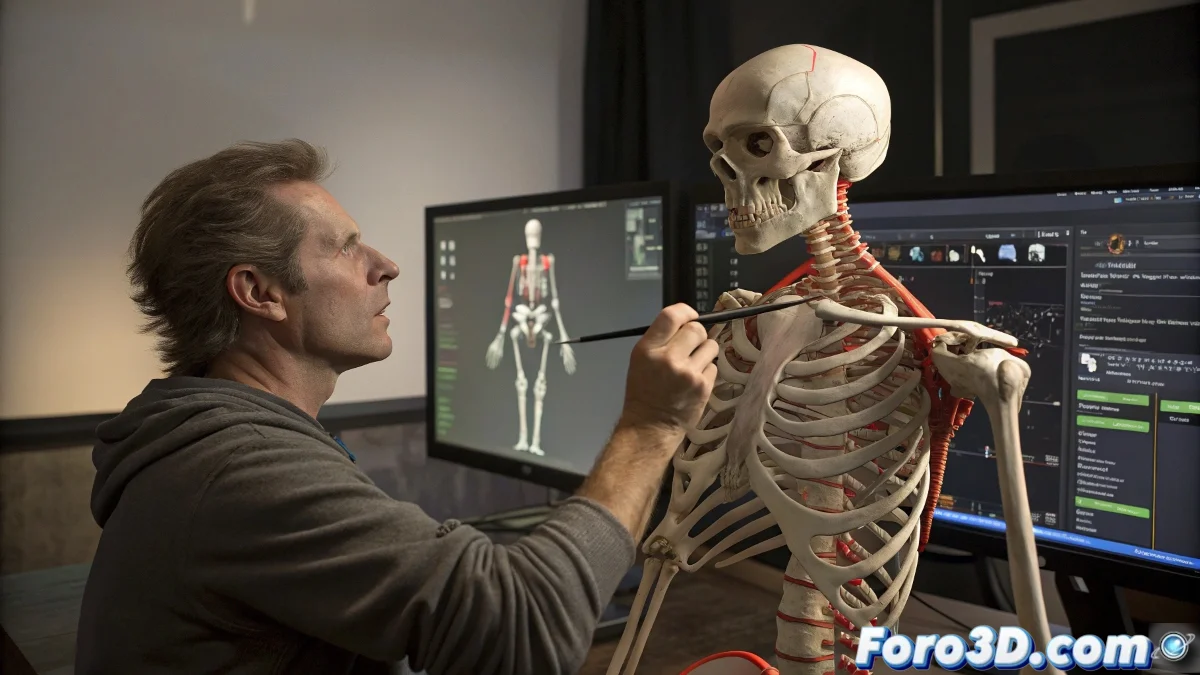
When Rigging in 3ds Max Rebels 😤
Animating a character in 3ds Max can seem like a walk in the park... until the mesh decides to turn into a deformed spaghetti. The culprit? Those digital bones that, like spoiled teenagers, influence where they shouldn't. And if the head, jacket, and shoes are separate objects on top of that, the deformation party is served. 🎉
The golden rule in 3D: if your character looks like it's melting, it's not abstract art, it's that the rigging needs help.
Taming the Beast with Skin and Patience
The Skin modifier is like the lion tamer of 3ds Max. With it you can:
- Assign weights to vertices (so they don't dance salsa without permission)
- Adjust envelopes like post-Christmas girdles
- Weld rebel vertices in conflict zones
A pro tip? If you properly fuse the joints between objects, you'll avoid it looking like your character has an allergy attack every time it moves. 🦴
Online School for 3D Tamers
Since finding in-person 3ds Max classes is harder than a model without topology issues, here are digital alternatives:
- 3dpoder.com - The gym for 3D artists
- Udemy/Coursera - Where tutorials cost less than a coffee
- YouTube - The university of "hey kid, subscribe"
Remember: learning rigging is like raising a cat. First it scratches everything, then it learns (or you decide that the glitch style is your personal brand). 😼
And if all else fails, you can always say your character is an innovative fusion between cubism and digital animation. Voilà! Contemporary art 🎨