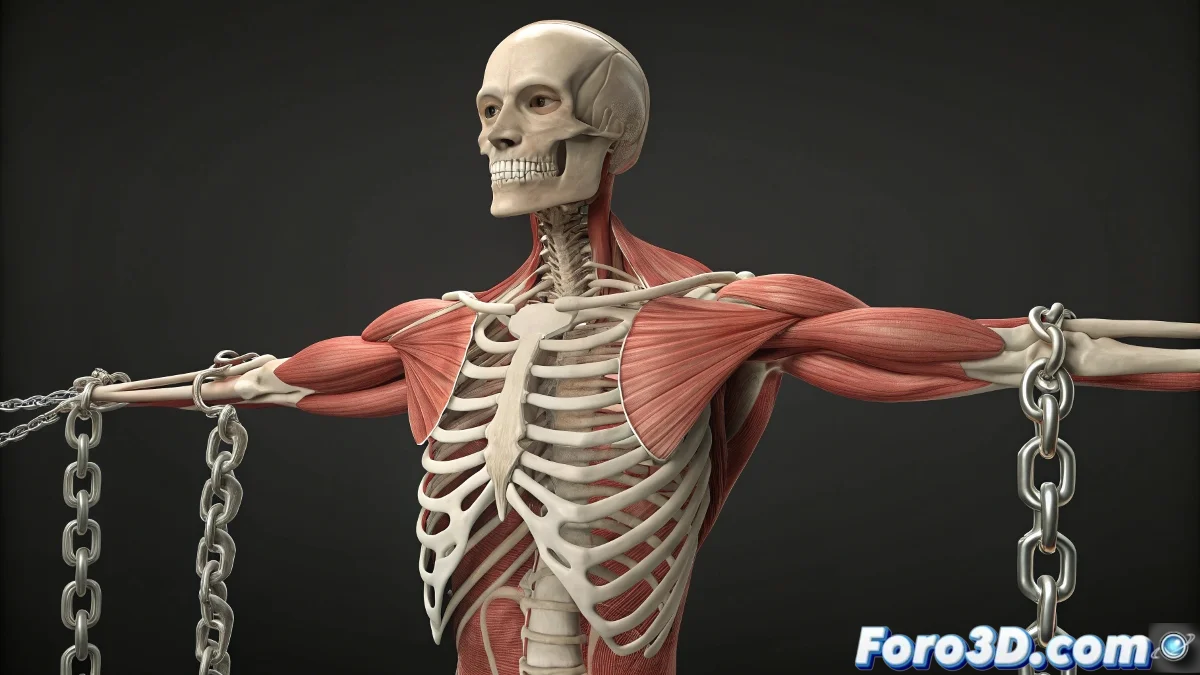
When Your Characters Need a Virtual Gym 💪
Tired of characters with arms like broomsticks? With this basic muscle system, you can give them the volume and dynamism they so desperately need. And the best part: without turning your rig into an impossible-to-animate labyrinth.
The ABCs of Digital Muscles
To create muscles that contract logically:
- Create your main FK chain (arm/forearm bones)
- Add parallel muscle bones (2 per muscle)
- Configure the magic constraints:
- Position Constraint on the end
- Adjustable Look At Constraint
A good muscle rig is like a tailored suit: it must adapt to movement without wrinkling or limiting the action.
Tips for Killer Muscles
To make your setup shine:
- Use stylized bones with Edit Poly for better visualization
- Add intensity controllers with custom parameters
- Try layered muscles for greater realism
Solutions for Common Problems
If your muscles misbehave:
- Stiff muscles: Adjust constraint weights
- Strange deformations: Check bone hierarchy
- Exaggerated contraction: Limit movement ranges
Conclusion: Goodbye to Tube Arms 🎉
With this system, you'll have muscles that flex naturally, bringing your characters to life without driving you crazy in the process. And when it works perfectly, you might even mentally hear the sound of those biceps contracting.
Now all that's left is to add a controller for sweat... but that's asking too much, isn't it? 😅