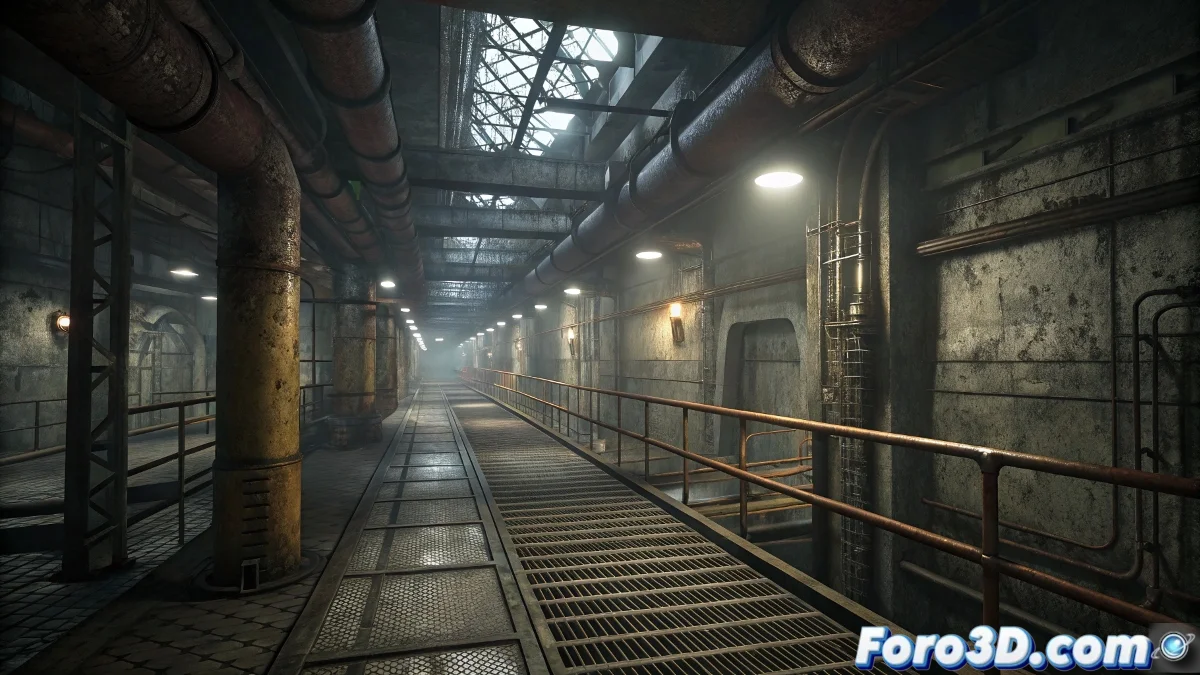
From 3D Modeling to the Interactive World
Turning an idea into a playable environment is one of the most rewarding tasks for a 3D artist. 🤯 Using 3ds Max as a starting point for creating maps offers precise control over geometry, whether to revive the nostalgia of Half-Life or for projects in Unreal Engine. However, the path from modeling software to game engine is full of technical considerations. Mastering this workflow is essential so that the vision for the level isn't lost to export or performance issues.
The Foundation of Everything: Solid Geometry
The first step is to build the level's structure using Editable Poly. It's recommended to maintain clean topology, prioritizing quads to facilitate possible modifications. 🧱 Thinking about the correct scale from the start is crucial; one unit in 3ds Max usually equals one centimeter in Unreal, for example. For static geometry like walls and floors, simple and efficient modeling is more valuable than excessive detail that will later penalize performance.
An optimized map is born from well-planned geometry in the modeling phase.
The Big Step: Exporting to the Engine
This is the critical phase where many projects get stuck. For classic engines like GoldSrc (Half-Life), the solution lies in specialized plugins like J.A.C.K. or TrenchBroom, which allow exporting geometry to the .MAP format. For Unreal Engine, the process is more direct via export to FBX. It is vital to verify that face normals are correctly oriented and that there are no loose or overlapping vertices. 💾
- Efficient Texturing: Older engines do not support complex PBR materials. You should use repeatable tileable textures and simple UV coordinates.
- Collisions: In many cases, the visual geometry and the collisions are the same. Excessively complex shapes should be avoided.
- Optimization: Reducing the number of unnecessary polygons and eliminating duplicate vertices is fundamental to maintaining a stable framerate.
Trial and Error: The Inevitable Cycle
No map comes out perfect on the first try. The testing phase within the engine is crucial. 🔍 You must meticulously check the player's scale, the correct alignment of textures, and that collisions work as expected. Any error detected requires going back to 3ds Max, adjusting the geometry, and re-exporting. This cycle repeats until everything works perfectly.
And if the engine imports the geometry as a swarm of crazy triangles, it's a gentle reminder that even vertices need a moment of confusion to appreciate order. 😉 Patience is a level designer's best tool.