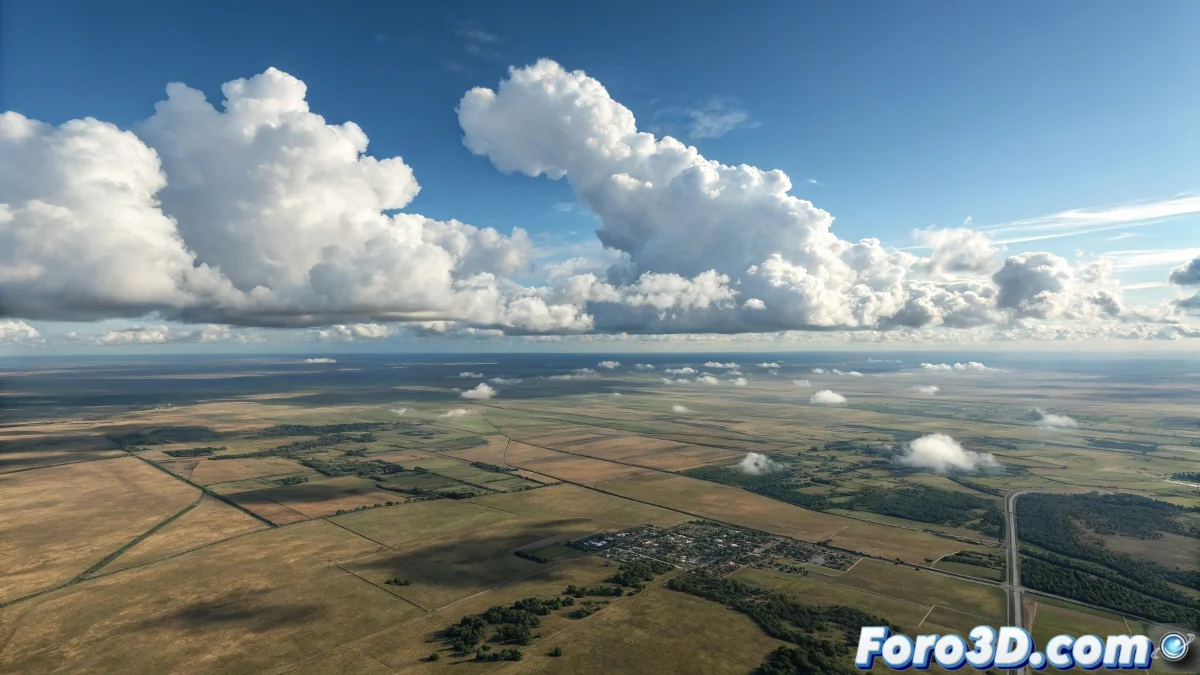
Creating Skies in 3ds Max Without Losing Your Sanity 🎨
Imagine you want to recreate the sky in 3D, but your previous experience is limited to drawing sheep-shaped clouds in math class. Fear not, because with 3ds Max and a little patience (or coffee), you can achieve results that even birds would mistake for the real sky. That said, if your computer is slower than a hibernating turtle, you'd better start thinking about upgrading it.
The Sun: That Star That Doesn't Come with a Manual
To start, you need a sun that doesn't look like it's from a child's drawing. In 3ds Max, go to Create > Lights > V-Ray > V-Ray Sun. Place it in the scene as if you were planting a sunflower, but without getting your hands dirty. When the program asks if you want to add a V-Ray Sky Environment, say yes, unless you prefer a black, apocalypse-style sky.
- Intensity Multiplier: Adjust it between 0.01 and 0.03, or your render will look like a nuclear explosion.
- Size Multiplier: 3-5, for soft shadows and not ones that look like they were made with scissors.
- Ozone: between 0.3 and 0.5, unless you want a blue as fake as smiling politicians.
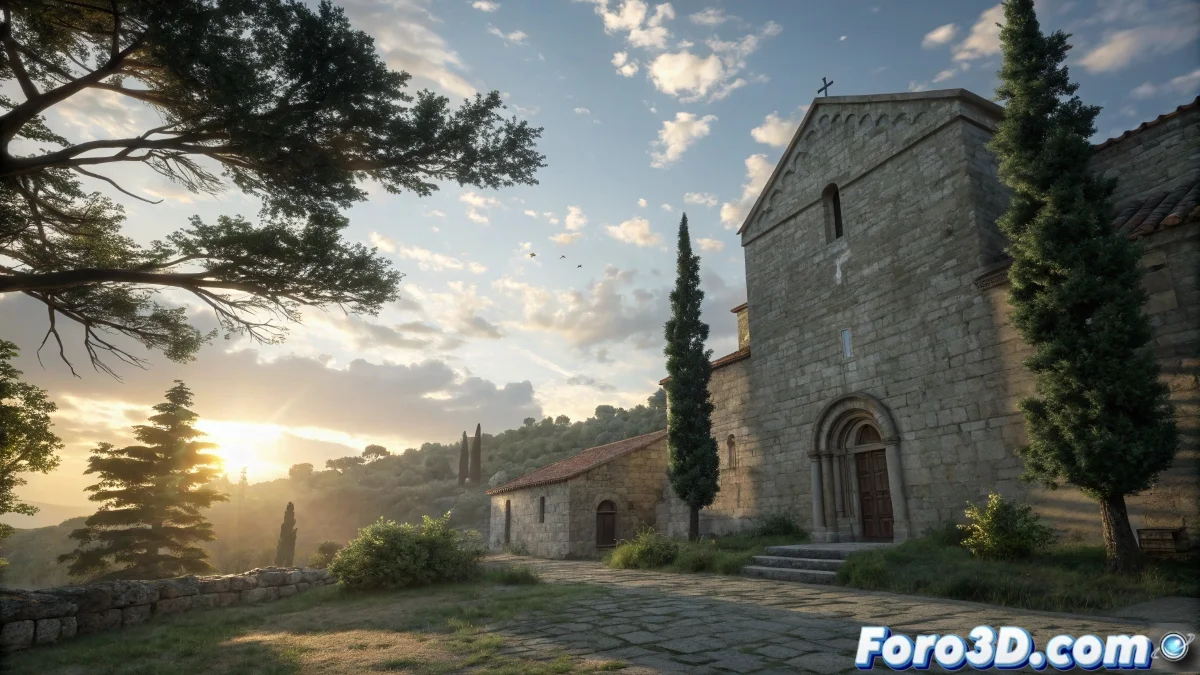
The Clouds: The Optional Drama of the Sky
If you're one of those who think a sky without clouds is like a pizza without cheese, you have options. You can use V-Ray Environment Fog with a noise or smoke map, or place a V-Ray Plane with a cloud texture. That said, if you choose the second option, make sure they don't look like cotton balls stuck on with spit. 😂
A well-animated sky is like a good supporting actor: it doesn't steal the spotlight, but without it, the scene loses its magic.
Animating the Sun Without Burning the Graphics Card
To make the sun move with elegance (and not like a drunk leaving a party), activate Auto Key and move it smoothly on the timeline. If the shadows seem to be having convulsions, check the curve in the Graph Editor. Clouds can also be animated by modifying the Phase parameter in the noise map, or by moving the UVW Mapping if you used a plane.
- Render Format: EXR is your friend, JPEG is for those who surrender to mediocrity.
- Motion Blur: Enabled if the sky moves faster than your desire to finish the project.
- Global Illumination: Brute Force + Light Cache, because quality is not optional.
And if after all that the sky still looks like a Windows 98 wallpaper, you can always say it's abstract art. 🚀