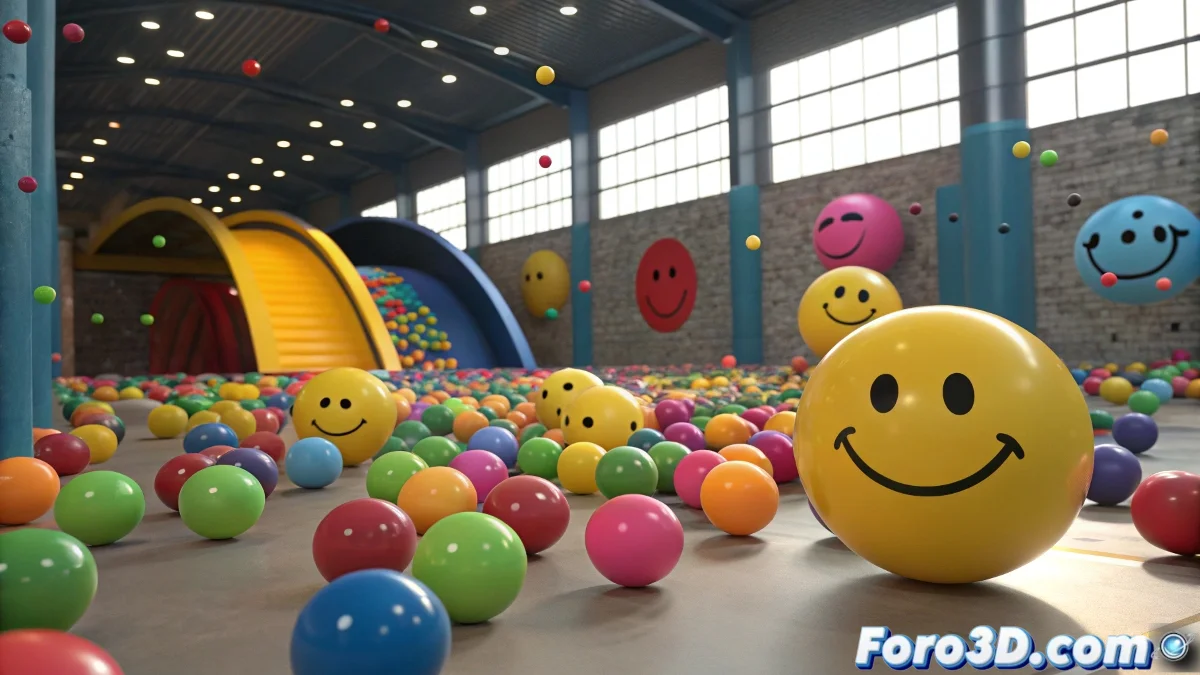
Creating Natural Movement in Many Balls in 3ds Max Without Going Crazy
Making 60 smiling balls move with a life of their own and not look like synchronized robots is a classic animation challenge that can test anyone's patience, especially when time is short. The key is to generate variations in movement without having to animate each ball manually frame by frame.
How to Generate Organized Chaos So the Balls Don't Look Like Exact Clones
In 3ds Max 2025 you can leverage several techniques and tools to animate large groups with variation and speed:
- Use Animation Layers: (Animation Layers) to create several movement variants and then assign them randomly to the balls.
- Use Noise Controller or Script Controllers: To add small variations in position and rotation, making the balls move with a similar but out-of-sync pattern.
- Create 2 or 3 movement cycles: For example, mouth moving, small oscillations, and apply these clips to different groups of balls with different start times, which creates the illusion of synchronized chaos.
Try the Particle Flow modifier or the Animation Clips system to animate groups and easily control playback times. Use Scripting in MaxScript to automate the assignment of different cycles and offsets.
Extra Tip
Avoid animating each ball individually, and play with time offsets so that each one's movement starts on a different frame. This adds a lot of naturalness and is done with just a few clicks.
If any ball stays still or does the robot wave, remember that even machines need coffee to get started.