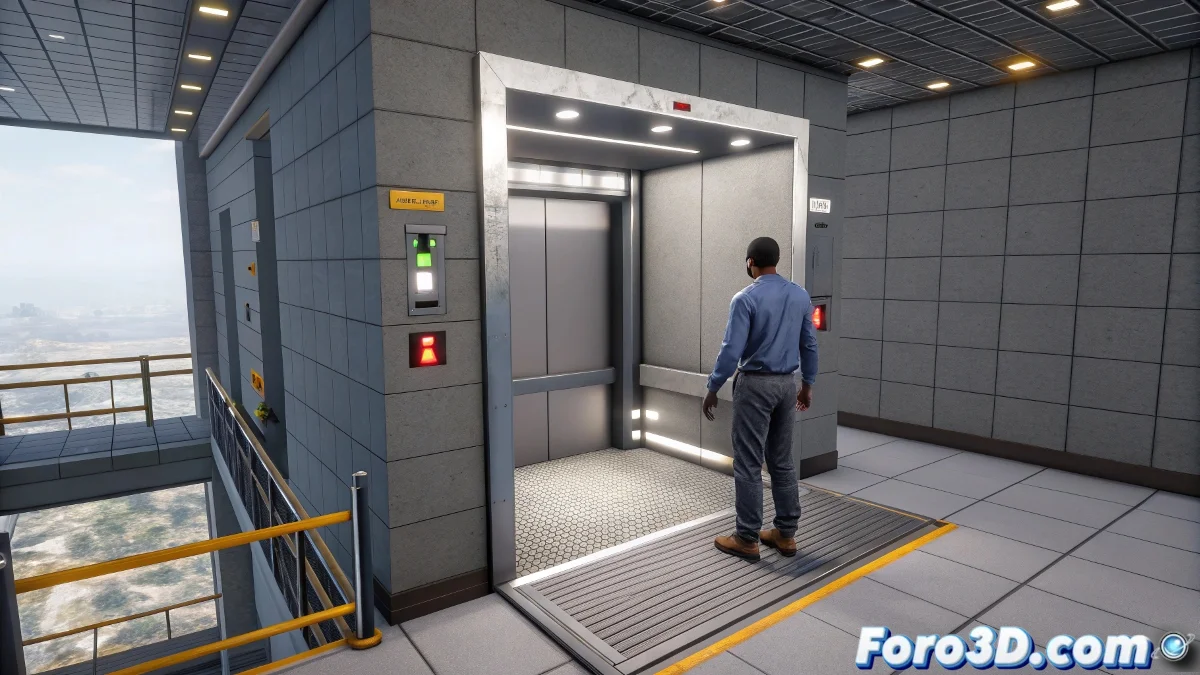
Creating an Interactive Elevator in Blender for FPS Games
Designing a functional elevator in Blender for an FPS game can be simpler than it seems. Using visual logic in UPBGE, it's possible to create an elevator that goes up and down without needing to write code. Here we show you how to do it, adding a touch of humor and dynamism to your projects.
Designing the Elevator Platform
Start by creating a thin cube that will act as the elevator platform. Place it on the ground floor and make sure to Apply All to clean up its position and scale. This will be the starting point for your elevator. We don't want elevators with inferiority complexes! 😄
Configuring the Animations
Go to the Dope Sheet > Action Editor mode and create an animation for the elevator to go up to the first floor in about 50 frames. Then, go back to frame 1 and create another action for the elevator to go down. Save both animations as separate actions, for example, GoUp and GoDown.
Using Sensors to Activate Movement
In the Logic Editor mode of UPBGE, select the elevator and add a Collision type Sensor to detect the player. Add an AND Controller and an Action type Actuator that plays the GoUp animation. Connect the three blocks so the elevator goes up when the player approaches.
To make the elevator go down when the player gets off, add a Delay Actuator to wait a few seconds. Use another Collision type sensor (inverse) to detect when the player is no longer on top and play the GoDown animation. No one wants a sticky elevator! 😜
Adding the Call Button
Create an object to act as a button, like a small box or a sphere on the wall. Add a Mouse or Keyboard type Sensor to the button and connect it to an Action Actuator that makes the elevator go up if it's down. This way, players can call the elevator from any floor.
Avoiding Unwanted Movements
To prevent the elevator from moving without the player, use a boolean property that indicates whether the player is on it. Condition the movements to this property to avoid accidental ups or downs. An elevator with a mind of its own is the stuff of horror movies! 👻
With these steps, you will make the elevator go up when the player gets on, go down automatically when they get off, and be callable from a button. All without writing a single line of code, just using visual logic. And if something fails, you can always blame the building's ghosts! 🎭