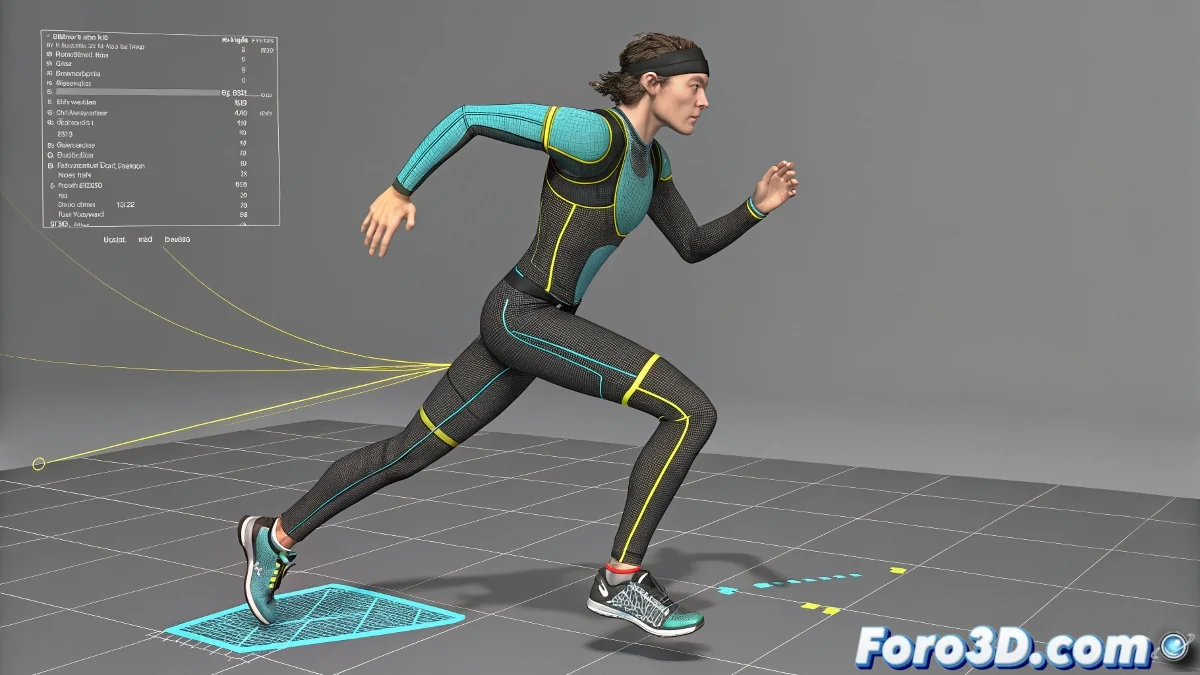
Modifying Animation in Biped Without Affecting the Mesh
When a character has a Biped with a walk animation, deleting or overwriting keyframes directly can deform the mesh because the Skin Modifier maintains the weight and bindpose relationship. The correct way to animate is by using Animation Layers or by duplicating the Biped.
Using Animation Layers
Select the existing Biped and open the Motion Panel. Create a new animation layer on top of the existing one. This allows you to animate body parts without affecting the original walk animation. Changes are added on top of the base animation without overwriting it.
Duplicating the Biped
If you prefer to work with pure keyframes, duplicate the Biped and link the mesh to the new copy using Skin Wrap or Skin. This way you can create animations from scratch and avoid deformations or conflicts with the original keyframes. Clear any previous pose in Figure Mode before animating.
A Detail to Keep in Mind
Do not delete the original keyframes directly: losing the weight relationship can deform the mesh. Using layers or duplicating the Biped is like drawing on a new sheet of paper: the original remains intact and you can experiment without risk.