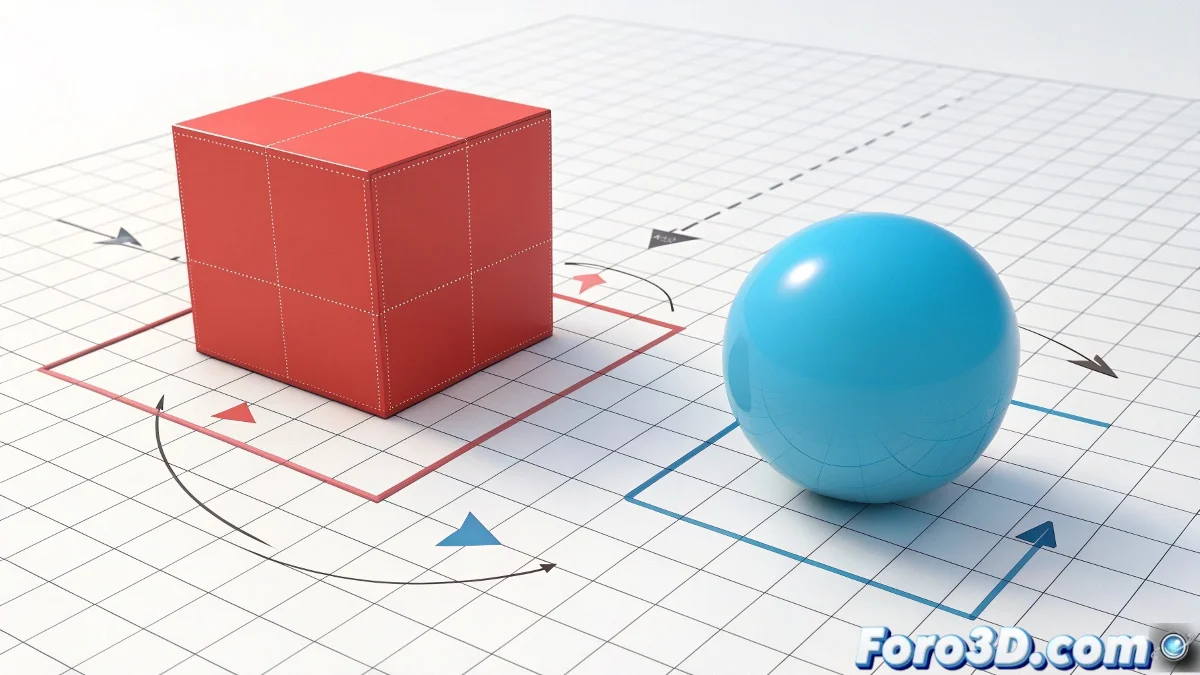
How Parent Works in Maya
In Maya, when using P / Parent, the first selected object becomes the child and the second one becomes the parent. For the box to be the parent and the sphere the child, select the sphere first and then the box. This way, moving the box will drag the sphere, but moving the sphere will not affect the box 📦⚪.
How to Verify the Hierarchy
Open the Outliner to confirm that the sphere is inside the box. Moving the box will drag the sphere, while moving the sphere will only affect itself. You can also use Group if you want an intermediate node for more control without altering the individual behavior of the objects.
A Detail to Keep in Mind
Parent works like a chain: children follow parents, but not the other way around. If something doesn't move as you expect, check the selection order before applying Parent. It's like accidentally putting the cherry under the cake 🍒: the entire logic gets inverted.