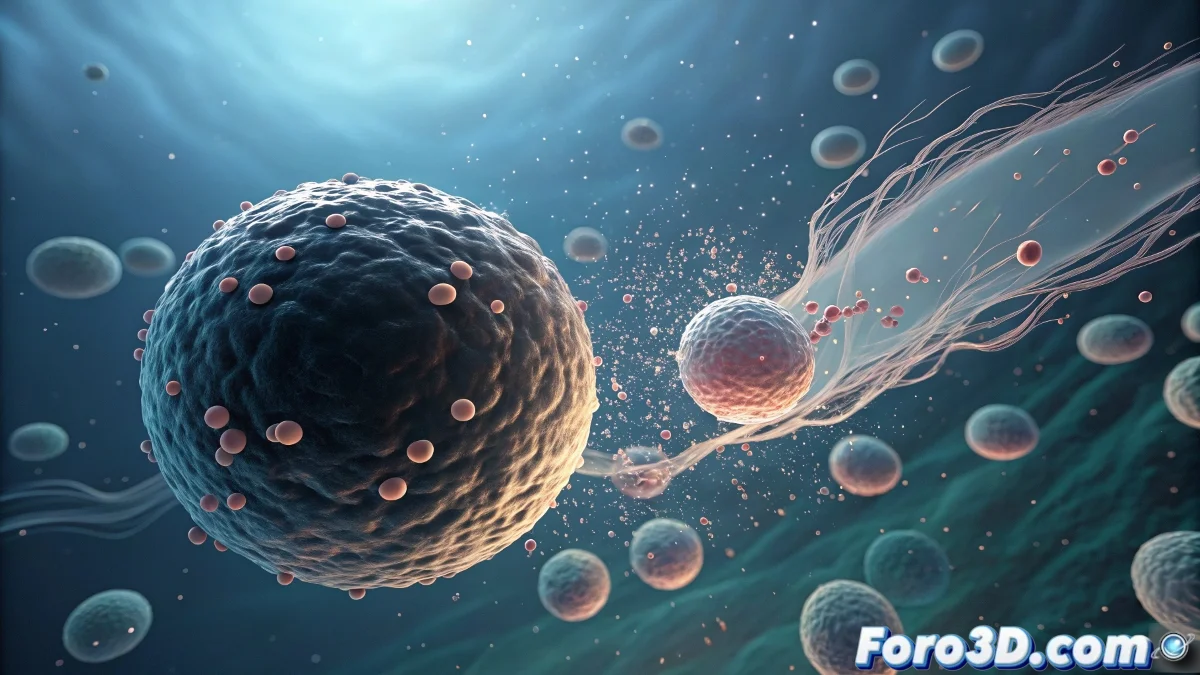
The Art of Digital Mitosis in Particle Flow
Cell division with Particle Flow is a fascinating challenge because you need to recreate a complex biological process using a particle system. The beauty of using mParticles (MassFX particles) is that they can effectively collide with each other realistically, creating that organic behavior of cells pushing and dividing in a limited space. Where normal particles pass through each other, mParticles behave like real physical objects, perfect for simulating cells.
The most effective approach is to create a system where "mother" particles reach a certain size or age, and then divide into two "daughter" particles via a spawning event. The key lies in carefully configuring the growth, collision, and division parameters so the process looks natural and biologically credible.
In Particle Flow, simulating cell division is like being the god of a microscopic universe: you define the rules and watch life unfold
Base mParticles System Setup
Start by creating a basic mParticles system that will serve as the foundation for your cell division simulation.
- Create Particle Flow Source: with the mParticles button in the panel
- Configure Birth operator: continuous rate or initial burst
- mParticles Shape: spheres for basic cell shape
- Position Icon: concentrated emission area
Operators for Cell Growth
Cells need to grow before dividing. Use the Scale operator to simulate this progressive growth.
Configure the Scale operator with progressive animation and random variation so not all cells grow at the same rate 😊
- Scale over Life: growth from 50% to 200% of original size
- Scale Variation: 20-30% for different rates
- Animation Offset: random to avoid perfect synchronization
- Scale Keyable: yes for expression control
Division System with Spawn
The heart of your simulation is in the Spawn operator. This will create new particles when a cell is ready to divide.
Use an Age Test or Scale Test to determine when a particle should divide, then connect to an event with a Spawn operator.
- Age Test: division after a certain lifetime
- Scale Test: division upon reaching critical size
- Spawn operator: 1 daughter particle per division
- Inheritance: 50% of parent velocity and rotation
mParticles Collision Configuration
The magic of mParticles lies in their realistic collisions. Configure them properly so cells push each other naturally.
In the mParticles World operator, adjust the collision parameters for smooth organic behavior rather than hard collisions.
- Collision Group: same group for all cells
- Friction: 0.3-0.5 for smooth sliding
- Bounce: 0.1-0.3 for soft collisions
- Collision Margin: 110-120% for smooth overlapping
Materials for Realistic Cells
For cells to look biologically credible, you need specific materials with organic properties.
Create a semi-transparent material with soft subsurface scattering and subtle color variation between cells.
- Translucency: 30-50% for cellular effect
- Subsurface Scattering: very soft for organic feel
- Color Variation: by expression or procedural map
- Soft Specular: organic, non-metallic highlights