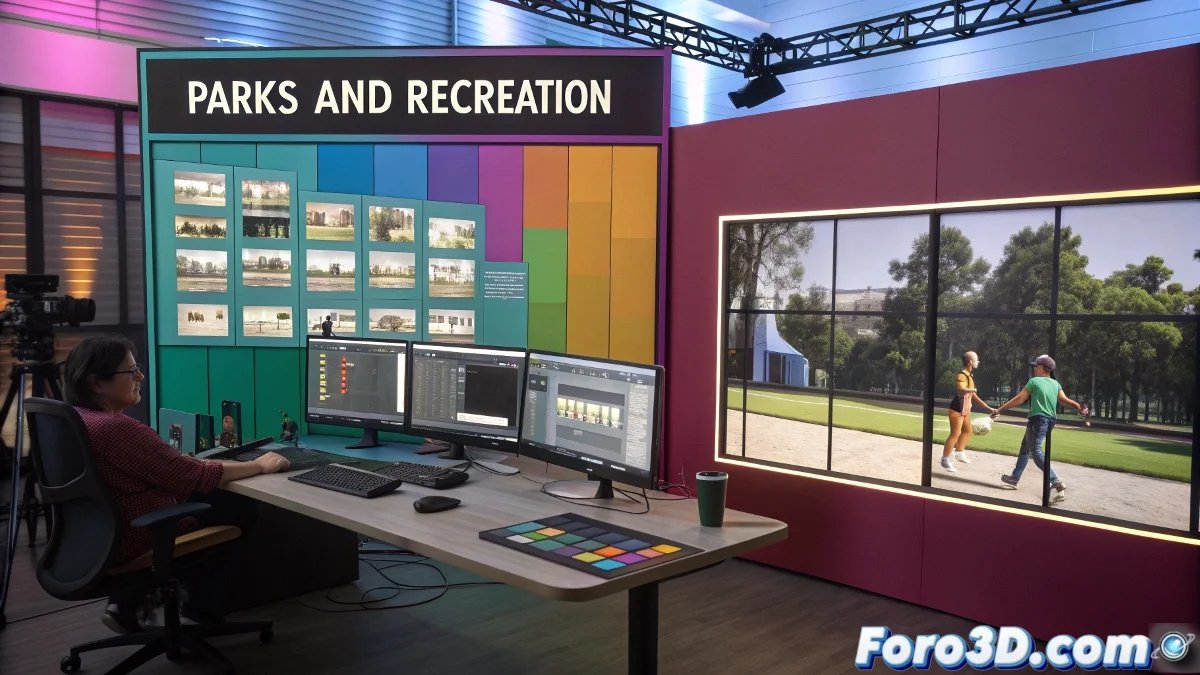
Create a Parks and Recreation Style Intro in After Effects
Making an opening inspired by Parks and Recreation isn't just about placing videos in grids; it's about giving it that touch of fast timing, clean cuts, and flat colors that characterize it. Let's go step by step so you don't die trying... or end up screaming at the monitor like Ron Swanson on a Monday morning.
Layout Planning: Photoshop or Directly in AE
First, the basics: do you need to set up a template in Photoshop? The quick answer: it's not mandatory, but it can help if you like having a previous reference of the layout. You can create a sketch in Photoshop with the positions of the boxes (the typical frames where each video clip will go). A kind of visual storyboard.
But if you prefer, you can build everything from scratch directly in After Effects using solids and shapes. This gives you more control if you later want to modify sizes, colors, or positions.
How to Organize the Animation Inside After Effects
This is where the magic happens. Ideally, each block or "frame" where your video will go should be an independent pre-composition. This way you can put any video or image inside without affecting the overall structure.
For transitions, you can play with Motion Blur, apply animated Scale and Position, and if you're feeling brave, even animate with a 3D camera inside AE, although this type of intro usually works in 2D.
Key Elements to Achieve the Parks and Rec Look
- Flat and Saturated Colors: Use solids with yellow, orange, or blue palettes.
- Fast Cuts: The editing plays a lot with hard cuts to the rhythm of the music.
- Simple Typography: Fonts like Arial Bold or Helvetica, without weird effects.
- Short Videos: Trim your clips to 2-3 seconds maximum to maintain the intro's energy.
Useful Extra Plugins or Resources
If you want to give it an extra boost, you can use plugins like Motion Bro or Animation Composer which come with presets for fast transitions, or even some grid layout tool like AEJuice Pack Manager.