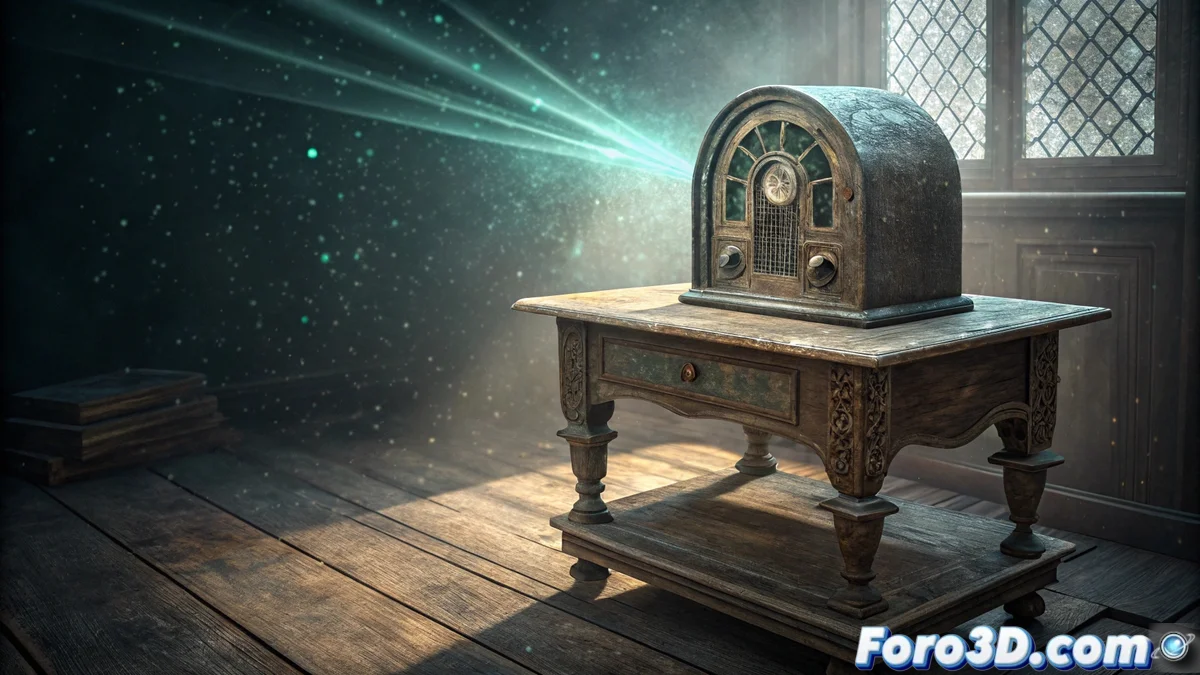
Create a Mystery Scene with Numbers Stations in Blender and After Effects
Numbers stations are an intriguing shortwave radio phenomenon where synthetic voices read sequences of digits or letters. Although their official purpose was never confirmed, they are linked to espionage activities, generating an aura of secrecy perfect for a visual piece. This tutorial shows how to produce a scene that captures that essence, combining modeling and animation in Blender with final processing in After Effects. 🎭
Prepare the 3D Environment in Blender
The first step is to build the main scene in Blender. You can model a vintage radio from scratch or import a pre-made model. Design a simple room to serve as a container. For lighting, use volumes and place a dim ambient light behind the radio, simulating an indirect light source. A plane with an emission material, positioned behind the speaker, will work as the origin of the numerical holograms. Add a particle system to generate dust motes floating in the air, visible within the beam of light, which enhances the sense of realism and atmosphere.
Key Scene Elements:- Old radio: Central object, modeled or imported, acting as the narrative focus.
- Ambient lighting: Dim and directional light that creates deep shadows and highlights volume.
- Emission plane: Self-luminous surface behind the speaker, origin of the holographic effects.
- Particle system: Simulates suspended dust, adding dynamism and realism to the light beam.
The real mystery isn't who sends the numbers, but who has the patience to animate each digit by hand when you could be listening to the radio.
Animate the Digits with the Pencil Modifier
To generate the animation of the emerging numbers, create text objects with the digits you want to display. Apply the Pencil modifier from the modifiers panel. This tool converts the text into an animated stroke that draws progressively. Adjust the animation duration and stroke style so the numbers appear to be drawn in the air in front of the radio. Then, animate the opacity and scale parameters so each digit appears, floats briefly, and finally fades away, creating a continuous cycle.
Steps for Text Animation:- Create text: Add text objects with individual numbers or sequences.
- Apply Pencil modifier: Convert the text into an animated stroke with a drawing style.
- Adjust timing and style: Define the drawing speed and stroke thickness for the desired effect.
- Animate opacity and scale: Program the appearance, floating, and fading of each digit.
Integrate and Process in After Effects
Once the sequence is rendered from Blender, the final step is to process it in After Effects. Here you can add color correction layers to accentuate contrast and cool tones, typical of a spy aesthetic. Incorporate subtle distortion effects or video noise to simulate an old transmission. This is also the time to blend any 2D elements, such as interference overlays or subtitles, and render the final project with the appropriate quality and codec. This workflow separates 3D creation from compositing finishing, offering greater control over the visual result. 🎬