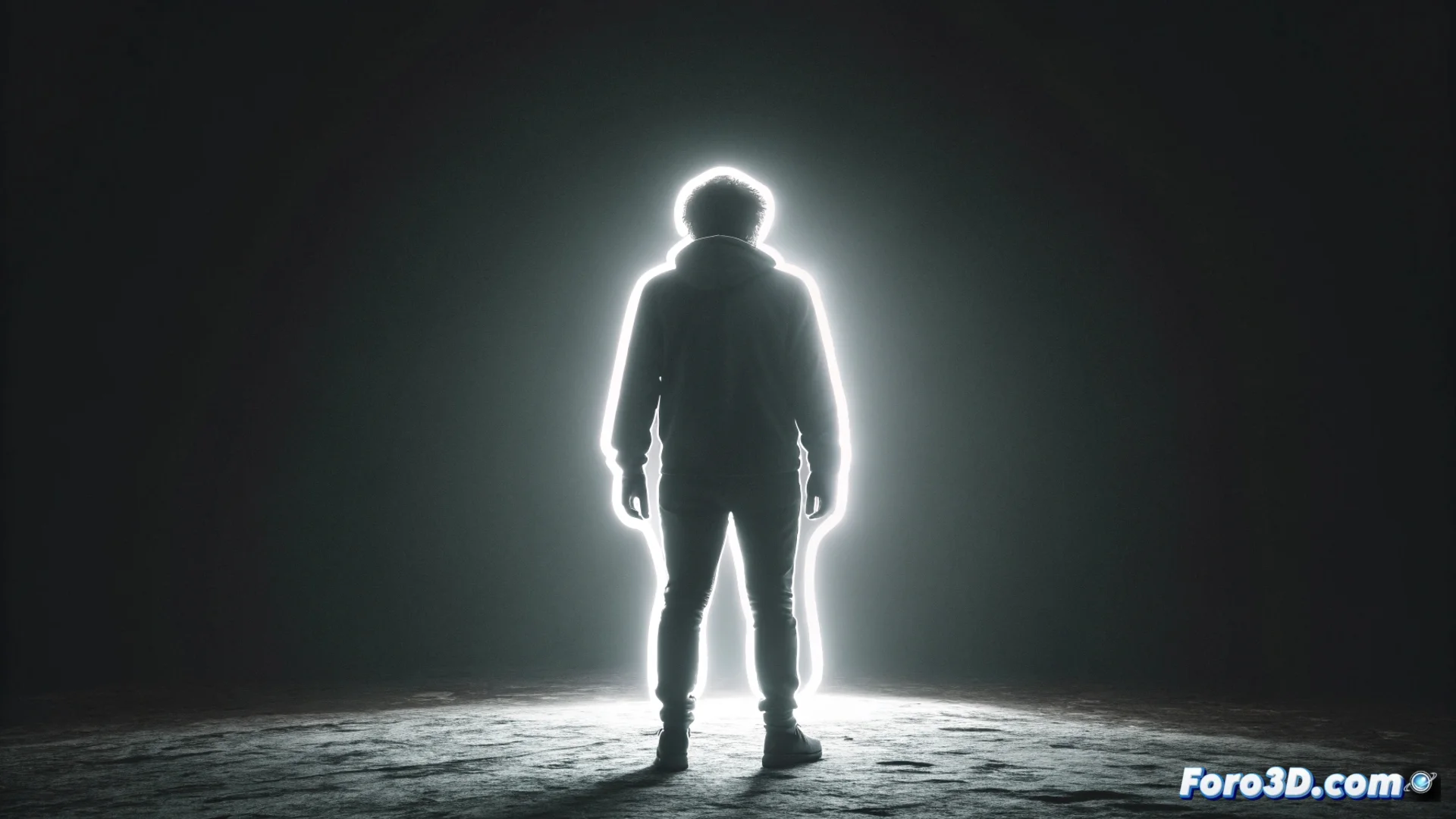
Create a Backlight-Free Outline Effect in Photoshop
In photography, sometimes the ideal lighting isn't captured. This tutorial shows how to simulate an outline effect or a fake low key in Photoshop when the original image lacks backlighting or sidelighting. The method is based on combining adjustment layers and making precise selections to fabricate that lighting in post-production. 💡
Isolate the Subject and Set Up the Dark Background
The first step is to separate the main element from the background. Use the tool that works best for your image: Object Selection, Quick Selection, or the Pen. Create a layer mask for the subject. Then, work on the background. Duplicate the original background layer, desaturate it, and apply a Levels or Curves adjustment. The goal is to push all tones toward an intense and uniform black. This prepares the dark base that will make the luminous outline you'll create later stand out.
Key steps to prepare the scene:- Extract the subject precisely using a layer mask.
- Generate a dark and solid background from the desaturated and adjusted background layer.
- Ensure the subject is on a top, independent layer.
In post-production, sometimes you have to fake what wasn't captured with the camera, proving that with patience and layers, you can light even what was never there.
Generate and Control the Glowing Edge
With the subject isolated on a top layer, it's time to create the light effect. A quick method is to use Layer Styles. Apply an Inner Glow, setting it to white or a very bright light tone. Adjust the size to define the outline thickness. For more detailed and manual control, follow this alternative workflow.
Manual process to refine the outline:- Duplicate the subject layer and apply a Gaussian Blur to it.
- Change the blending mode of this duplicated layer to Screen.
- Adjust the opacity to balance the glow intensity.
- Use a soft brush on a layer mask to clean areas where the effect isn't needed.
Conclusion of the Technique
This technique is a valuable resource for saving photographs with flat lighting or lack of accent light. It doesn't require complex plugins, just understanding how layers and blending modes interact. It allows you to create the illusion of depth and volume where it didn't exist before, highlighting the subject against a dark background with an edge that simulates light. 🎨