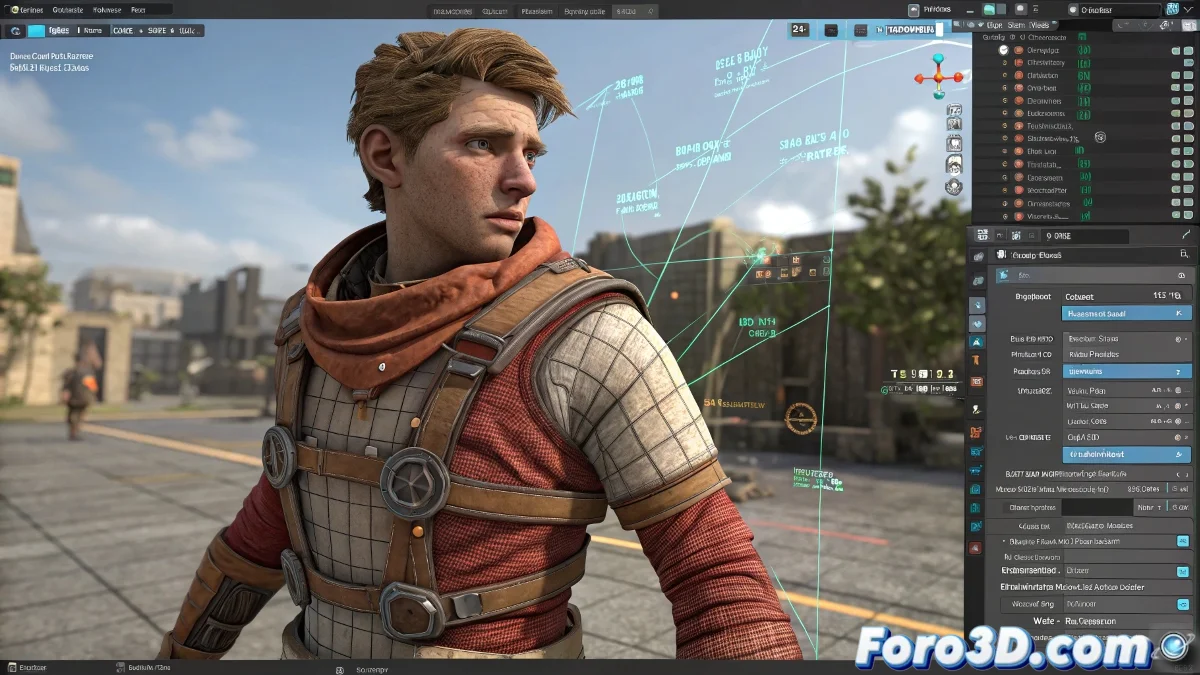
The Art of Exporting Constraints Without Losing Your Sanity 🎭
Exporting animations with Link Constraints and Skin Wrap to FBX is like trying to explain quantum physics to your grandmother: technically possible, but with high probabilities of misunderstandings. These modifiers, so useful during animation, become exportation nightmares when it's time to take everything to a game engine.
The Problem of Traveling Link Constraints
When an object changes parent during the animation:
- FBX gets confused like a GPS with bad signal
- Game engines ignore dynamic relationships
- The result is usually a digital orphan object that refuses to move
"Exporting constraints is like packing a disassembled piece of furniture: without clear instructions, no one will know how to reassemble it"
Magic Recipe for Successful Exportation
Follow these steps to avoid headaches:
- Bake the animation (position, rotation, and scale)
- Convert Skin Wrap to traditional Skin
- Collapse problematic modifiers
- Verify in the FBX Viewer before importing to the engine
Survival Tricks for Animators
When everything seems to fail:
- Try exporting as Alembic (.abc) for complex animations
- Use Skin Utilities for safe conversions
- Create simplified versions for quick tests
And remember: if after all that your character still looks like a rag doll, you can always say it's an artistic style. After all, in the 3D world as in life, sometimes you have to know when to give up... and start over with better planning 😅.
P.S.: Baking is not just for cookies - it also saves animations.