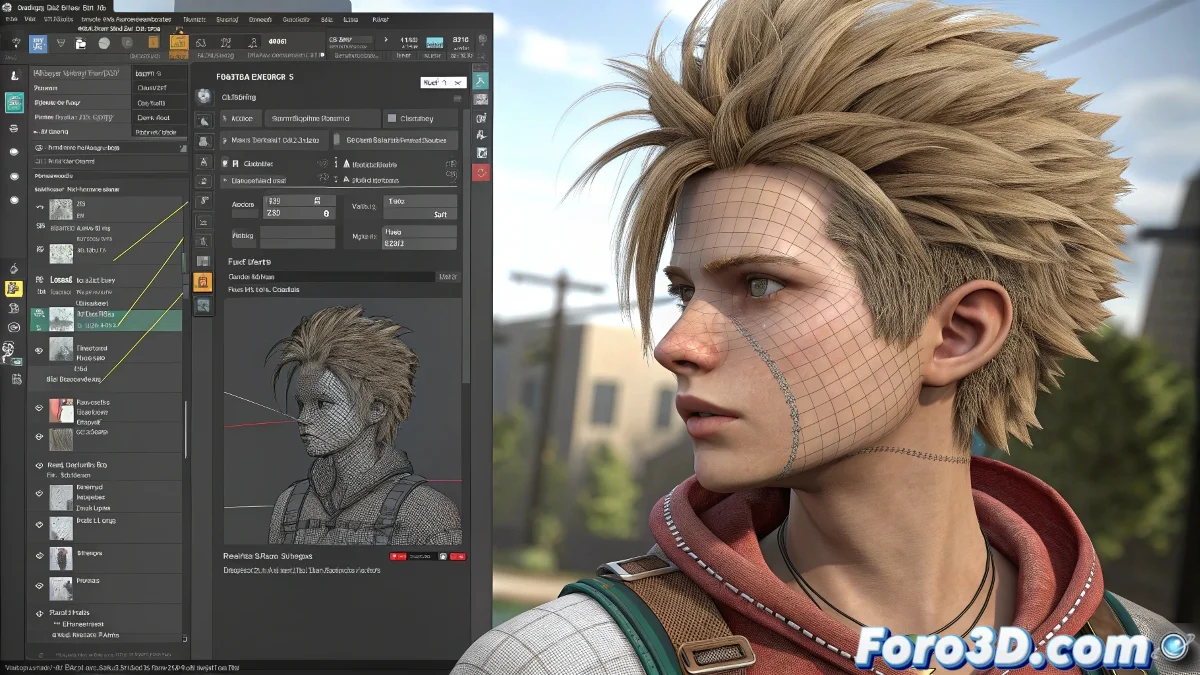
When Your Modifiers Refuse to Convert to Keyframes 🎭
You've created the perfect simulation with Flex or Cloth in 3ds Max, but when exporting to your game engine... surprise! The animation disappears as if by magic. This happens because simulation modifiers are like those friends who promise but don't commit: they don't generate real keyframes that you can easily export.
The Great 3D Baker's Trick (Baking Animations)
To convert your simulation into edible keyframes:
- Point Cache is your first ally - it records the simulation as if it were a movie
- Skin Wrap acts as a translator, copying the deformations to a clone
- Collapse the clone to Editable Poly to solidify the animation
- If you need bones, Skin Utilities will be your magic wand
"In the 3D world, baking animations is like freezing food: you preserve the flavor but lose the freshness of the moment"
Options for Different Types of Desperation
Depending on your level of urgency:
- For simple transformations: Use Bake Selected Transform
- For rebellious vertices: Export as Alembic (.abc)
- As a last resort: Save a file per frame (and pray for your SSD)
Remember that each method has its advantages and disadvantages. The perfect process would be like finding the Holy Grail... if the Holy Grail had topology issues and collision parameters. In the end, what matters is that your animation makes it to the game engine, even if it needs a little artisanal help 😅.