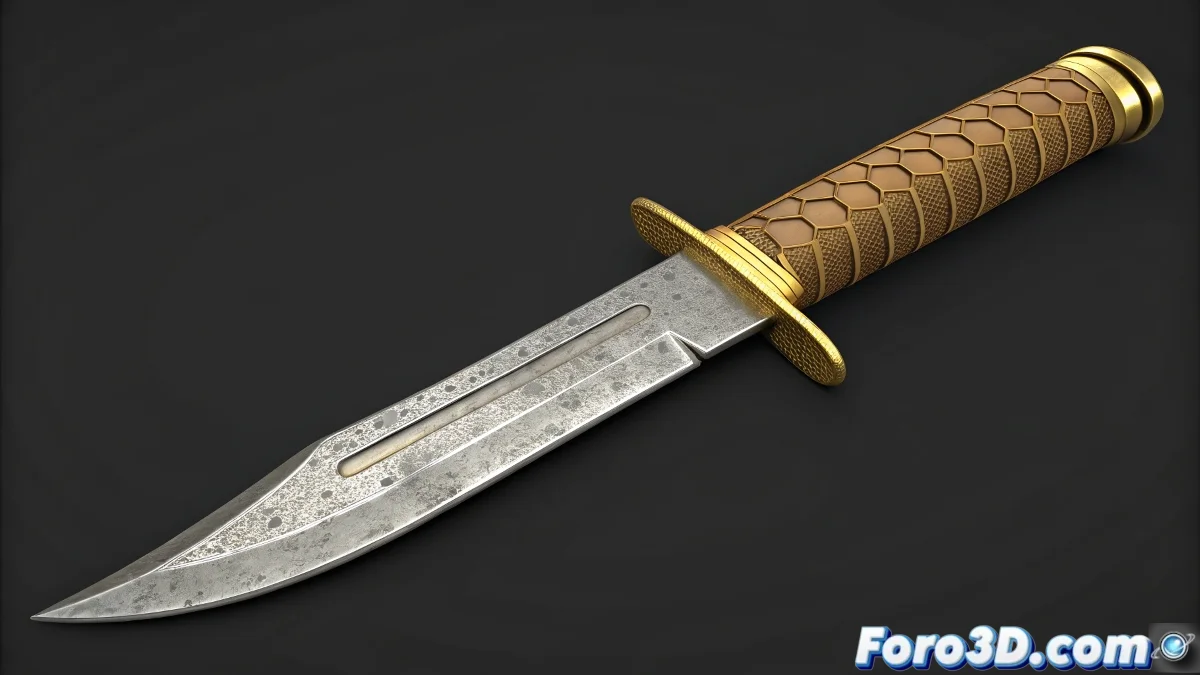
🔪 Master the Art of Variable Knives in Blender
Creating a knife with multiple shapes in Blender using Shape Keys is essential for customizable weapons in video games or parametric tools. This guide takes you from the base modeling to professional morphological variations.
1. Base Knife Modeling
- Start with a cube and enable Proportional Editing (O)
- Extrude the main blade with E + Z
- Use Loop Cuts (Ctrl+R) for sharp details
- Model the guard and handle as a single mesh
2. Shape Keys Setup
- Add Basis Shape Key as the base
- Create new Shape Keys for each variant:
- Longer/shorter blade
- Wider guard
- More ergonomic handle
- Edit each Shape Key in Tab mode
3. Professional Optimization
| Technique | Benefit |
|---|---|
| Subdivision Surface | Smooth edges without losing definition |
| Manual Retopology | Clean deformations |
| Sculpt Mode | Precise surface details |
4. Texturing and Export
- Apply PBR materials:
- Metal for the blade (Roughness: 0.3-0.5)
- Wood for the handle (Normal Map)
- Export as FBX keeping Shape Keys
- Test in Unreal Engine with Morph Targets
With these steps, your knife will go from being a static model to a fully customizable tool. That said, if in the game it ends up looking like a butter knife... check your normals.