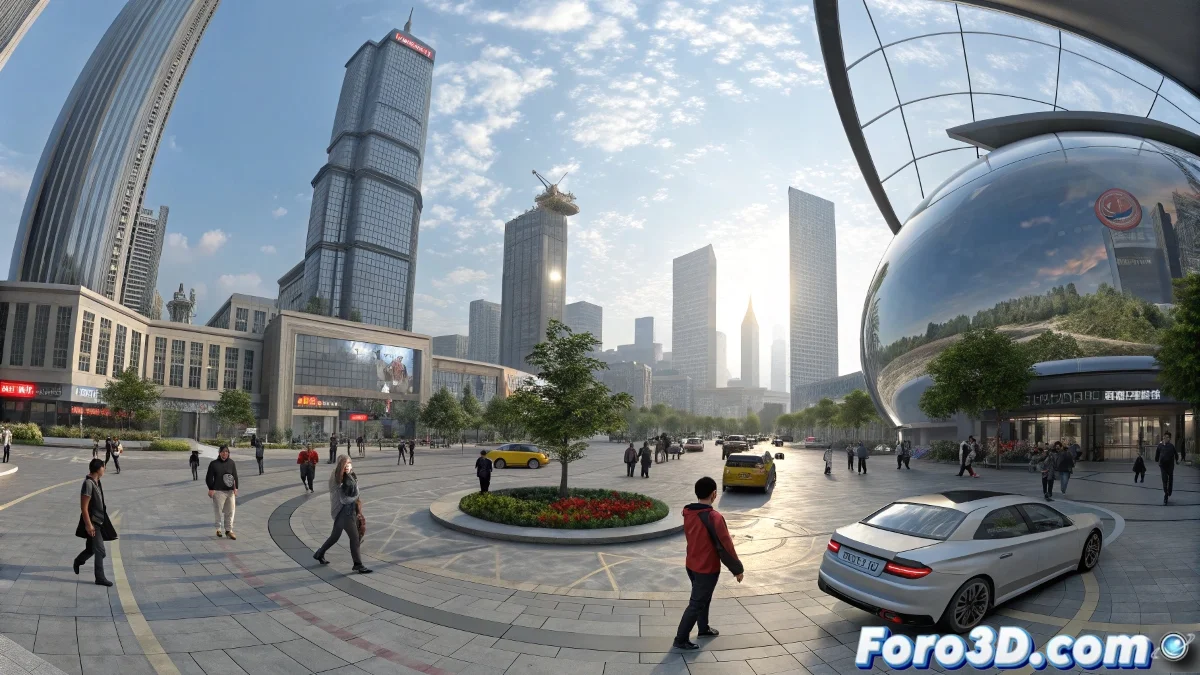
When your animation needs to envelop the viewer... literally 🌐👓
Creating 360° stereoscopic animations is like building entire worlds where every angle matters. Here's your guide to mastering this technique in 3ds Max without losing your bearings (or your sanity).
🎥 Professional Camera Setup:
- Choose your VR camera:
- V-Ray: VRayVRCamera
- Arnold: ArnoldVRCamera
- Native: Free Camera + manual adjustments
- Key settings:
- Type: Spherical (360×180°)
- Stereo: Top-Bottom or Left-Right
- Interocular distance: 6.5cm (human average)
"A well-configured VR camera is like the eyes of a cyclops with perfect binocular vision"
🎬 Painless Rendering:
- Ideal resolution:
- Mono: 4096×2048 (2:1)
- Stereo: 4096×4096 (top-bottom)
- Recommended formats:
- EXR for post-production
- H.264/H.265 for distribution
- Watch out for!:
- Avoid 2D elements in the scene
- Take care of the nadir (floor) and zenith (sky)
🛠️ Essential Post-Production:
- Combine sequences in After Effects/DaVinci Resolve
- Add VR metadata with:
- Spatial Media Metadata Injector
- YouTube VR Plugin
- Export as:
- MP4 with H.265 codec
- Minimum bitrate 50Mbps
🚀 Publishing Platforms:
- YouTube VR (compatible with all HMDs)
- Meta TV (for Quest)
- SteamVR (interactive experiences)
💡 Veteran Tips:
- Test in HMD during the process
- Real scale guide (1 unit = 1 meter)
- Global illumination for greater immersion
- Avoid sudden camera movements
⚠️ Virtual Reality Syndrome:
If after 8 hours of work:
- You try to zoom with your hands 👋
- You want to reset your head position 🔄
- You feel the real world "doesn't render well" 🤢
With these steps, you'll be creating immersive experiences that will make your viewers want to stay in your virtual worlds... perhaps too long. 😉