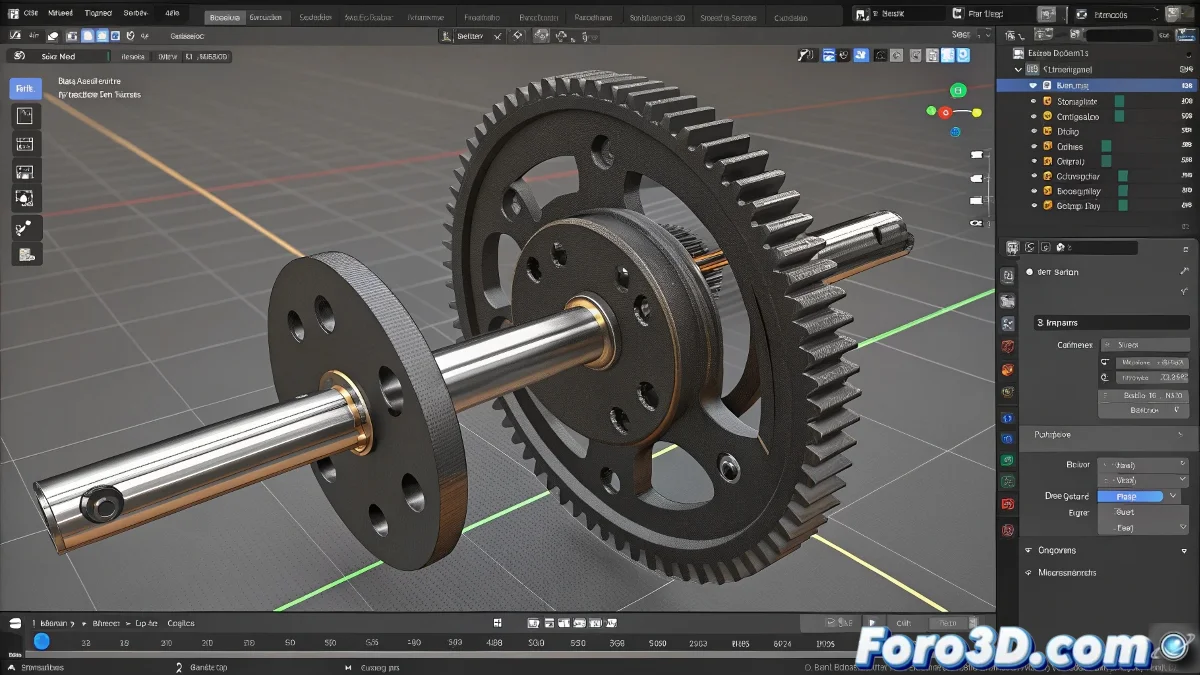
When Your Cam in Blender Works Better Than Your Grandfather's Car 🚗⚙️
Cam animation in Blender: where math meets 3D magic. This system, which converts rotations into linear movements, is more useful than you think (and no, not just to impress your engineer friends).
"Drivers in Blender are like bilingual translators: they convert the language of rotation to the dialect of linear movement" — Mechanical animator.
Step-by-Step Setup
- Basic Modeling:
- Create the cam (it doesn't have to be perfect on the first try!)
- Design the moving part (rod, piston, or whatever you need)
- Prepare the Rotation:
- Secure the rotation axis (usually Z)
- Verify that the pivot is in the correct center
The Magic of Drivers
To create automatic movement:
- Select your moving part
- Right-click on the location property (Y/Z)
- Choose Add Driver
- Set up the variable as the cam's rotation
- Use an expression like:
var 0.1(adjust the multiplier)
For Cams with Personality
If your cam has an irregular shape:
- Use the Graph Editor to adjust the driver curve
- Experiment with trigonometric functions (sin/cos) for smooth movements
- Consider Shape Keys for complex profiles
Animation Pro Tip
When animating the rotation:
- Use constant interpolation for mechanical movement
- Try 90° or 180° rotation to start
- Add a bit of "noise" for industrial realism
With these steps, your cam will work smoother than a Swiss watch... or at least better than that 3D printer we never calibrated properly. ⚙️😅
P.S.: If your mechanism ends up moving like a drunk, check the axes. It's always the axes.