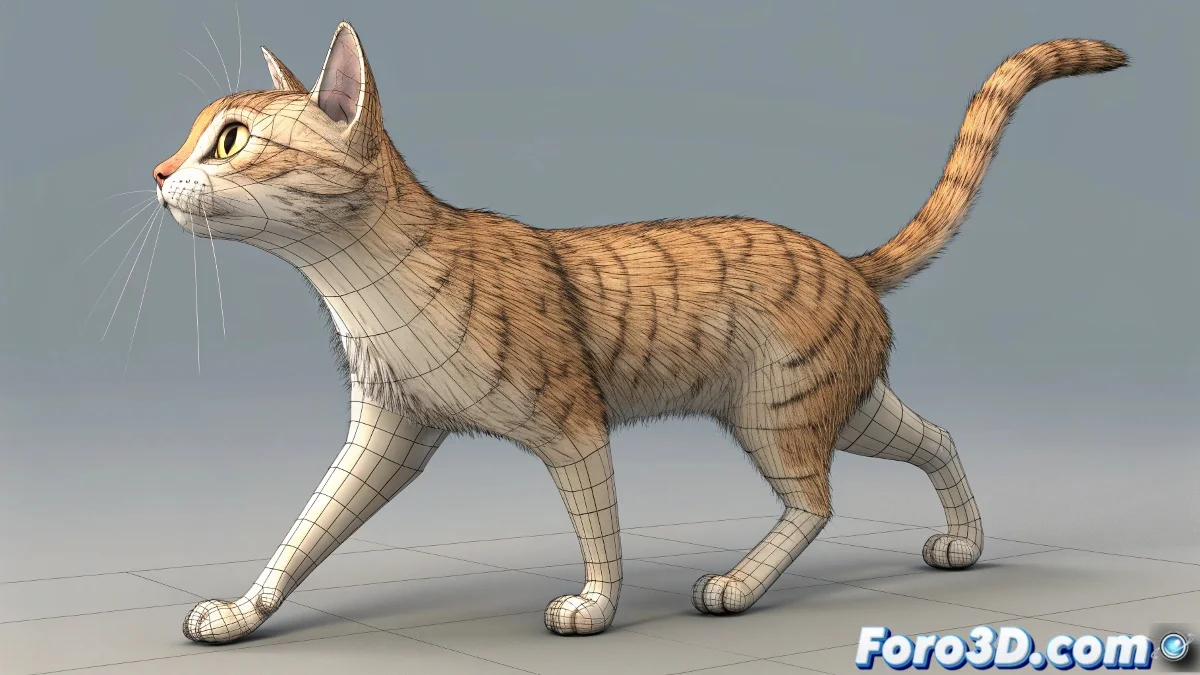
Problems When Combining Cycles with CatMotion
In 3ds Max's CatMotion, when using absolute (Abs) layers, it's common for the leg axes to become misaligned if the original cycles are not properly adjusted ⚠️. This happens because the layer tries to impose the posture onto the base animation, mixing existing rotations and causing deformations.
How to Fix It
The safest approach is to convert your walk cycle into regular Keyframes. This stabilizes the animation and allows absolute layers to work correctly, as each frame has an explicit rotation.
- Use additive (Add) layers to overlay partial movements like arms or torso without affecting the legs.
- Check the orientation of the leg axes before applying a new layer.
- Adjust the pivots if necessary to maintain consistency in the animation.
A Detail to Keep in Mind
Working with CatMotion and layers is like stacking Lego blocks 🧱: if the base isn't aligned, the tower tilts. Converting cycles to Keyframes is like laying a flat base before continuing to build, preventing legs that seem to dance on their own 💃.