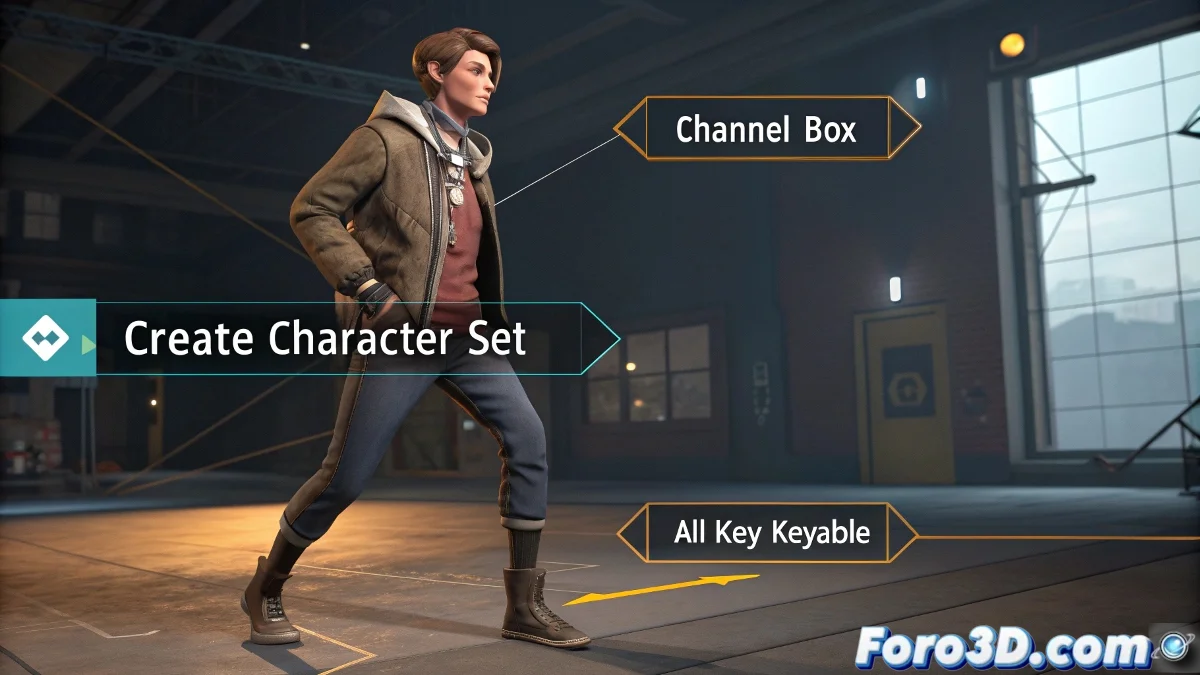
Character Sets in Maya That Won't Ruin Your Poses
Have you ever created a character set in Maya only to discover that when pasting poses your rig turns into animated spaghetti? 🍝 You're not alone. The problem is usually those rebel attributes that Maya decides to ignore when copying animation. But don't worry, there's a solution (and it doesn't involve cursing Autodesk). 😅
The Secret: Well-Tamed Attributes
A character set is not just a simple group of controls, but a list of keyable attributes that Maya must remember. If your poses only work on frame 0, it's because:
- Attributes are missing from the set (like scales or visibility)
- They are not keyed on the correct frames
- Auto-add attributes was disabled
To avoid it, when creating the set, activate Include Sub-Characters and Auto-Add Attributes, as if they were the seatbelt of your animation. 🚗💨
Step-by-Step Guide for Sets That Actually Work
- Select only controls (no geometry or bones)
- Go to Character > Create Character Set with the mentioned options
- Before posing, use Key All Keyable to register all attributes
- When copying/pasting, select Character Set in the timeline
In Maya, a character set without keyable attributes is like a car without wheels: pretty, but it won't take you anywhere.
Common Mistakes (and How to Avoid Them)
These are the reasons your set might be sabotaging you:
- Invisible attributes: Use Channel Control to add visibility if necessary
- Incomplete keyframes: Always use Key All when creating key poses
- Orphaned objects: Verify that all controls are in the set
With these tips, your next character will be able to do pirouettes without turning into a walking glitch. And if something fails, remember: in 3D animation, even errors are... let's say, experimental art. 🎨
Ironic bonus: If this seems complicated to you, wait until you try copying poses between characters with different rigs... that's a real trip to the dark side of Maya. 😈