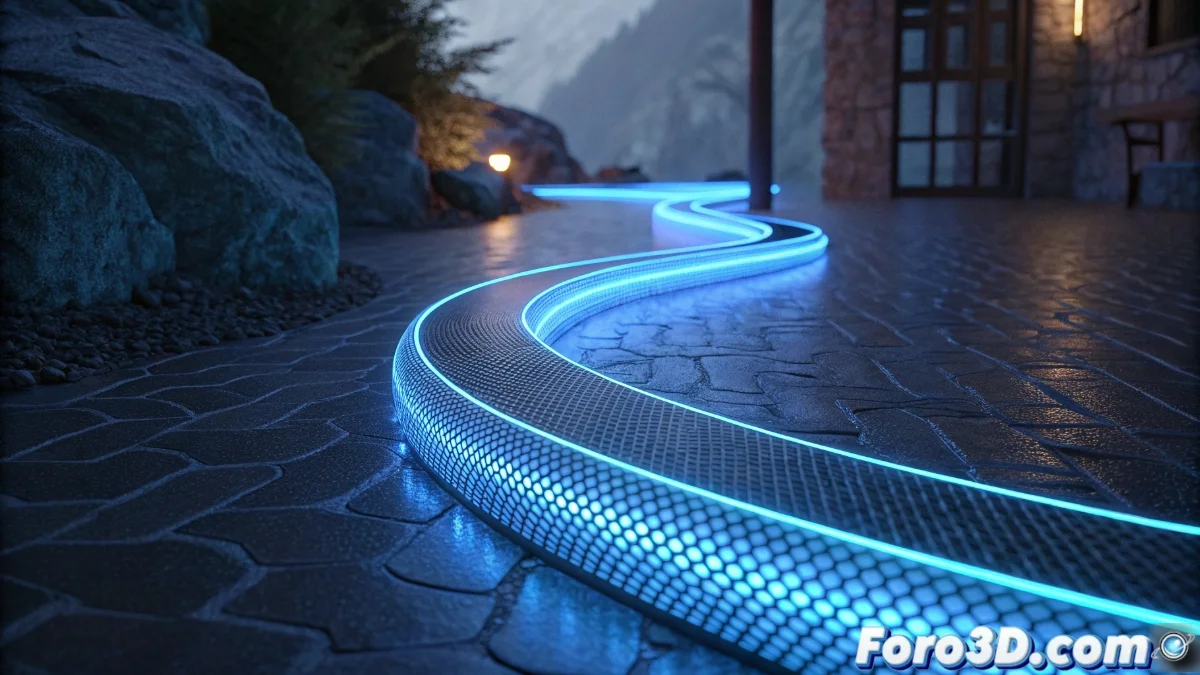
Blender 5 Introduces the Curve to Tube Modifier to Create Tubes from Curves
The new version of Blender incorporates the Curve to Tube modifier, a revolutionary tool that transforms any curve into a parameterizable tubular mesh. Whether for standard cylindrical designs or custom profiles, this addition greatly accelerates the modeling of elongated structures 🌀.
Automatic Generation of Tubular Geometry
The modifier allows for the creation of three-dimensional tubes instantly from simple or complex curves. Users can define the exact diameter and the number of faces of the tube, adapting from low-poly to high-poly models according to the project's needs.
Main Features:- Automatic conversion of curves to tubular meshes with full control over thickness and resolution
- Rounded cap options that eliminate sharp edges at the ends
- Automatic generation of UV coordinates for coherent texturing without manual work
Curve to Tube represents a significant advance in procedural modeling, eliminating the need for tedious manual techniques to create tubes and cables.
Seamless Integration into the Workflow
This modifier combines harmoniously with others like Array or Bevel, allowing the creation of complex structures in a non-destructive way. Simply select any curve and apply the modifier to immediately obtain the desired tubular geometry 🔧.
Pipeline Advantages:- Combination with other modifiers for unlimited results
- Real-time adjustments of tube resolution and profile
- Perfect for organic elements like veins, cables, or architectural decorations
Evolution of Modeling in Blender
Whereas creating tubes previously required laborious manual techniques with each vertex, Blender 5 completely automates this process. Artists can now focus on creative design without losing time on repetitive technical modeling, marking a before and after in workflow efficiency 🎯.