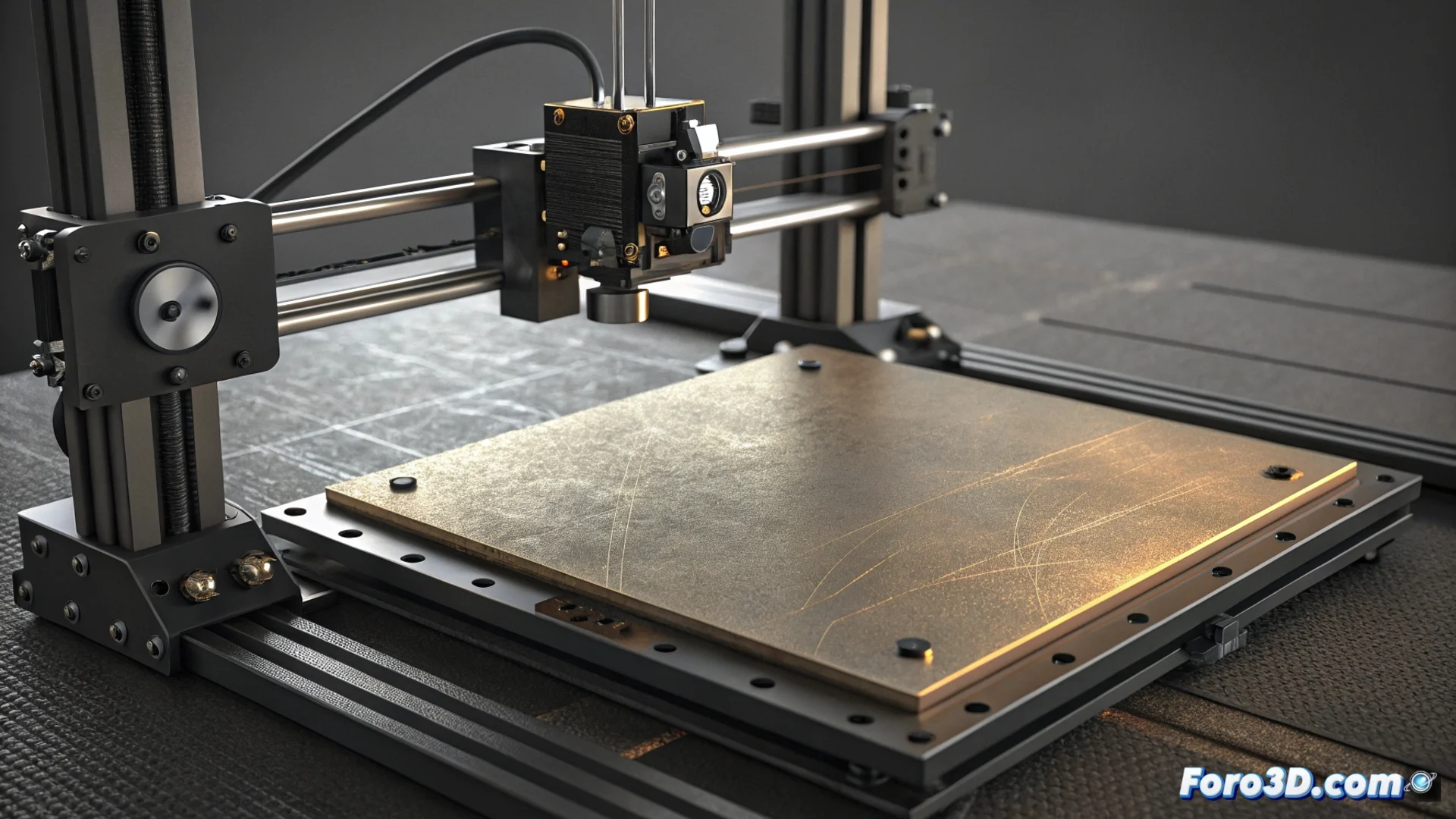
Bambu Lab HMS_0D00-0200 Error: The Print Bed is Worn Out
When the Bambu Lab printer runs its calibration process, the LiDAR scanner meticulously examines the surface of the heated bed. If it identifies severe topographic imperfections, such as dents or deep scratches, it stops the operation and displays the HMS_0D00-0200 error code. This warning indicates that the sheet wear exceeds what the automatic leveling system can compensate for, putting the first layer adhesion at risk and requiring user action. 🛠️
What to Do When the Error Appears
The first thing is to manually inspect the print sheet. It is recommended to remove it from the magnetic bed for better evaluation under good lighting. Look for sunken areas, marks, or scratches that you can feel with your finger. For minor damage, a deep clean with isopropyl alcohol may be sufficient. However, if the defects are deep and tactile, the most reliable solution is to replace the sheet with a new one.
Steps to Resolve the Issue:- Remove and Examine: Take out the magnetic sheet and check both sides under a light angle to see all defects.
- Assess the Damage: Decide if the imperfections are superficial (just dirt) or structural (deep scratches, dents).
- Replace if Necessary: Install an official Bambu Lab replacement sheet, ensuring it is perfectly flat and adhered to the magnetic bed before recalibrating.
The LiDAR system is a meticulous ally; it detects surface problems that the human eye might overlook, ensuring every print starts on an optimal base.
How to Prevent the Error from Reappearing
To extend the lifespan of the sheet and prevent the HMS_0D00-0200 error from reappearing, it is crucial to handle the print surface with care. The way you remove parts and clean the bed makes all the difference.
Recommended Maintenance Practices:- Use the Right Tool: Use a well-sharpened plastic or metal spatula. Always slide it parallel to the surface to avoid scratching when lifting parts.
- Let the Bed Cool: Allow the bed to cool completely when the material permits. Many filaments contract when cooling and release the part on their own, avoiding forced removal.
- Clean Regularly: Frequently wipe with a cloth and isopropyl alcohol to remove adhesive residues, finger grease, or particles that could degrade the surface.
- Visual Checks: Perform periodic visual inspections of the bed. Detecting a small scratch in time can prevent it from becoming a problem that triggers the LiDAR error.
Conclusion: Precision That Demands Perfection
The HMS_0D00-0200 error is a reminder that the LiDAR leveling technology in Bambu Lab printers seeks absolute precision. It cannot compensate for a damaged canvas. Keeping the print sheet in optimal condition is not just a recommendation, but a requirement to fully leverage the potential of these machines. Reacting promptly to this warning, whether by cleaning or replacing, ensures the printer can continue producing high-quality results consistently. ✅