The Classic Ball Rig with Squash and Stretch
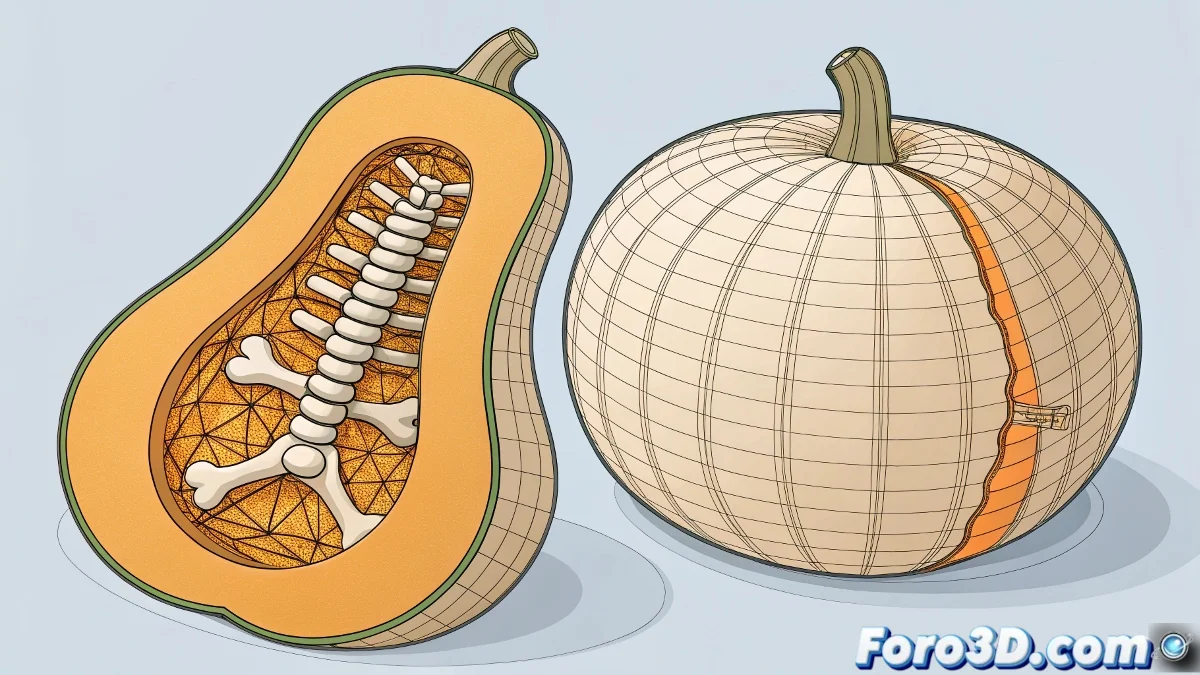
Practicing rigging in 3ds Max usually starts with simple exercises, and the ball with squash and stretch is a favorite 🎾. With a single bone it's easy to control, but adding a second bone allows for more flexibility. The challenge is to make both bones work together: when one stretches, the other must follow automatically.
How to Set It Up
The key is to link the bones' scale using Wire Parameters or Constraints. A recommended workflow is:
- Create the two-bone chain inside the ball
- Apply a Skin modifier to define the influence over the mesh
- Set up the squash on the main bone and use Wire Parameters / Transform / Scale to link the scale with the second bone
This way, when deforming the master bone, the second bone follows automatically, maintaining continuity and realism.
Another popular option in cartoon animation is to use a Stretchy Bone System. With expressions that calculate the distance between controllers, a scale factor is applied to the bone chain, making both bones behave as one, with smooth and natural deformations.
Additional Practical Tips
- If the bones deform strangely or lose volume, activate the Squash and Stretch Controller or centralize the controls in an Attribute Holder.
- To keep the animation fluid in different scenes, always test with simple bounce movements before animating complex sequences. This helps detect scale or deformation issues before they become a headache.
Benefits of This Rig
- Greater Control: Not only stretches, but also allows natural deformations
- Cartoony Animation: Expressive and flexible bounces
- Clean Rig: Easy to maintain and replicate
- Production-Ready: Works well in more complex scenes
Conclusion
A two-bone ball rig in 3ds Max allows exploring squash and stretch in a realistic and controlled way. With the combination of Wire Parameters, Constraints or Stretchy Bone System, and applying workflow tips, you'll achieve expressive and consistent animations. And remember: a little extra bounce sometimes gives personality to your scene 😉.