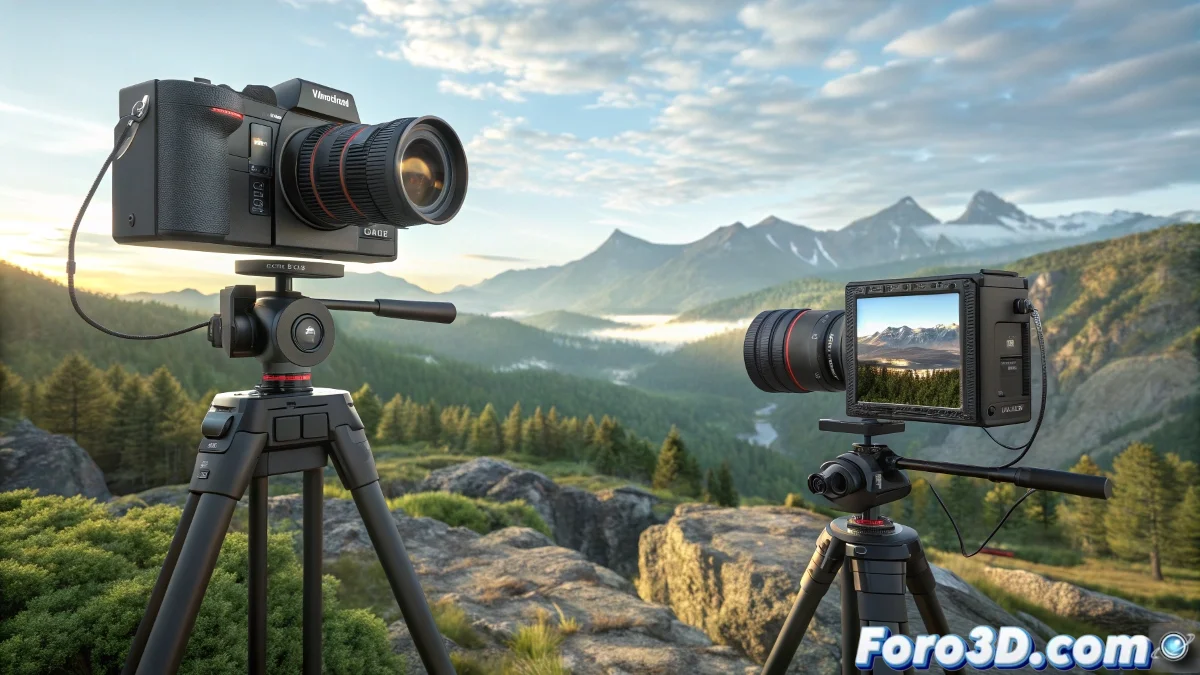
The Art of Projecting 3D Videos on Large Screens
When you watch a video projected on IMAX-style screens and notice that the pixels are shown separated by colors, it's usually stereoscopic 3D content. Formats like S3D (Side by Side 3D) or B3D (Bino 3D) contain two images, one for each eye, packaged so that a 3D projector recreates depth using specific glasses or polarization systems 🎬.
How Stereoscopic Videos Are Created
First, you need to render the scene from two slightly separated cameras, simulating the distance between human eyes. 3D animation programs like Blender, Maya, 3ds Max, or Cinema 4D allow you to set up stereo cameras and render directly in Side by Side (S3D) or anaglyph (RGB) formats.
- Stereoscopic Camera Setup: Simulate the interpupillary distance for each eye
- Side by Side Render (S3D): Two images packaged horizontally
- RGB Anaglyph Render: Combination of color channels for viewing with glasses
- Compatible Export: Formats suitable for IMAX projectors or B3D software
The Role of the Projector and Calibration
The final result depends on the projector calibration and the screen. For B3D files, software like Bino is used to play or convert stereo sequences in real time. The color channel separation observed is inherent to the projector and the technology used, not necessarily to the animation itself.
- Polarization or Active Lenses: Methods to separate images for each eye
- Anaglyph: Combines RGB channels for viewing with special glasses
- Bino Software: Playback or conversion of stereo sequences
- Screen Calibration: Precise adjustments for correct depth
Tips for Professional 3D Content Rendering
- Preliminary Tests: Render small segments to verify camera alignment
- Color Consistency: Avoid differences between the channels of each eye
- Native Formats: Prefer S3D or B3D for professional projection
- Safe Export: Maintain sequences without aggressive compression