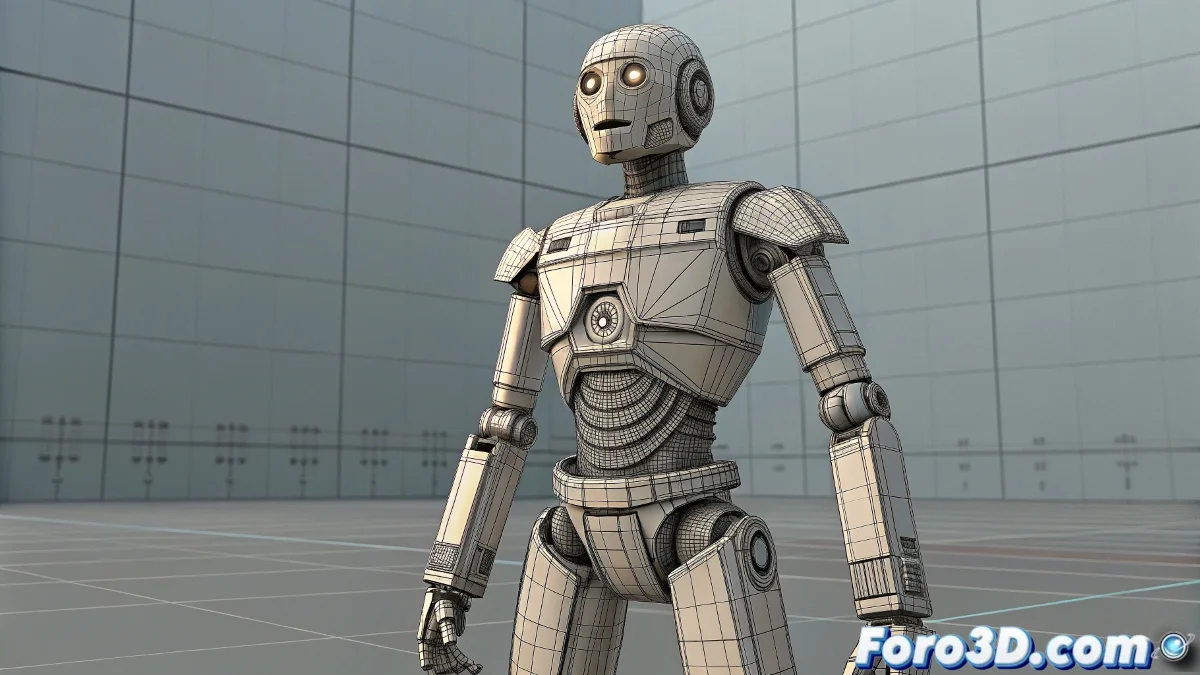
The Challenge of Animating the Inanimate
Animating a model like Optimus Prime, built from cubes and rigid surfaces, presents a unique challenge in Maya: how to make it move without looking like rubber 🧱. The problem lies in using Smooth Bind, the default skinning method designed for skin and muscle, not metal and plates. Smooth Bind smooths influences, causing vertices to stretch between multiple bones, resulting in those unsightly deformations that ruin the illusion of mechanical solidity. The solution requires a more rigid and mechanical approach to rigging.
Rigid Bind: The Solution for Perfect Shapes
For models that shouldn't bend, like robots, vehicles, or armor, Rigid Bind is the right tool. Unlike Smooth Bind, which allows flexible influences, Rigid Bind assigns each vertex of the mesh to a single bone exclusively. This means that when the bone moves, the entire associated geometry piece moves as a solid block, keeping its shape perfectly intact. It's the difference between bending a metal bar (Smooth Bind) and moving a Lego piece (Rigid Bind).
Using Smooth Bind on a robot is like trying to bend a brick; the result will always be disappointing.
Constraints for Absolute Control and No Deformation
For parts that simply need to follow a bone's movement without any deformation—like a cannon on the shoulder or an antenna on the head—Constraints are the cleanest solution. A Parent Constraint or a combination of Point + Orient Constraint links an object's transformation (the rigid piece) to that of a bone. The piece will translate and rotate exactly with the bone, but its geometry will remain completely rigid, as it's not being deformed by a skin but simply moved as a child object in the hierarchy.
Workflow for a Perfectly Articulated Robot
Rigging for mechanical animation requires a modular approach:
- Model Decomposition: mentally separate the model into individual rigid pieces (upper arm, forearm, hand, etc.).
- Skinning with Rigid Bind: apply Rigid Bind to pieces that need to maintain their shape but may deform slightly at joints (though for pure robots, even this is avoided).
- Use of Constraints: for totally rigid pieces, use Parent Constraints to connect them to the nearest bone.
- Group Hierarchy: organize constrained pieces into logical groups for clear animation control.
- Complex Transformations: for a transformation sequence, animate the visibility of pieces or use switch sets to change between modes.
Common Mistakes and How to Avoid Them
The most frequent error is applying the wrong techniques by default. Avoid using Smooth Bind on everything without thinking. Another mistake is not cleaning influences after a Rigid Bind; sometimes, some vertices may remain assigned to the wrong bone, causing a piece to lag behind. Always check weight painting even after a Rigid Bind to ensure clean assignments. For constrained pieces, make sure pivots are correctly aligned for natural rotation.
By adopting this approach, your Optimus Prime will move with the dignity and solidity that an Autobot leader deserves, each piece maintaining its geometric integrity. And if a piece flies off, you can always say it's an emergency ejectable feature 😉.