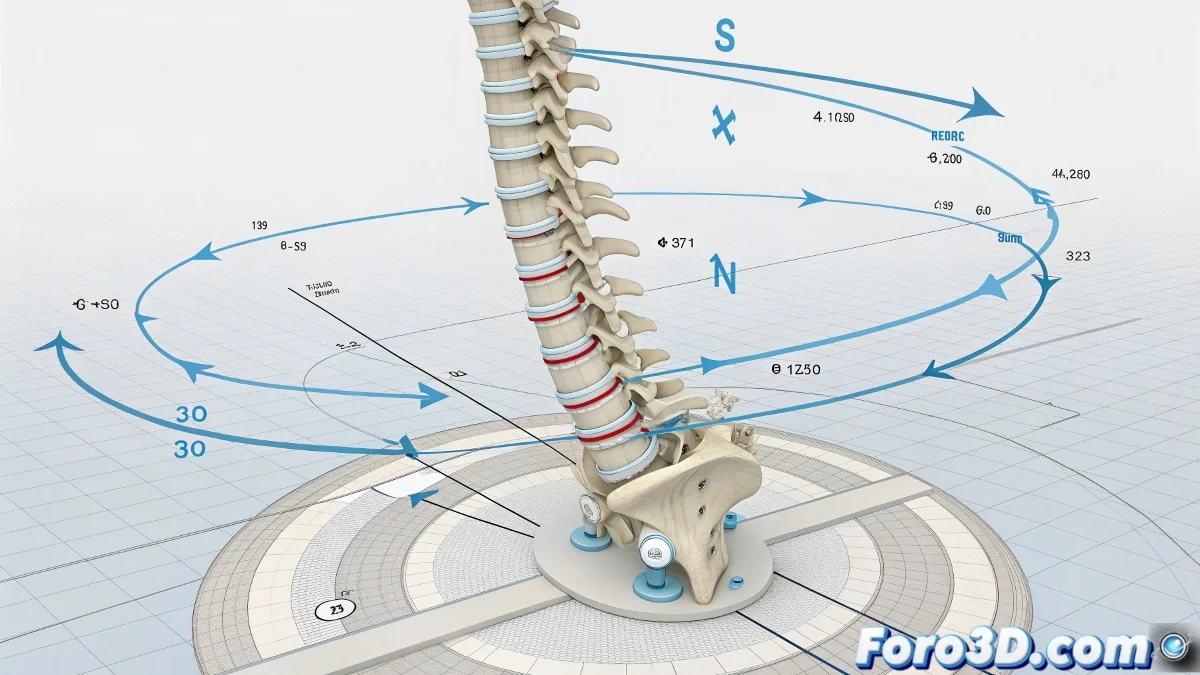
Cycle Problem with Parent Constraint in IK Spline
In Maya, applying a Parent Constraint directly to a joint controlled by an IK Spline Handle can generate cycle warnings, such as Cycle on Top_Spine_Jnt ⚠️. This happens because both systems try to control the same joint at the same time, causing strange rotations.
How to Fix It
Do not apply the constraint directly to the IK Spline joints. Instead, link the object (for example, a Nurbs Circle) to a locator or group outside the IK and apply the Parent Constraint there. Another option is to use Point or Aim Constraints limiting the influence to position only, avoiding unexpected changes in rotation.
A Detail to Keep in Mind
Trying to force constraints on joints already controlled by IK is like pushing a cart with automatic brakes 🛒: you can apply force, but the system will counteract, causing strange movements. Using intermediate locators or groups keeps the rig stable and conflict-free.