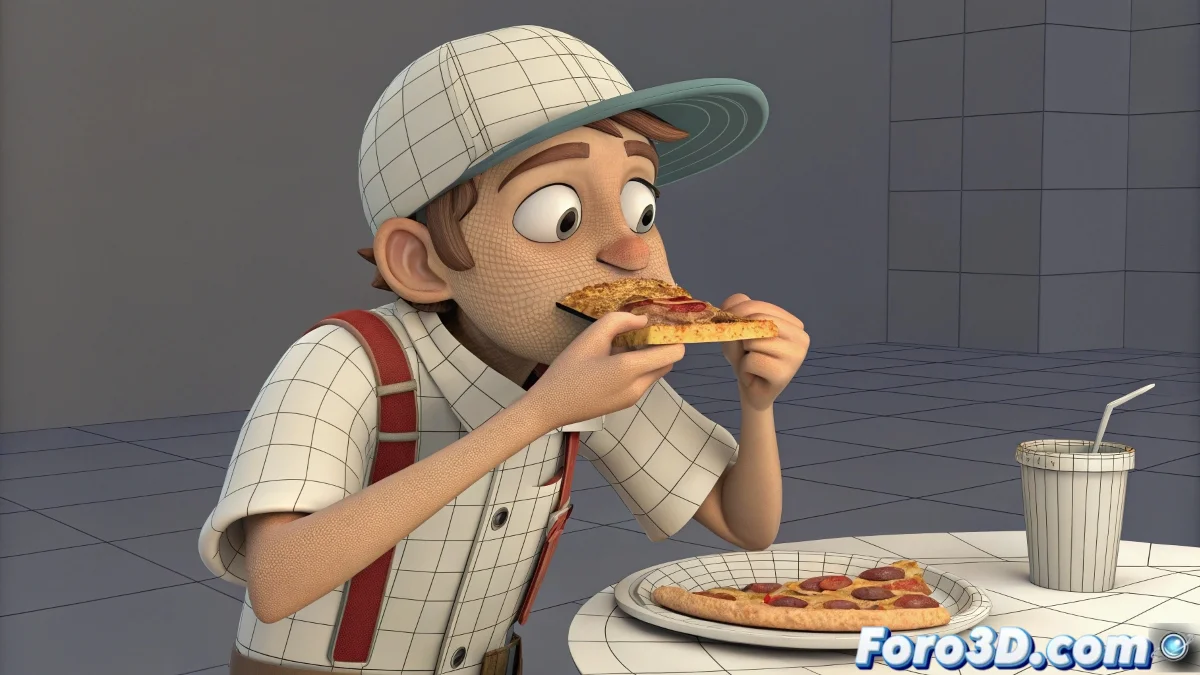
The Digital Culinary Challenge: Animating a Bite
Animating a character eating is one of those challenges that seems simple until you realize you're dealing with laws of physics, mesh deformation, and perfect timing 🍎. In 3ds Max, there is no magic "eat" button that automates the process, so artists must ingeniously combine character animation with object simulation. The goal is to create the illusion that a piece of food detaches in a believable way, synchronized with the character's biting action.
The Manual Choreography of the Perfect Bite
The most direct approach involves meticulously animating the character's movement using a Biped system or FK/IK rigs. The hand must guide the food toward the mouth with natural timing, while the jaw performs the biting motion. For the detachment itself, a common technique is to use an Editable Poly and manually animate the food's vertices, or prepare a morph target that shows the "bitten" state. It's a work of patience, like real-time sculpting 🎨.
Animating a realistic bite is 10% technique and 90% remembering how to eat a cookie without crumbling it.
Letting Physics Do the Dirty Work
For those who prefer a more dynamic and chaotic approach, physics simulation systems like MassFX or Particle Flow are incredible allies. They can be set up to generate a fracture or detach a fragment upon detecting collision with the character's teeth (using triggers or collision detectors). This method is ideal for foods that break or crumble, like a bread bar or a cookie, where unpredictability adds realism 🍞.
Mixing Techniques for the Final Result
The most robust solution is usually a hybrid combination. Manually animate the character's main action for absolute control over the performance, but delegate the food's behavior to a controlled physics simulation. Some best practices include:
- Animation layers: keep the character's animation and the food simulation in separate layers for independent adjustments.
- Proxy geometry: use a simple invisible object as a collider for the mouth and activate the simulation.
- Precise timing: adjust the bite speed to match the exact frame when the simulation activates.
- Practice with simple objects: start with a sphere or cube to fine-tune the fracture setup before using complex models.
Achieving an appetizing digital bite requires careful planning and execution. But when you get it right, the result is so satisfying that you can almost taste it. And if the fragments fly toward the camera, you can always say it was an attempt at cinematic style 😉.