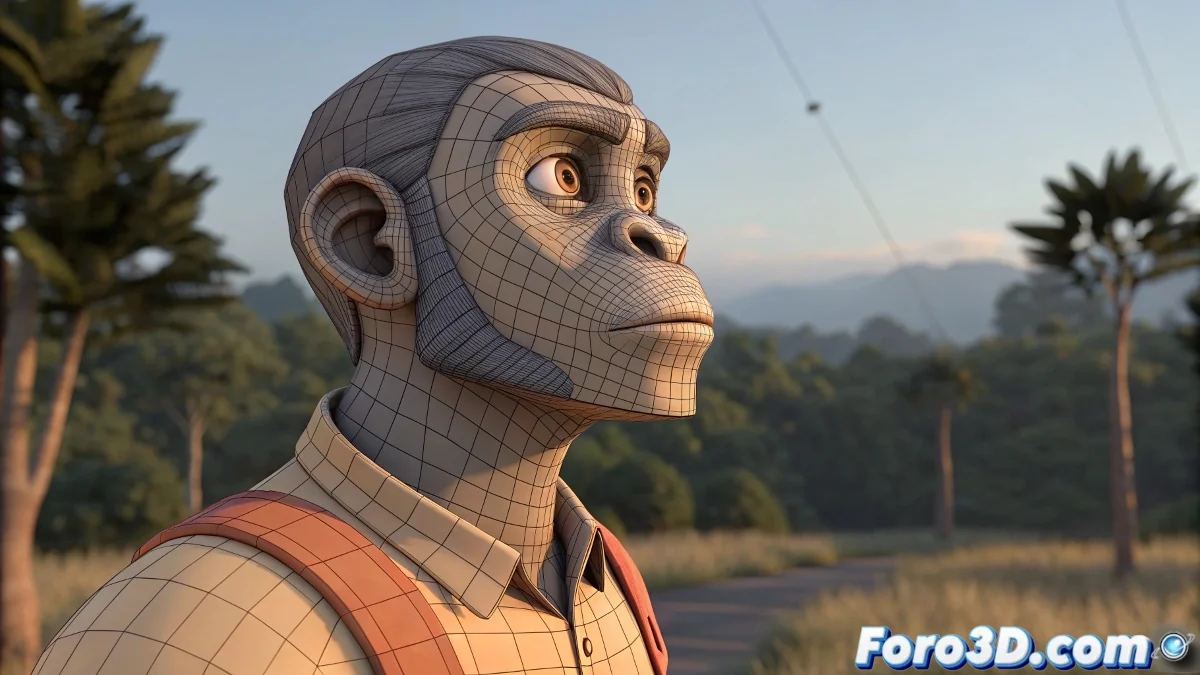
Using Proxy Meshes in Animation
In studios, animating with a low poly mesh is common to speed up the viewport and interaction with the rig. This allows the animator to see the complete action without slowdowns, while keeping all motion information intact.
How It's Done in Blender
What gets replaced is not the rig, but the mesh. The low poly mesh remains visible during animation, and the high poly mesh is activated for rendering. Both meshes are linked to the same Armature Modifier, ensuring the animation is transferred automatically.
Sintel Example
In the production of Sintel, the team used a central rig to which several versions of the character were connected: a proxy for animating, a high poly for rendering, and special meshes for simulations. There was never a need to transfer animation manually.
Professional Production
Large studios follow this workflow in Blender, Maya, or any 3D software. The animation meshes and the render meshes must share the same rig for deformations to work correctly. Maintaining this separation speeds up animation and avoids performance issues 😎.
Remember that if you don't sync the meshes properly, your low poly might dance alone while the high poly watches everything seriously from the render 😅.