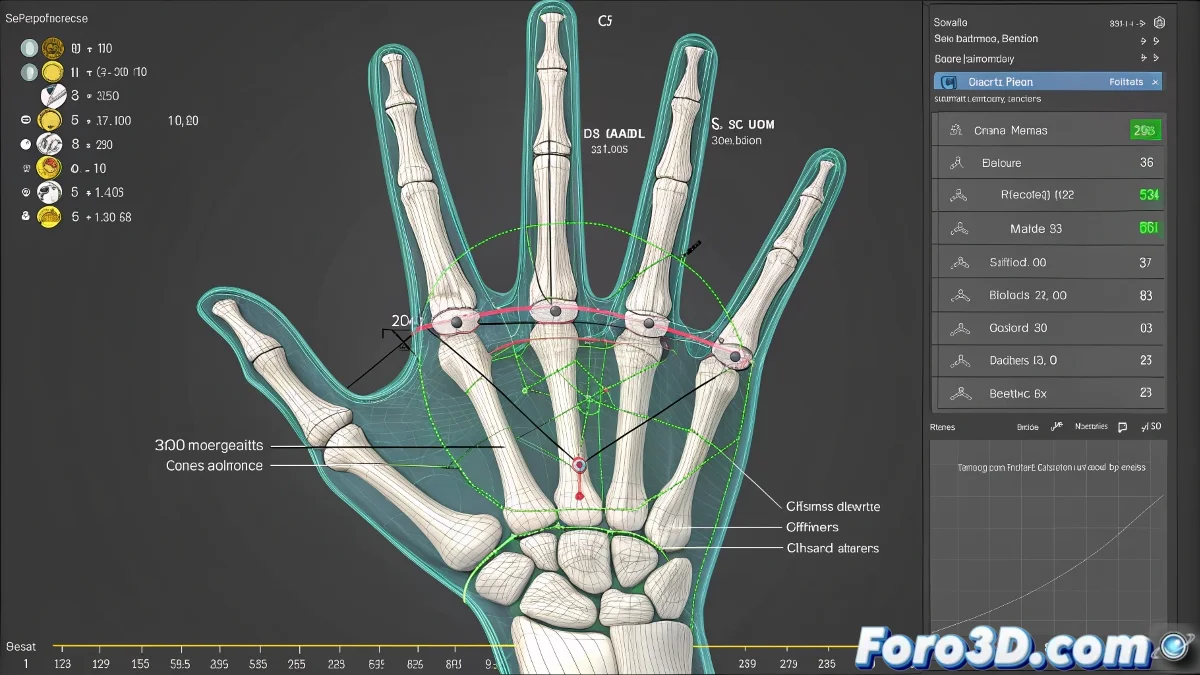
Precise scientific hand rigging in 3ds Max 2025
Need to rig hands with exact anthropometric measurements? Discover the professional workflow to define millimeter bone lengths without compromising skinning, using 3ds Max 2025's advanced tools.
"In biomechanical rigging, a millimeter difference can change the entire anatomy" — Character TD specialized in anatomy
1. Metric environment preparation
Initial setup:
- Set System Units to millimeters
- Use Rescale World Units if the mesh has incorrect scale
- Create reference layer with:
- Orthographic views of medical diagrams
- Percentile 50 measurements (standard)
2. Precise measurement system
Helpers implementation:
| Helper Type | Function | Key Location |
|---|---|---|
| Point Helper | Mark joints | MCP, PIP, DIP, CMC |
| Tape Helper | Measure exact distances | Between phalanges |
| Dummy | Guide rotation plane | Thumb base |
3. Millimeter bone adjustment
Professional workflow with Bone Edit Mode:
- Activate Bone Tools (Animation panel)
- Select bone and enter Edit Mode
- For bones with child:
- Move child joint to Helper with Snap (Vertex/Pivot)
- Use F12 for exact numerical input
- For terminators:
- Adjust endpoint with same method
4. Skin maintenance
Weight protection:
- Before modifying:
- Skin Utilities > Save Skin
- Or export .env
- After adjusting:
- Reload saved weights
- Correct with Weight Tool in critical areas
Key parameters table
| Parameter | Where to adjust it | Typical value (adult hand) |
|---|---|---|
| Phalanx length | Child joint position | Proximal: 40-45mm |
| Bone width | Bone Tools > Width | 6-8mm (base) / 4-5mm (tip) |
| Thumb rotation | Align to guide Dummy | 45° abduction |
Quality checklist
- ✅ Exact measurements: Verified with Tape Helpers
- ✅ Skin intact: Weights saved/reloaded
- ✅ Clean axes: Pivots aligned to anatomical planes
- ✅ No scales: Reset XForm applied
On foro3d you'll find base files with standard anthropometric measurements. Because we've all created those gorilla hands before discovering these techniques. ✋
Advanced troubleshooting
- Deformations on flexion: Add additional twist bones
- Weight loss: Use temporary Skin Wrap as backup
- Incorrect rotation axes: Reorient with Bone Tools > Rotation
- Heavy rig: Convert terminal bones to Dummies
As medical artists say: "Anatomical excellence is in the details that aren't seen... but are noticed when missing". Now go and take your rigging to the professional level. 🩺