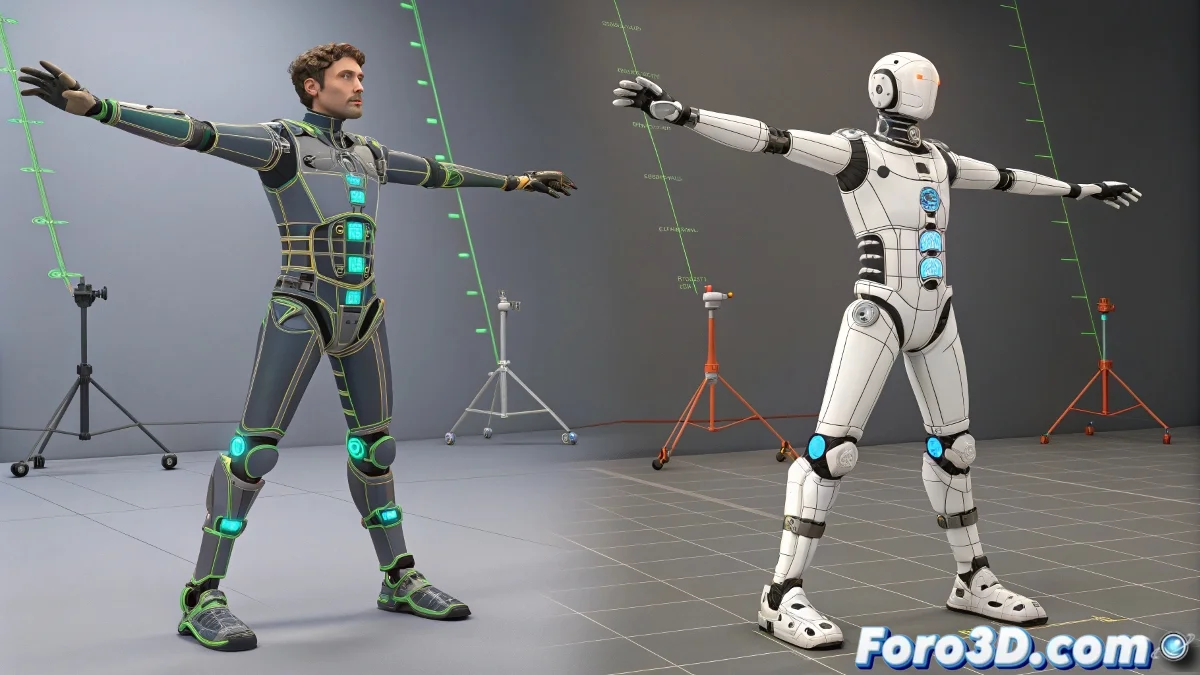
The Problem: Limited Freedom in the Biped's Wrist
If you work with Biped in 3ds Max, you know the wrist is a critical area: it doesn't allow for precise rotations or good control for advanced skinning. This complicates more stylized or anatomical rigs where forearm and palm rotation is crucial.
What Can Be Done?
One solution is to use a hybrid rig: keep the biped for the base animation, but add standard or CAT bones to improve arm control. The trick is to synchronize these systems with techniques like:
- Wire Parameters to link the rotation of the biped's palm with the twist of the custom bones
- Using an Euler controller on a free channel of the biped
- Applying constraints (Position/Orientation) between the biped and the auxiliary arm
The Biped Doesn't Want To... But It Can Be Forced
The problem is that the biped is a closed system: it doesn't allow direct links via Wire Parameters like a common bone would. Sometimes it seems the connection works, but it doesn't affect anything. This is a limitation of the system.
Advanced Solution: Parallel Arm with Helper Bones
A practical alternative is to create a parallel arm with normal bones. This arm copies the biped's animation via constraints or scripts, and serves to:
- Control forearm twist
- Manage deformations with more precision
- Avoid the limitations of the Biped system
You can also use MAXScript to copy the biped's rotation values and apply them frame by frame to the helper bones. It's more technical, but 100% functional.
Moral: Use It, But Carefully
The biped works well for quick animations, but when you need real precision and control, you have to hack it or replace it.
Because yes, the biped is like that colleague who's been in the office for years: he does the basics, but don't ask him to collaborate with the new systems. It's better to create a controlled environment for him... and let him believe he's still in charge.