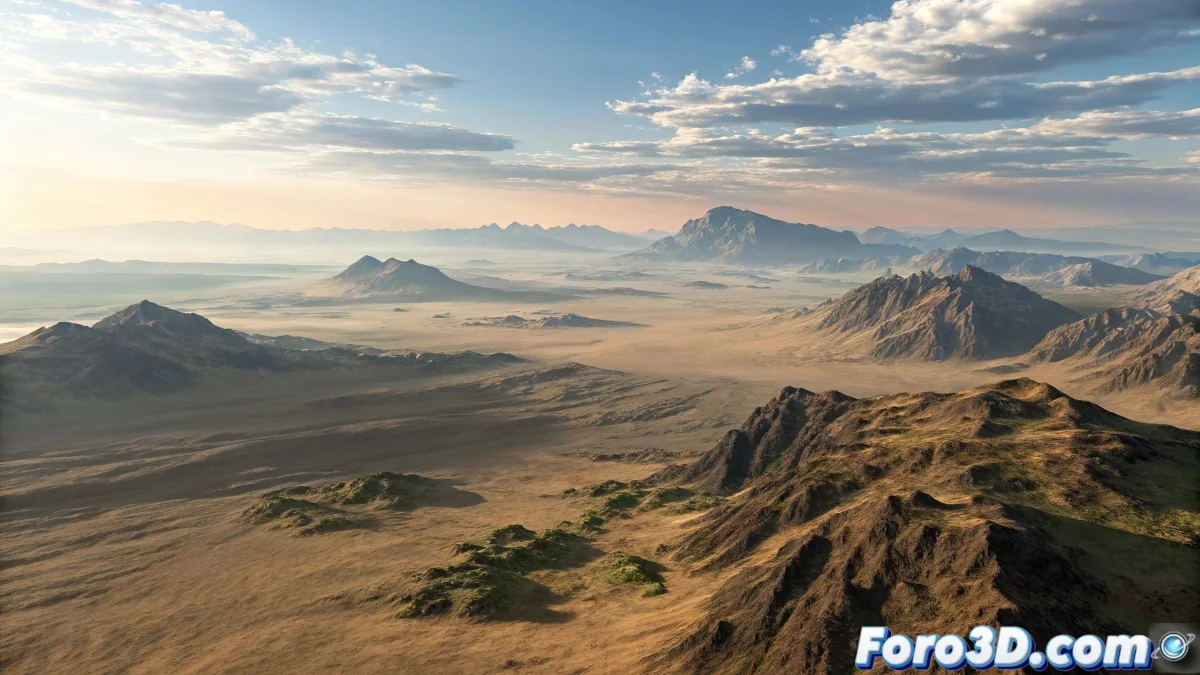
Achieving a Realistic Aerial Horizon in 3D Animations
When working on animations with aerial views, achieving a believable horizon is key to visual immersion. The difficulty usually lies in that fuzzy boundary between the modeled terrain and the distance where everything starts to blend with the atmosphere. In productions made with software like 3ds Max or Blender, it's common to use a combination of geometry, satellite maps, and atmosphere effects to solve this problem.
How the Near and Far Horizon Zones Are Built
The part of the terrain closest to the camera is generally modeled in detail, using digital sculpting or displacement from height maps, especially if you want to add richness to the topography. Programs like Blender with its Geometry Nodes system or 3ds Max with Displace Modifier are quite effective options. This zone usually features materials with high-resolution textures, normals, and ambient occlusion maps to give it realism.
As for the far part, there are several ways to approach it. The quickest (and quite common) is to use a Vray Plane or an infinite ground plane if you're in engines like Corona or Arnold. On this plane, a satellite texture is projected, for example using images from Google Earth or resources from Quixel Megascans, applied with a material that has some blur and loss of detail due to distance. If you're looking for a more artistic or cinematic result, you can even project a matte painting onto a sphere or dome around the scene.
How to Achieve the Elevation Effect Near the Horizon
That slight lift or curvature you notice near the horizon is a widely used visual trick to give a sense of depth and scale. It is achieved in different ways:
- Modeling a very wide geometry but with a slight elevation on the outer edge.
- Using a very subtle displacement on the Vray Plane or equivalent.
- Applying a gradient ramp or a height map in the peripheral zone.
This type of technique helps make the horizon look neither flat nor artificial, while also smoothing the transition between the modeled and the painted or projected elements.
A Detail You Shouldn't Forget
No matter which method you choose, the secret is to correctly integrate the color and lighting of the far zone with the overall atmosphere of the scene. A good balance of haze, scattering, and color correction will do wonders. And please, avoid falling into the classic mistake of using a misaligned HDRI... we don't want your horizon to end up looking like the landing strip from a 90s video game 🎮.