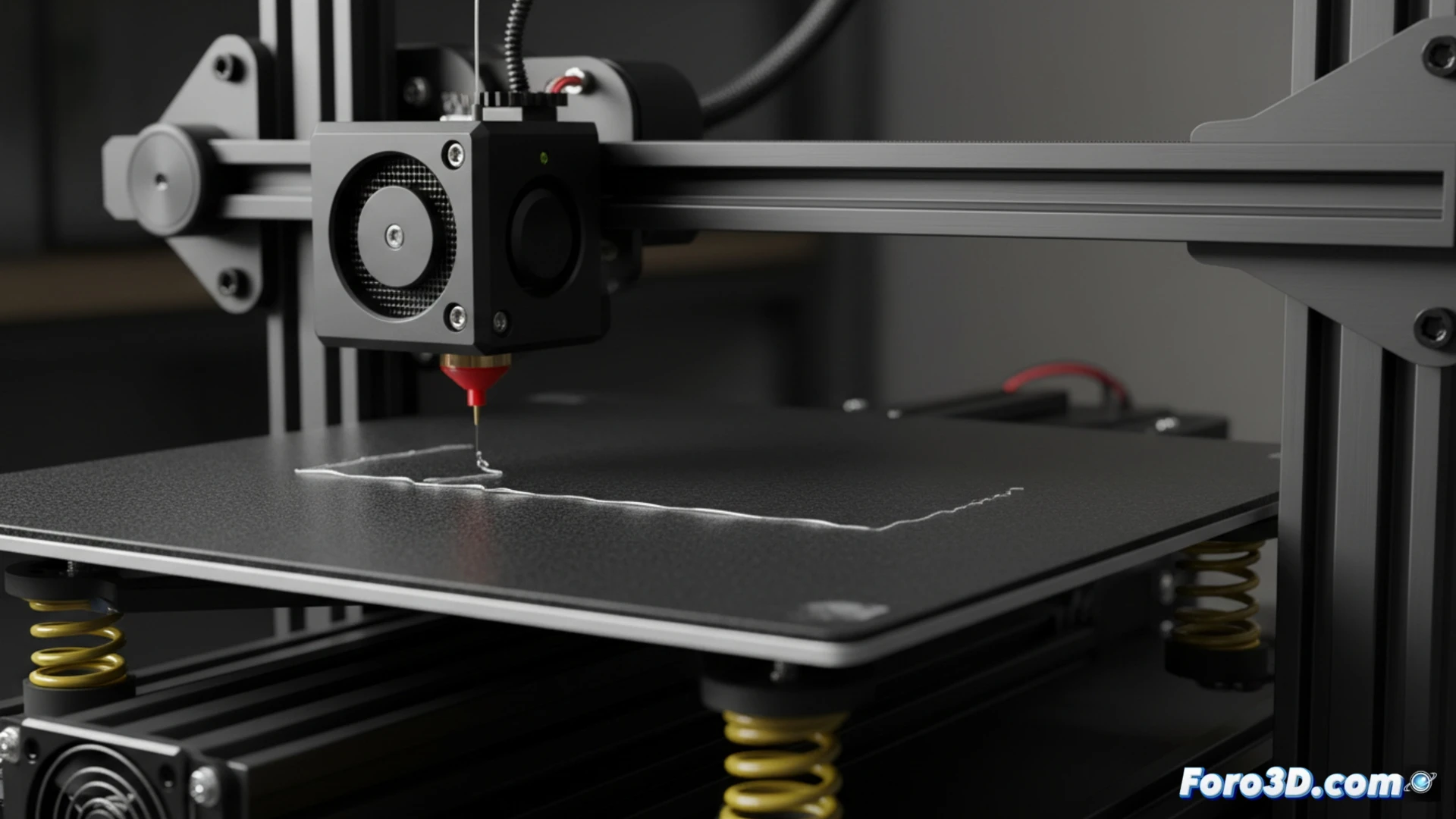
Troubleshooting Bed Leveling Issues on the Ender 3 Pro with BLTouch
If your Ender 3 Pro printer starts having a defective first layer, it's very likely that you need to check the bed leveling. Automating this task with a BLTouch sensor is an effective solution, although it involves preparing both the hardware and the firmware. First and foremost, it's essential that the surface is as level as possible manually and that you verify the tension of the belts and the straightness of the axes. 🛠️
Prepare the Firmware to Integrate the BLTouch
For the sensor to work, you must compile a custom version of Marlin. Get the source code from the official repository and modify the configuration file. It is necessary to enable the automatic leveling function and define the correct control pins for your board model. Then, use an environment like PlatformIO or Arduino IDE to process the code and load it into the printer's memory.
Key steps to compile:- Download the stable version of Marlin from its official source.
- Edit the Configuration.h file to enable AUTO_BED_LEVELING_BILINEAR and assign the sensor pins.
- Use PlatformIO to compile and transfer the new firmware to the Ender 3 Pro controller.
The magic of 3D printing sometimes lies in overcoming the challenges that the machine itself poses; it's part of the learning process.
Run and Use Automatic Calibration
With the sensor installed and the software updated, you can proceed to calibrate the bed. From the printer's screen, start the auto-leveling sequence. The BLTouch will measure multiple points to generate a compensation map of the irregularities. Don't forget to save this data in the EEPROM. To apply this correction in each job, add the G29 command in the start G-code within your slicing software.
Post-installation checklist:- Perform the auto-leveling process from the printer's menu.
- Save the compensation mesh in permanent memory (EEPROM).
- Include the G29 command in the slicer's start script to use the mesh in each print.
Conclusion on Automation
Implementing a BLTouch on the Ender 3 Pro greatly simplifies maintaining a perfect first layer. The process requires attention to detail when configuring the firmware and calibrating, but the result is a more consistent printer and less prone to failures due to uneven leveling. Mastering these adjustments is key to obtaining reliable prints. ✅