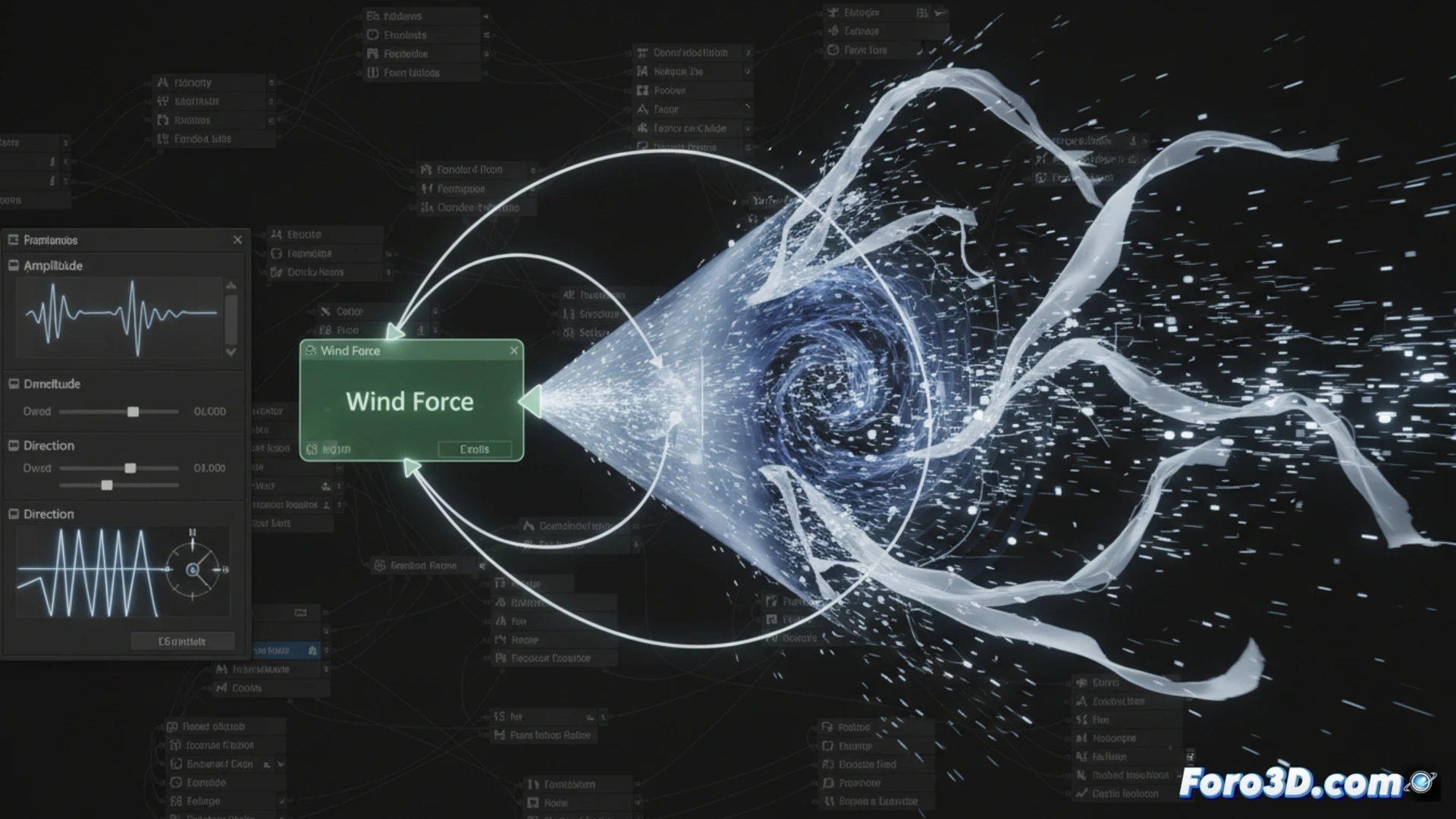
Simulate Wind Gusts in Houdini with Dynamic Forces
Generating wind with realistic gusts in Houdini requires altering the forces over time within a dynamic context. Instead of applying a constant push, the magnitude and vector of the force are modified to mimic the unpredictable nature of real wind, affecting particle systems, cloths, or fluids. 🌬️
Set Up the Base Variable Force
The main method involves using the Wind Force node within a DOP network, either for POP or Vellum. The key is not to leave its parameters static. To break the uniformity, a node like Attribute Noise is connected or time is manipulated with Time Shift to vary how the force is applied in each frame.
Essential Components to Get Started:- Wind Force Node: It is the main source of the force that will be applied to the simulation.
- Noise Node: It is used to generate a variable signal that controls the amplitude (force) of the wind.
- Connection in DOP Network: Integrate these elements within the correct dynamic context so they affect the simulation.
A constant wind is predictable and monotonous; wind with gusts keeps the simulation on edge with its changing nature.
Control Intensity with Noise Patterns
To make the wind power rise and fall organically, the Amplitude parameter is animated using a noise pattern. A fractal noise function, such as Turbulent Noise, can be processed through a Channel Wrangle or a Parameter VOP. By adjusting the frequency and temporal displacement of the noise, variations are produced ranging from light gusts to intense winds. 🌀
Steps to Modify Intensity:- Generate a fractal noise signal and map its output to the wind's amplitude channel.
- Adjust the noise frequency to define whether the changes are fast (short gusts) or slow (prolonged gusts).
- Animate the noise offset over time so the pattern does not repeat and is unpredictable.
Vary the Wind Direction
Making the wind change direction adds another layer of realism. This is achieved by modifying the Direction field of the force node. A common technique is to build a vector from several independent noise channels (one for each X, Y, Z axis), normalize it, and then multiply it by the variable intensity already calculated. Integrating this system into a SOP Solver within the DOP simulation allows the gusty wind to interact with deforming geometry, updating the force at each time step. 💨