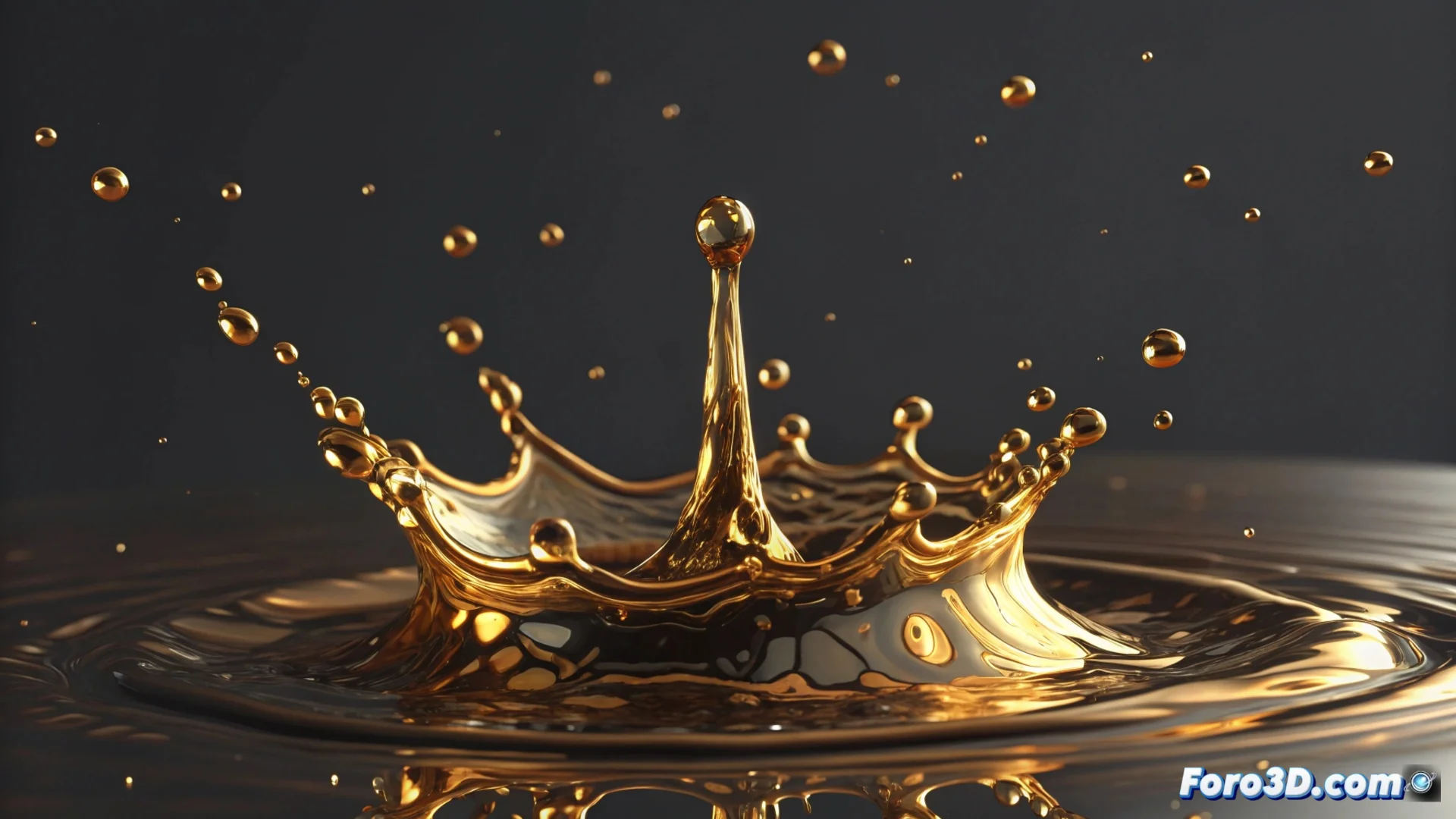
Simulate Liquid Metal in 3ds Max: Methods and Materials
Creating the appearance of molten metal in 3ds Max requires combining particle simulation techniques with advanced shaders. This process allows generating everything from droplets to complete streams with convincing metallic shine. 🧪
Generate the Base Fluid Geometry
The first step is to build the liquid's shape. For this, particle systems are fundamental. You can use the classic PFlow or the more current Particle Flow. Here, the Shape Instance operator is key to defining the shape of each particle. Subsequently, the Mesher modifier is applied to convert the entire set of particles into a single solid and manipulable mesh, laying the foundation for the animation.
Particle Workflow:- Set up an event in Particle Flow to emit the particles.
- Use Shape Instance to give them a base geometry (like a small sphere).
- Apply the Mesher modifier to a helper object to create a unified mesh from the particles.
Patience is essential; the first results may resemble melted cheese, but by adjusting the parameters, the desired mercury or liquid metal effect is achieved.
Apply Materials for Realistic Shine
The molten metal appearance is achieved almost entirely with materials. It is necessary to use shaders with high reflectivity. Arch & Design or Physical Material materials are excellent options. Configure them with a metallic diffuse color and maximize the specular reflection values for intense and sharp shine. To simulate surface turbulence, slightly animate a Noise map in the Bump channel or directly in the reflection channel. 🔮
Key Material Configuration:- Select Physical Material and set the type to "Metal".
- Adjust reflectivity to maximum and the color to a golden, silver, or copper tone.
- Animate the phase parameter in a Noise map applied to the Bump channel to create surface movement.
Animate the Flow and Viscosity
To bring the metal to life, its movement must be animated credibly. Within Particle Flow, space forces like Gravity and Wind are added to direct the flow. The Force operator allows controlling viscosity, determining whether the fluid is thick or light. On the mesh generated by the Mesher, modifiers like Morpher or Soft Selection can be used to deform the geometry and create more organic dripping, melting, or splashing effects. 💧
Mastering these elements—particle geometry, reflective materials, and animation forces—will allow you to simulate liquid metal with a high degree of realism in 3ds Max. The final result depends on finely adjusting the interaction between all these systems.