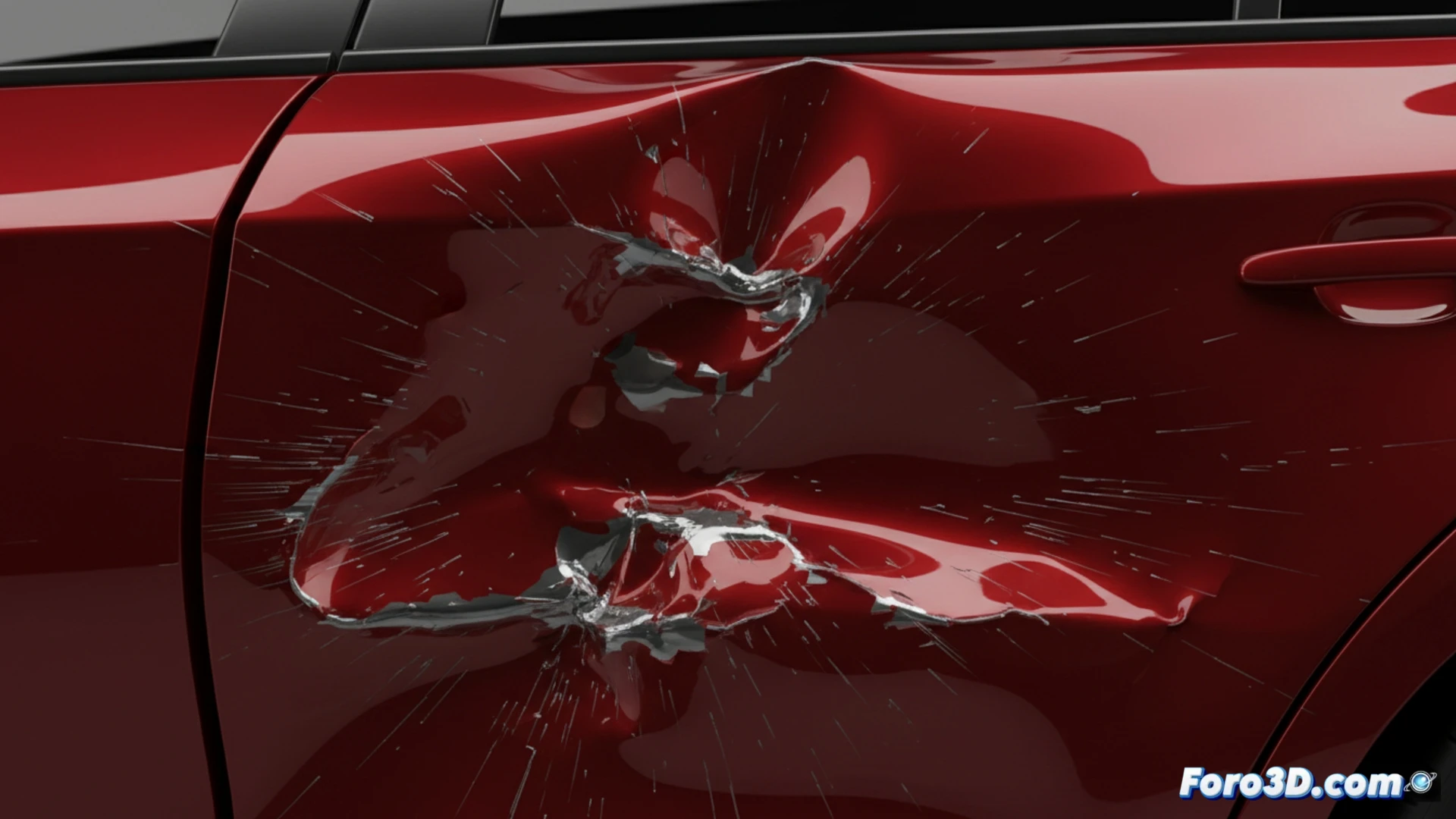
Simulate Dents and Impact Damage in Blender
Creating the effect of a hit or collision on a 3D model is a common task in visual effects. Blender provides a versatile set of tools for deforming surfaces and generating convincing damage, either through direct physical simulation or more manual artistic control methods. 🛠️
Use the Mesh as a Deformation Stamp
A practical approach is to use the geometry of the impacting object to directly mark the receiving surface. Animate the striking element to penetrate the target model. Then, on the latter, add a Shrinkwrap modifier configured to project the mesh onto the impacting object. This action will stretch and sink the vertices, creating an exact imprint that you can smooth or detail later with Sculpting tools.
Key steps for this technique:- Animate the collision trajectory of the active object.
- Apply the Shrinkwrap modifier to the passive model, using projection mode.
- Refine the result with sculpting brushes like Smooth or Draw/Push.
The precision of the dent directly depends on the resolution of the target mesh and the impact animation.
Create Deterioration Patterns with Shaders
For extensive damage or more stylized control, working with textures and nodes is ideal. You can manually paint displacement maps or leverage procedural generators. In the Shader Editor, combine Noise nodes, Voronoi Texture, and Mapping to automatically produce crack and dent patterns. Adjusting parameters like scale, detail, and intensity allows you to define the size and depth of the marks. 🎨
Advantages of the procedural method:- Does not depend on physical simulation, saving processing time.
- Offers non-destructive and easy-to-adjust control.
- Allows generating complex and organic variations quickly.
Final Considerations
Combining techniques usually yields the best results: use a basic rigid body simulation for the main collision animation and then add fine details with displacement maps or sculpting touch-ups. Remember that scene complexity can affect performance, so optimize geometry and textures as needed to maintain an agile workflow. ⚡