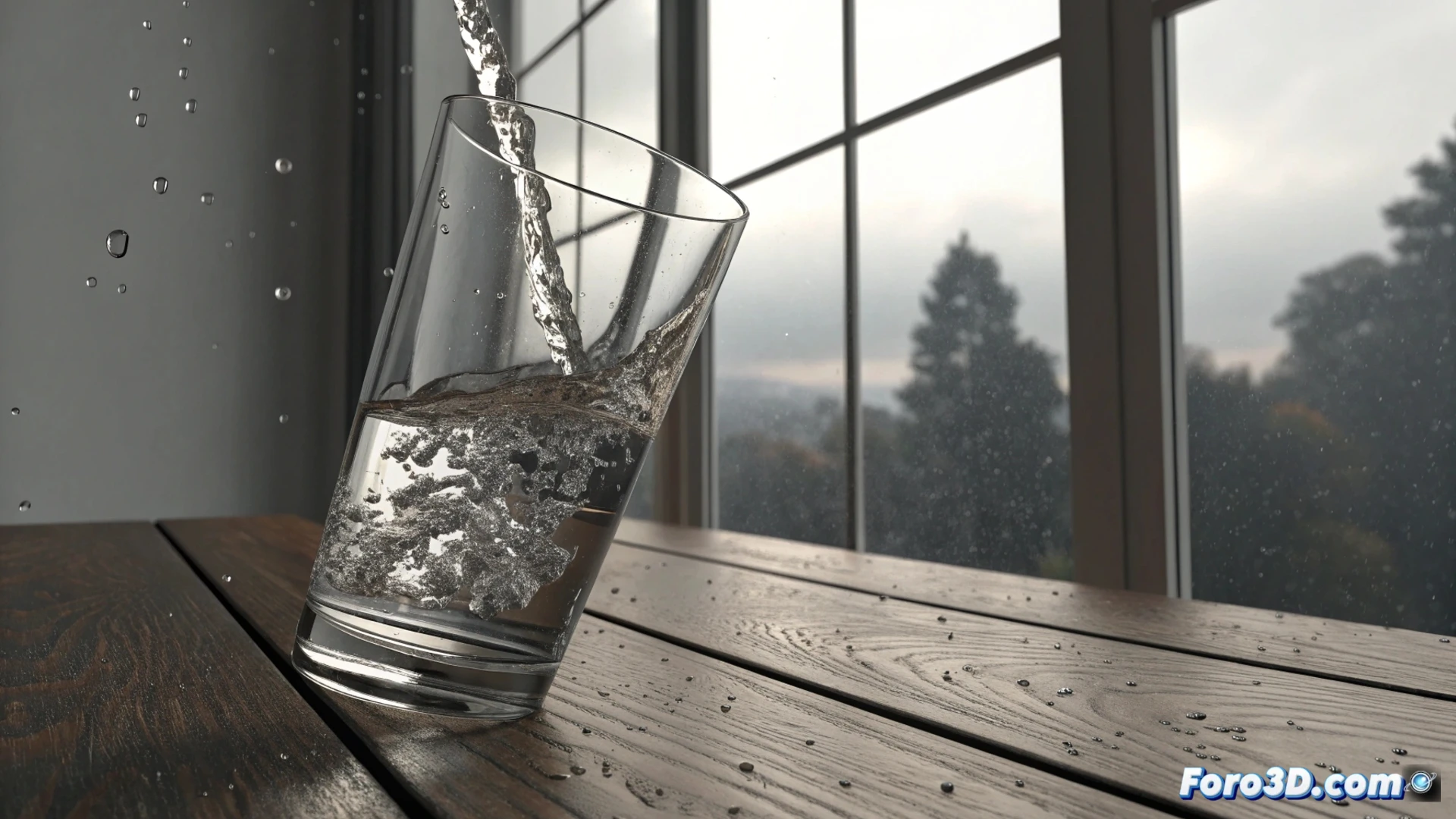
Simulate Water Tilting in a Glass Using Blender
Creating the illusion of a liquid moving inside a tilting container is a common visual effect. In Blender, you can achieve this effectively using the fluid mesh system, which offers great realism. This method surpasses particles in quality for simulating liquids. 🥤
Prepare the Scene and Objects
The first step is to model your glass. This will act as the object that contains and guides the fluid. Then, you need to create a domain that completely envelops the glass; this will be the volume where the simulation is calculated. Inside it, define an object with the shape of the still water and assign it as flow.
Key elements to set up:- Glass: Object marked as Collider in the physics properties.
- Water volume: Object designated as Flow, with the type set to Liquid.
- Domain: The general container of the simulation, where the mesh resolution is defined to control the final detail.
A higher mesh resolution delivers more precise results, but the processing time increases considerably.
Adjust and Bake the Simulation
With the objects defined, it's time to animate. Apply a rotation to the collider glass to simulate the tilting action. Verify that the domain is wide enough to capture all the water movement. Then, go to the domain properties and press the button to bake the simulation. 🔥
Important parameters to consider:- Resolution: Determines the level of detail on the liquid surface.
- Viscosity: Adjust this value in the domain panel so the water behaves more densely or more fluidly.
- Domain size: Crucial to prevent the liquid from escaping the calculation boundaries.
Final Tips for the Process
Calculating a high-resolution fluid simulation requires patience. The processing time can be extensive, similar to waiting for a pot to boil, but without a clear signal of when it will finish. Plan ahead and test with low resolutions before committing to the final calculation. Optimizing these parameters is key to an efficient workflow. 💡