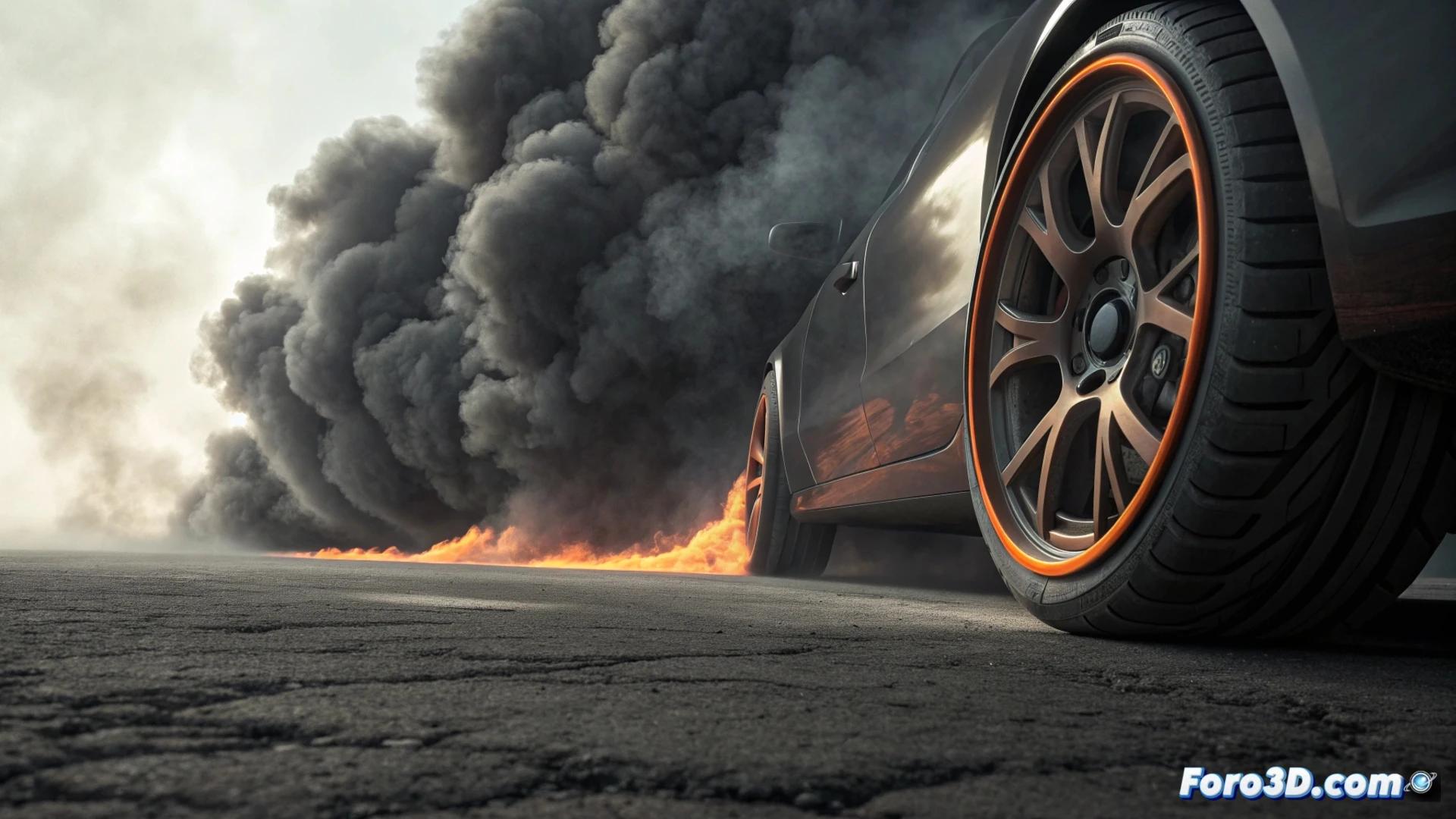
Simulating Tire Burnout Smoke in Blender
Creating the effect of a burning tire generating smoke in Blender requires using dynamic simulation tools. You can choose between the particle system or the Mantaflow fluid engine to handle this phenomenon. The process begins with a basic tire model, identifying the area that will emit the smoke, such as the contact surface. 🔥
Prepare the Scene and Activate the Simulation
Once you have your object, go to the physics properties to enable a smoke domain that contains the scene. Then, add a flow emitter in the area of the tire you want to appear to be burning. The initial values of temperature, density, and velocity in the emitter are fundamental to defining how the smoke column will behave from the first frame.
Key Steps for Emission:- Model the tire and identify the combustion region.
- Activate the smoke domain and configure its resolution.
- Place and adjust the flow emitter with initial physical parameters.
The secret to believable smoke lies in carefully adjusting the interaction between temperature, which makes it rise, and density, which determines its visual weight.
Control the Smoke Movement and Appearance
To prevent the smoke from rising in a perfectly straight and artificial manner, incorporate force fields. A bit of wind or turbulence helps direct the column and break its uniformity, adding realism. Additionally, you can use the weight painting tool on the domain to control where the smoke accumulates more, thus simulating soot stains and rubber residue from burning. 💨
Options to Refine the Simulation:- Apply wind or turbulence forces to the domain.
- Paint density weights for specific accumulation areas.
- Adjust smoke dissipation and diffusion over time.
Materials and Final Rendering Process
The visual appearance of the smoke is defined in the node editor. Use a Principled Volume shader for the domain material. Modify the color towards dark grays and brown tones to imitate burnt rubber soot. Increasing the anisotropy value in the shader helps the light scatter in a more natural and believable way. Before rendering, it is crucial to bake the simulation to preview the full movement and make adjustments.
For the final render, especially if using Cycles, set high sampling for the volumes. This significantly reduces noise in the smoke appearance, although it increases image processing time. Keep in mind that simulating and rendering detailed smoke is a task that demands a lot of resources from your equipment. ⚙️