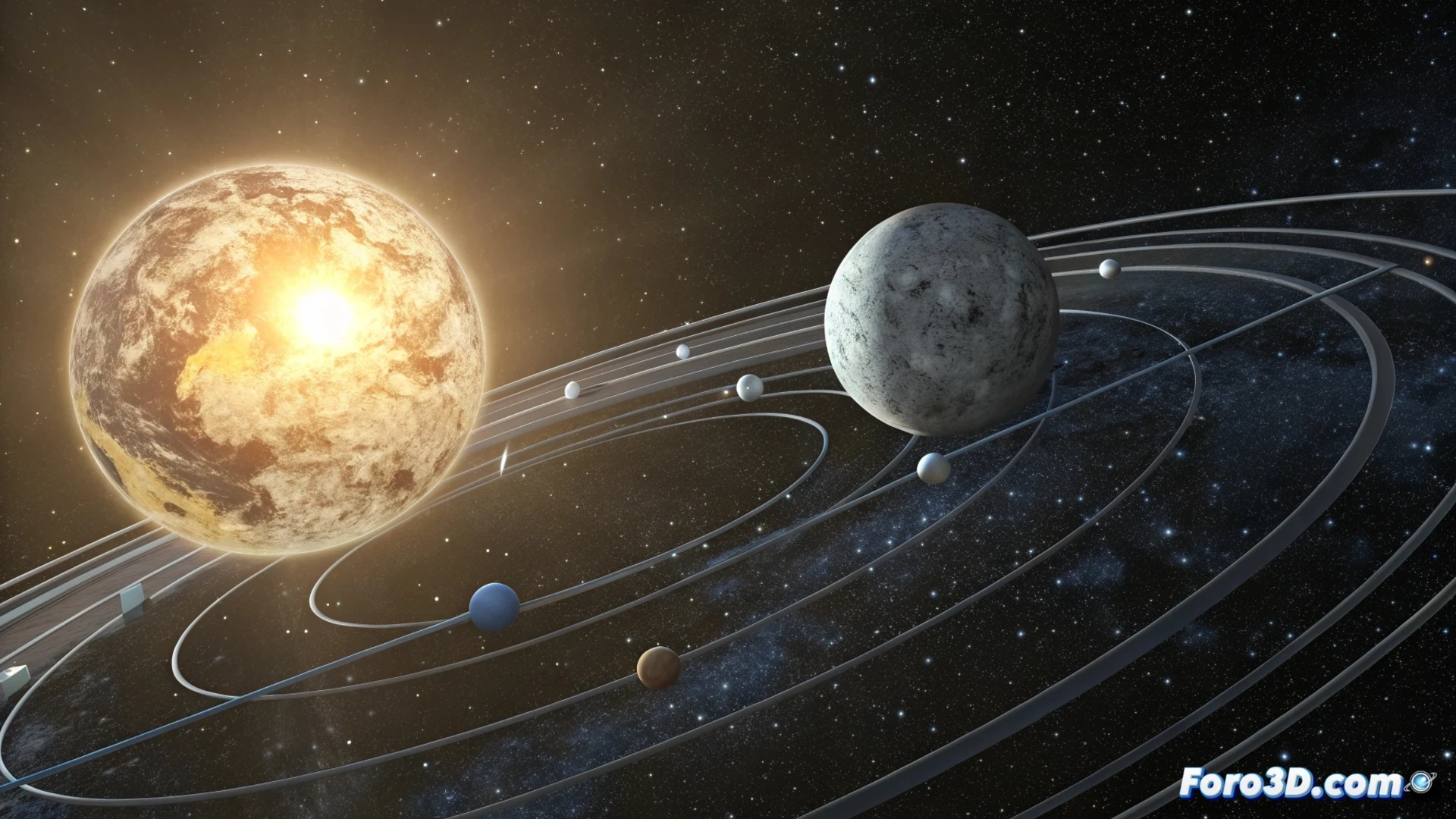
Simulate the Earth-Moon-Sun System in 3ds Max with Paths
Creating a realistic animation of the solar system in 3ds Max involves simulating complex orbital movements. To start, you can use a circular spline as a base path and apply a Path Constraint to the Earth. This generates its basic translation around the Sun. The challenge increases when adding the Moon, which must rotate around our planet while it moves. 🪐
Structure the Movement with Helper Objects
The key to solving the lunar orbit problem lies in building a control hierarchy. You cannot assign two direct paths to a single object. Instead, use helpers (auxiliary points) as intermediaries to combine the movements.
Steps to set up the hierarchy:- First helper (Earth orbit): Create a helper point and link it to the main spline (Earth's orbit around the Sun) using Path Constraint.
- Link the Earth: Make the Earth a child of this first helper. This way, it inherits its translation movement.
- Second helper (lunar orbit): Generate another helper and make it a direct child of the Earth. Assign to this helper a Path Constraint that follows a second, smaller circular spline, representing the Moon's orbit.
- Link the Moon: Finally, make the Moon a child of the second helper. This gives it its own movement around the Earth.
This parent-child structure allows the lunar helper to inherit the Earth's translation movement. At the same time, its local Path Constraint allows it to describe its own orbit.
Adjust and Synchronize the Animations
With the hierarchy established, the next step is to refine the movement. You must enter the parameters of each Path Constraint controller to modify the speed. Adjust these values so that the orbital periods (the time it takes each body to complete a revolution) are proportional and create a coordinated simulation.
Important considerations:- Speeds: The speed values in the Path Constraints determine the synchronization. Experiment until you achieve a visually believable rhythm.
- Artistic scale: Remember that real distances and speeds are immense. Your animation will likely represent a stylized version and not an exact scientific replica.
- Control: By having separate helpers, you can animate or modify each orbit independently without breaking the whole.
Conclusion for an Effective Animation
Mastering the use of splines, the Path Constraint controller, and helper hierarchies is fundamental for animating complex systems like the Earth-Moon-Sun in 3ds Max. This method provides total control over each element, allowing you to simulate orbital interactions in a clear and efficient way. The final result will be a dynamic and well-structured animation of these celestial bodies. 🚀