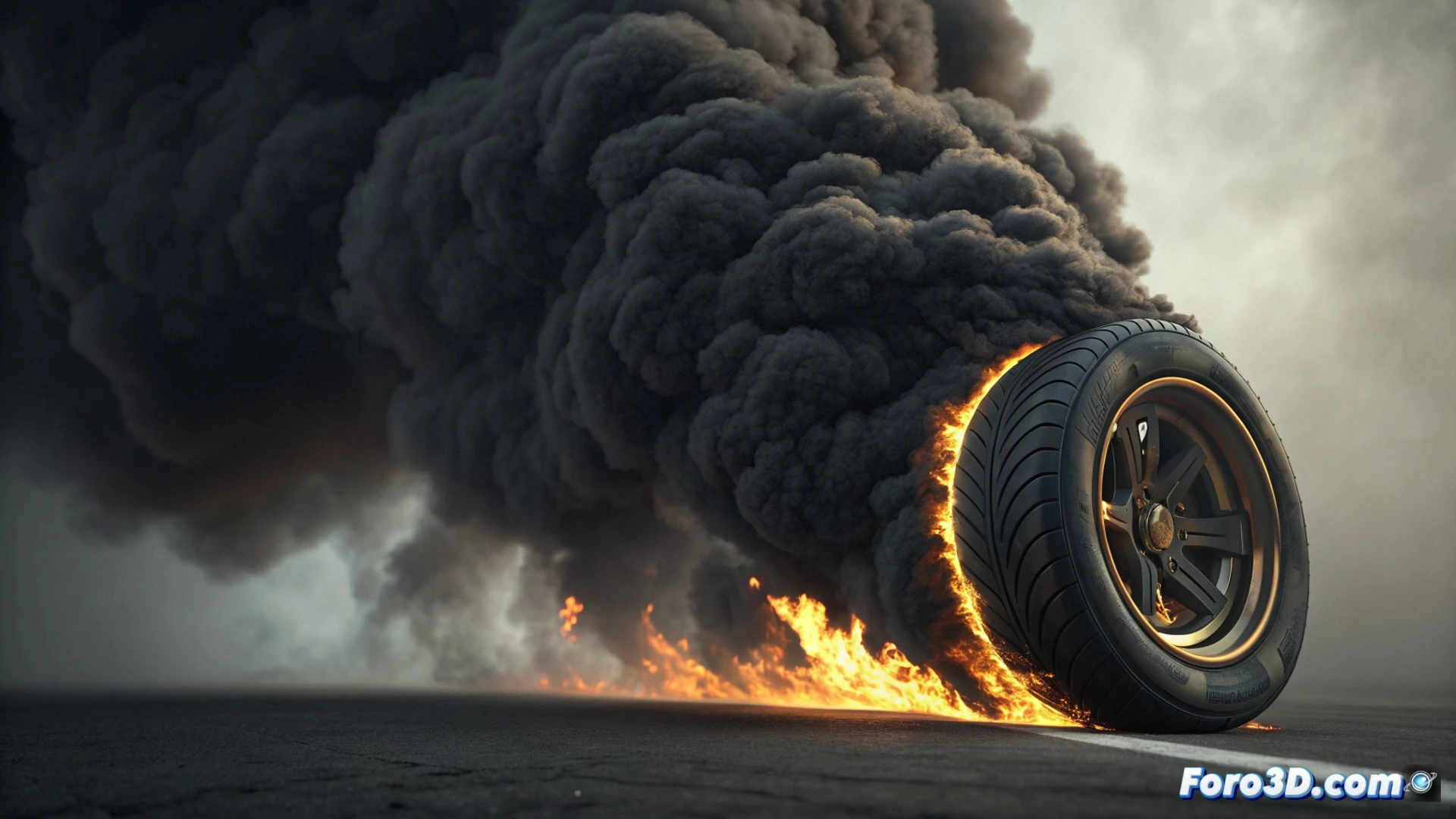
Simulate Tire Burning Smoke in Houdini
Creating the visual effect of a burning car tire requires simulating dense, black smoke that rises in a believable way. In Houdini, this process relies on using volume systems and the Pyro engine to control the physical behavior of the smoke. 🚗🔥
Prepare the Emission Source
The first step is to define where the smoke comes from. Use the tire geometry as a base and generate a volume source from its surface, especially in the areas where the rubber disintegrates. Here it is crucial to control the initial attributes that will feed the simulation.
Key Source Parameters:- Density: Defines how much smoke is generated. For burning rubber, use high values for a thick volume.
- Temperature: Adds heat so that the smoke begins to rise naturally.
- Velocity: Controls the initial force with which the smoke is expelled from the surface.
Realistic burning tire smoke is notably dense, dark, and tends to form turbulent columns.
Process the Simulation with the Pyro Solver
Once the emission is set up, introduce the volume into a Pyro solver. This node will calculate the fluid dynamics, resolving how the smoke moves, mixes, and dissipates in the air. Adjusting its controls is essential to achieve the desired look.
Main Adjustments in the Solver:- Turbulence: Adds chaotic variations in the movement to break uniformity and make the smoke look organic.
- Dissipation: Controls how the smoke fades and expands over time. A low value keeps the column more defined.
- Temperature Diffusion: Manages how heat transfers within the volume, affecting buoyancy and ascent speed.
Detail and Visualize the Final Effect
To prevent the smoke from looking like a simple cloud, incorporate micro-scale details. Apply layers of procedural noise to fracture the density and create internal structures like vortices. When rendering, use a volume shader that allows you to manipulate how light interacts with the smoke particles. Try side or back lighting angles to highlight the opacity and internal variations of the volume. 💨
It is important to consider that simulating and rendering these dense volumes consumes a lot of resources. Your system may take much longer to calculate all the simulation frames than it would take for the real tire to burn out. Plan processing times and optimize the volume resolution whenever possible.