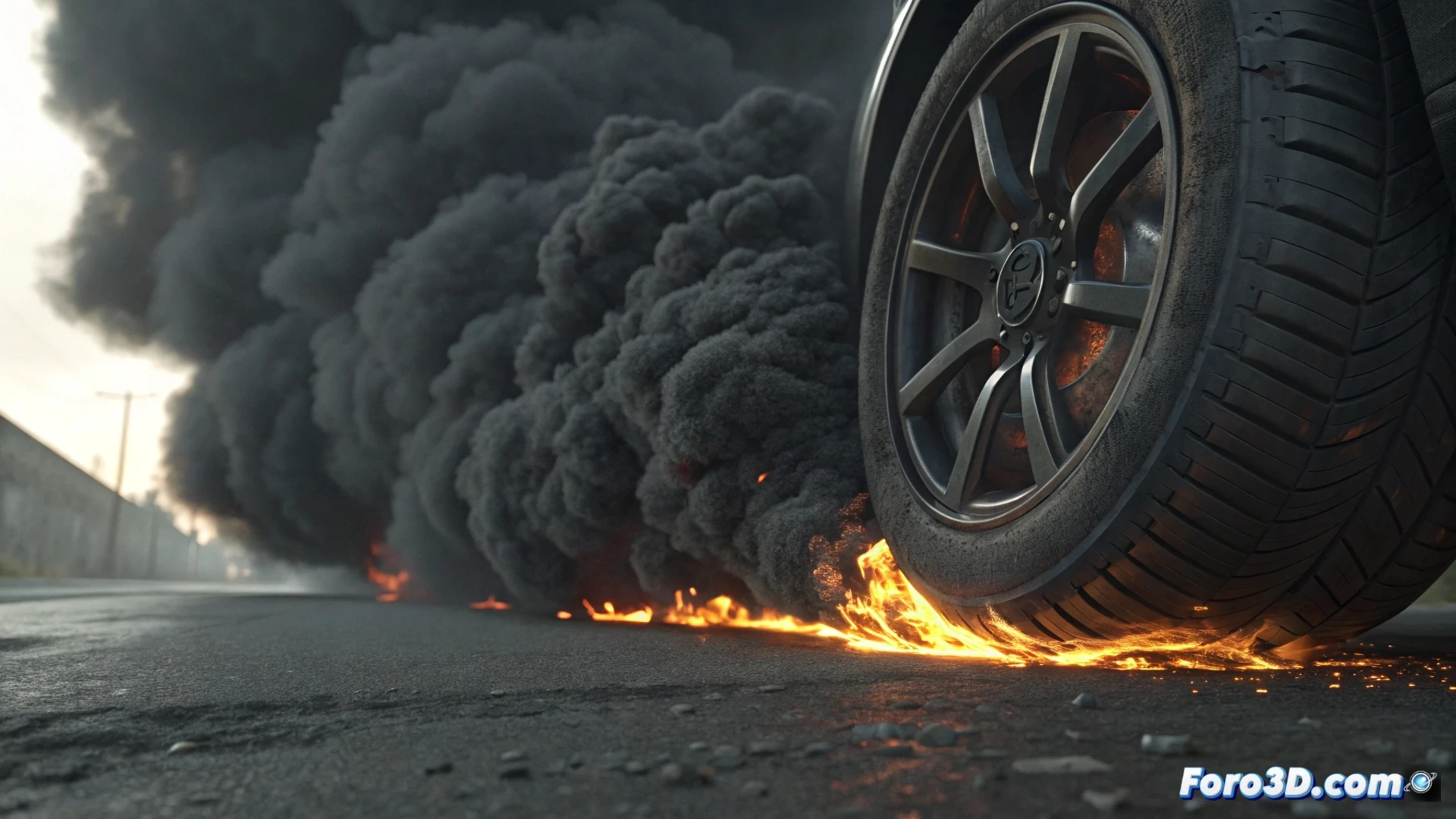
Simulate Tire Burn Smoke in 3ds Max
Creating the effect of a burning tire requires combining particle systems with specialized fluid simulators. This tutorial guides you step by step to make the smoke rise convincingly from the rubber, integrating all the key elements for a professional result. 🔥
Prepare the Geometry and Emission System
Start with the modeled or imported tire in your scene. The next step is to precisely define the area on the tire surface from where the smoke will emerge. To emit the particles that will feed the simulation, use Particle Flow. Adjust the initial speed to be low, mimicking how intense heat generates a dense and heavy column at the beginning. 🌀
Key initial steps:- Define a source object that delimits the combustion zone on the tread.
- Configure the Birth operator in Particle Flow to control the emission rate and duration.
- Assign a low initial direction and speed to simulate the slow smoke output.
Precision in the emission zone is essential for the effect to appear to originate from the rubber and not float abstractly.
Set Up the Fluid Simulator and Materials
This is where the smoke comes to life. Connect the particle emission to an emulator like FumeFX or Phoenix FD. Within it, modify essential parameters: increase buoyancy so the smoke rises, play with viscosity to thicken it, and adjust dissipation to control how long it persists in the air. For the visual aspect, apply a volume-type material (Smoke or Volume Light). Use a gradient map in opacity and colors in shades of gray and blue. Animate a noise map in the displacement to add turbulence and organic movement. 💨
Elements for a realistic material:- Gradient Ramp map in the Opacity channel to vary density.
- Diffuse color with cool tones (grays, subtle blues) to simulate soot and vapor.
- Animated Noise map in displacement or density channels to create swirls.
Integrate, Light, and Process the Simulation
For greater realism, add a heat source or small flames at the emission point. This will physically interact with the smoke in the simulator. Set up the scene lighting so the smoke volume casts shadows and participates in the overall atmosphere. When rendering, choose an engine that handles volumes well, like Arnold or V-Ray, and increase sampling values to avoid grain or artifacts. It's crucial to do preliminary tests with low simulation and render resolution, as these calculations are very demanding. Patience is a virtue, as processing time can be extensive. ⏳