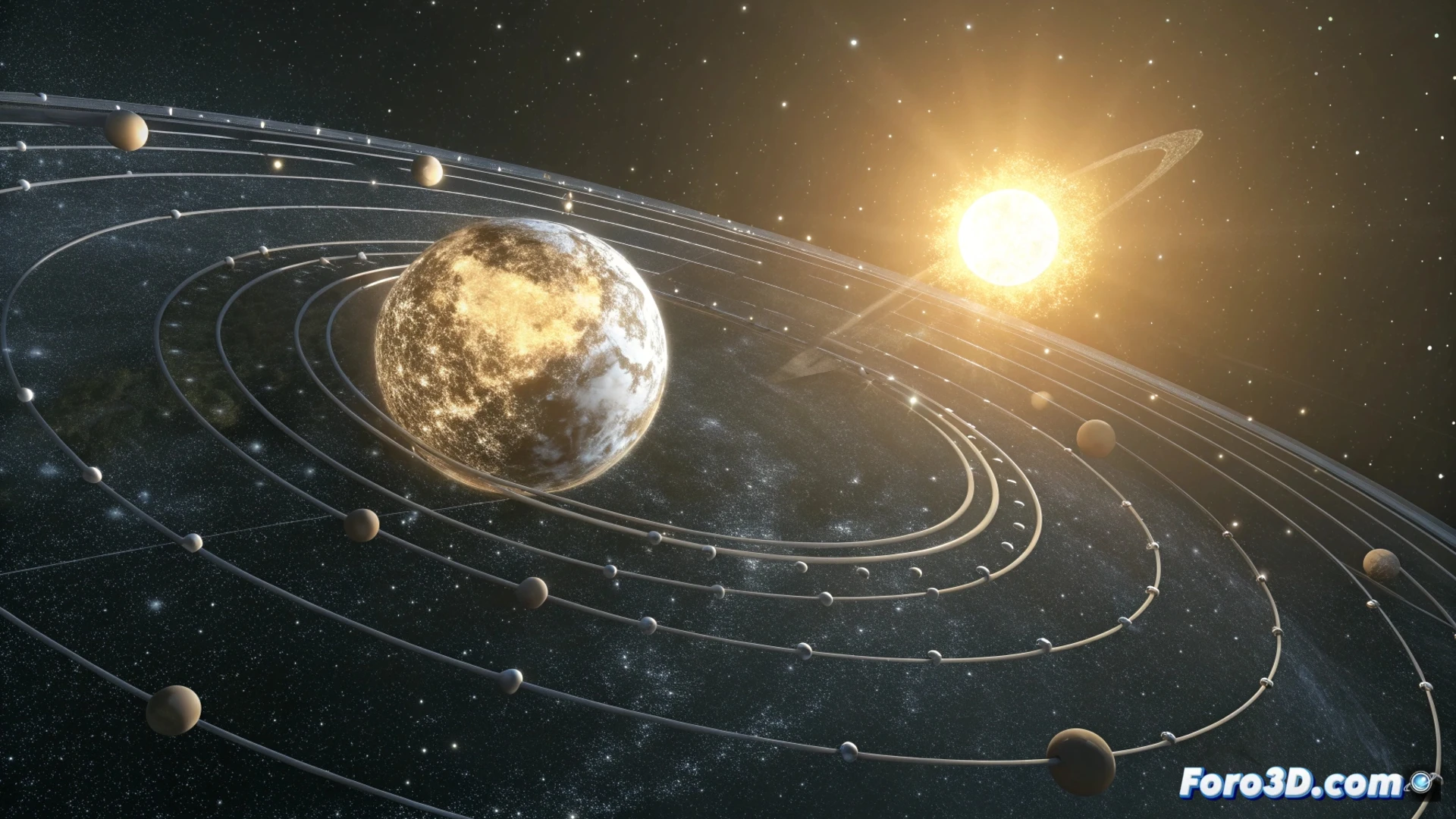
Simulate orbital motion in Houdini with nulls and expressions
Recreating the cosmic dance between the Sun, Earth, and Moon within Houdini requires a structured method. The key lies in organizing a clear hierarchy and automating the rotations to achieve a perpetual and realistic cycle. This approach is fundamental for any basic astronomical simulation. 🪐
Set up the null hierarchy
The first step is to establish the rotation pivots. Create three null objects, assigning one for each main celestial body. The Sun null acts as the center of the system. Then, animate the rotation of the Earth null around the Sun null to represent the annual cycle. Next, make the Moon null rotate around the Earth null, simulating a lunar month. Finally, link the geometry of each planet or satellite to its corresponding null so they inherit the motion.
Essential steps for the structure:- Create nested nulls: A main null for the Sun, a child null for the Earth, and another child of the Earth for the Moon.
- Animate the orbits: Apply rotation to the transformation channels of the child nulls.
- Link the geometry: Parent each sphere or 3D model to its assigned null so it follows it.
Precision in the hierarchy is the foundation for a believable and easy-to-control orbital system.
Automate with expressions in the parameters
To avoid manually animating every frame and achieve a perfect cycle, use expressions in Houdini. In the rotation parameter of the Earth-Sun null, you can enter a formula like ($F * 360 / 240). This makes it complete a full revolution in 240 frames. For the Moon-Earth null, use an expression like ($F * 360 / 20), achieving a higher orbital speed. This method guarantees continuous and precise motion without additional effort. ⚙️
Advantages of using expressions:- Automatic cyclicity: The animation repeats infinitely without manual adjustments.
- Mathematical control: You can precisely define the duration of each orbit.
- Easy modification: Changing a number in the expression instantly adjusts the entire animation.
Adjust the scale for practical visualization
Real distances in space are immense and cause visualization problems. It is vital to scale these values non-linearly. Drastically reduce the separation between bodies, but maintain relative sizes so they are identifiable. You can create custom attributes in a master node to govern the orbital radius and speed of all bodies from one place. This allows you to modify the system without breaking connections. Remember that, very often, prioritizing what looks good on screen is more important than extreme realism, as a real-scale lunar orbit would likely take the Moon out of the frame. 🎬