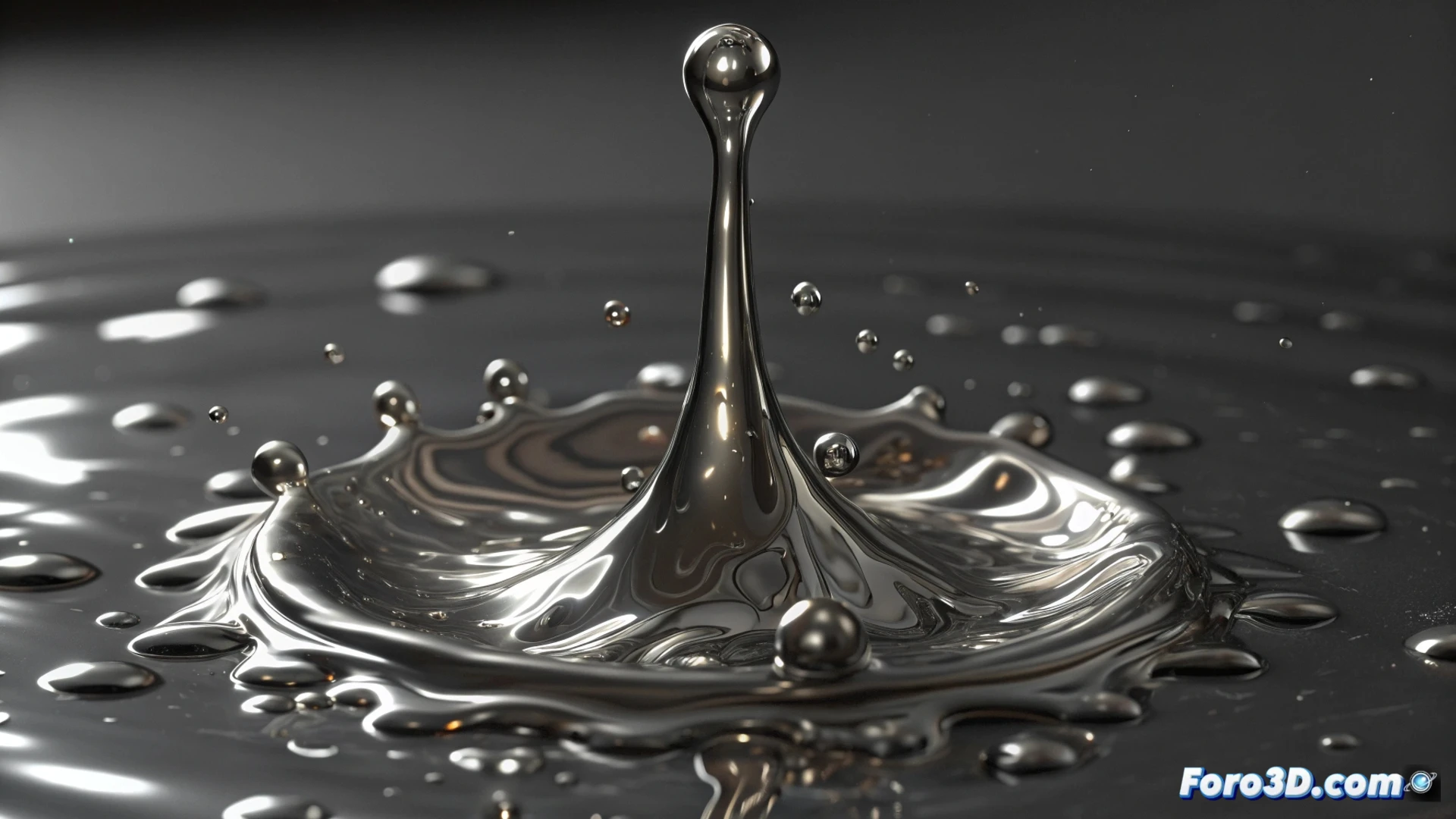
Simulate Liquid Metal in Houdini with FLIP Particles
Creating the appearance of molten metal requires a specific approach in fluid dynamics. In Houdini, the most effective method is usually to use the FLIP solver, as it provides precise control over attributes like viscosity and surface cohesion, essential for mimicking the behavior of hot metals like silver or tin. 🧪
Prepare the Base Simulation
The process starts with a geometry that acts as a source to emit FLIP particles. Realism depends on modifying key parameters: setting a high viscosity is fundamental to achieve that slow and dense movement, similar to honey. Integrating a temperature field allows control over how the material cools and loses mobility, simulating the transition to solid.
Essential Settings for Behavior:- Viscosity: Increase this value so the fluid moves heavily and slowly, characteristic of molten metal.
- Surface Tension: Manipulating this attribute helps the fluid form compact droplets and threads when stretched, increasing realism.
- Color/Temperature Field: Use this field to guide visual and behavioral changes, such as restricting movement in cold areas.
Remember that your liquid metal will behave like honey on a cold day if you don't test with few particles first. Patience is another parameter in the setup.
Convert and Visualize the Simulation
Once the particle simulation works correctly, the next step is to generate a renderable surface. This is achieved with the Particle Fluid Surface node, which converts the particles into a continuous polygonal mesh ready for material assignment.
Configure the Visual Appearance for Rendering:- Metallic Shader: Apply a shader with a high index of refraction and intense reflections. You can use a Metal-type shader in Mantra/Karma or adjust a Principled shader in Redshift or Arnold.
- Animated Color: Connect the shader color to the temperature field to create a dynamic gradient, from incandescent orange tones to metallic grays when cooling.
- Optimize the Render: Ensure the converted mesh has a clean topology to avoid artifacts in the final rendering.
Recommended Workflow
To avoid excessive simulation times, it is crucial to start with a low particle resolution and scale progressively. Verify the fluid interaction with adjusted viscosity and surface tension before proceeding to render, saving resources. Mastering these steps allows producing molten metal animations with a high degree of authenticity and artistic control. 🔥